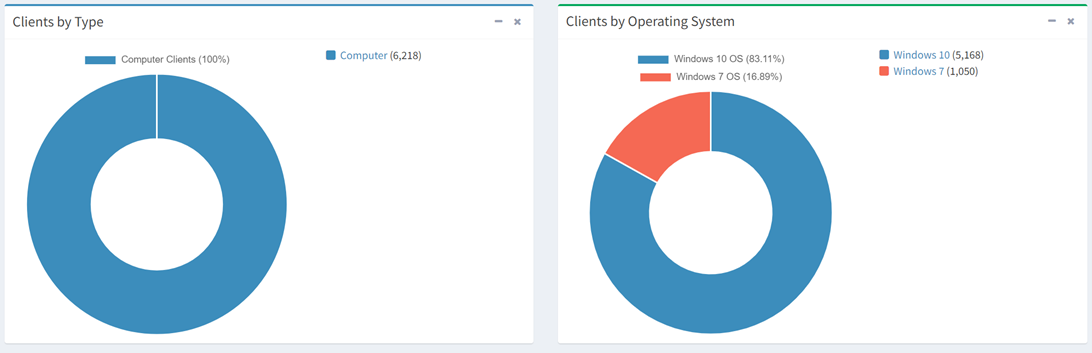
From the Altiris Asset Dashboard, you can view your Altiris data represented on charts. You can drilldown into a chart by clicking on the legend of the chart. You will be redirected to a filtered view of the data table of the selected asset. Click the  icon to minimize charts. Click the
 icon to remove charts from the dashboard (navigating to another page will restore the charts to the dashboard).