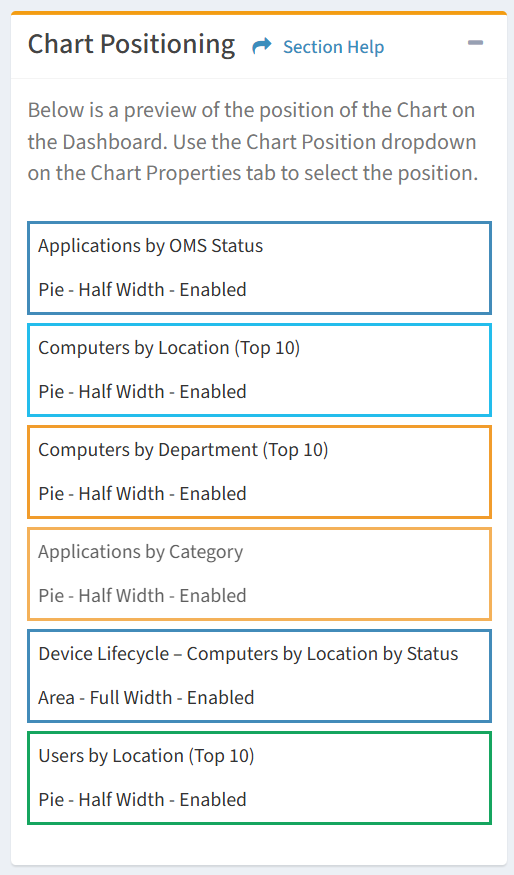
The position of a chart is displayed on the right side of the View Chart wizard. Use the Chart Position drop down on the Chart Properties tab to select the position of the chart.