The Notifications page provides the ability to create notifications, such as a EULA, which users are required to click through before accessing ReadyWorks.
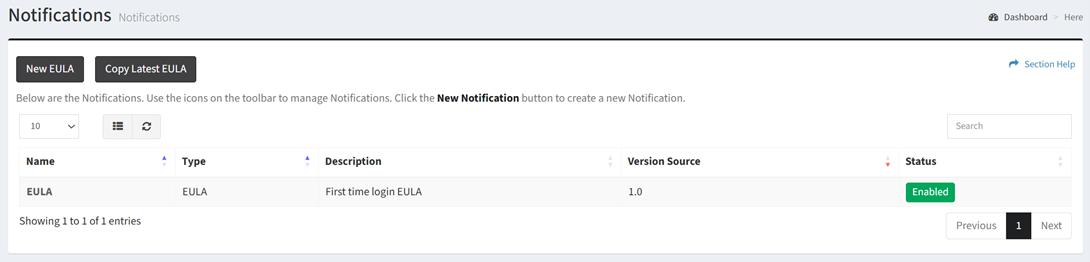
Available operations:
- Create new notifications by clicking on the New EULA button
- View a list of notifications in ReadyWorks
- Columns available
- Id (hidden by default) – System Id of the notification
- Name – Name of the notification
- Type – Type of the notification (EULA)
- Description – Description of the notification
- Version Source – Version of the notification
- Status – Whether the notification is enabled or disabled
- View the properties of notifications by clicking the hyperlink of the Name field
- Copy the latest notification by clicking on the Copy EULA button
- Delete notifications by selecting a notification (row) and clicking the Delete Notification button on the toolbar
- You can also change the number of visible rows in the table, set column visibility, refresh the table, and search for text
In this section