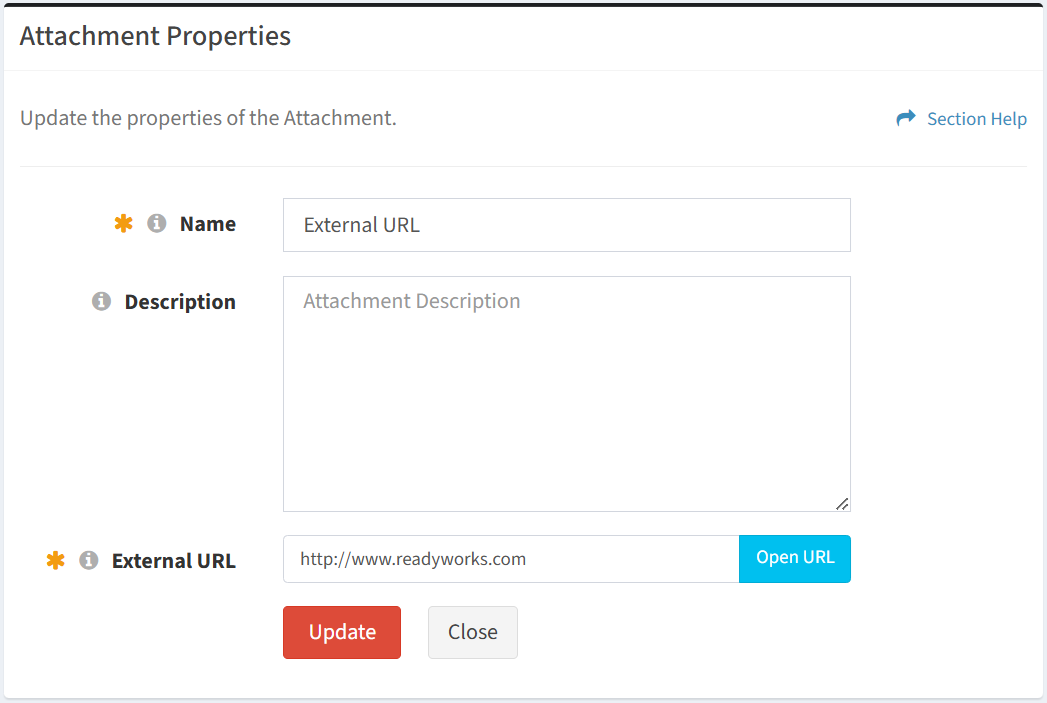
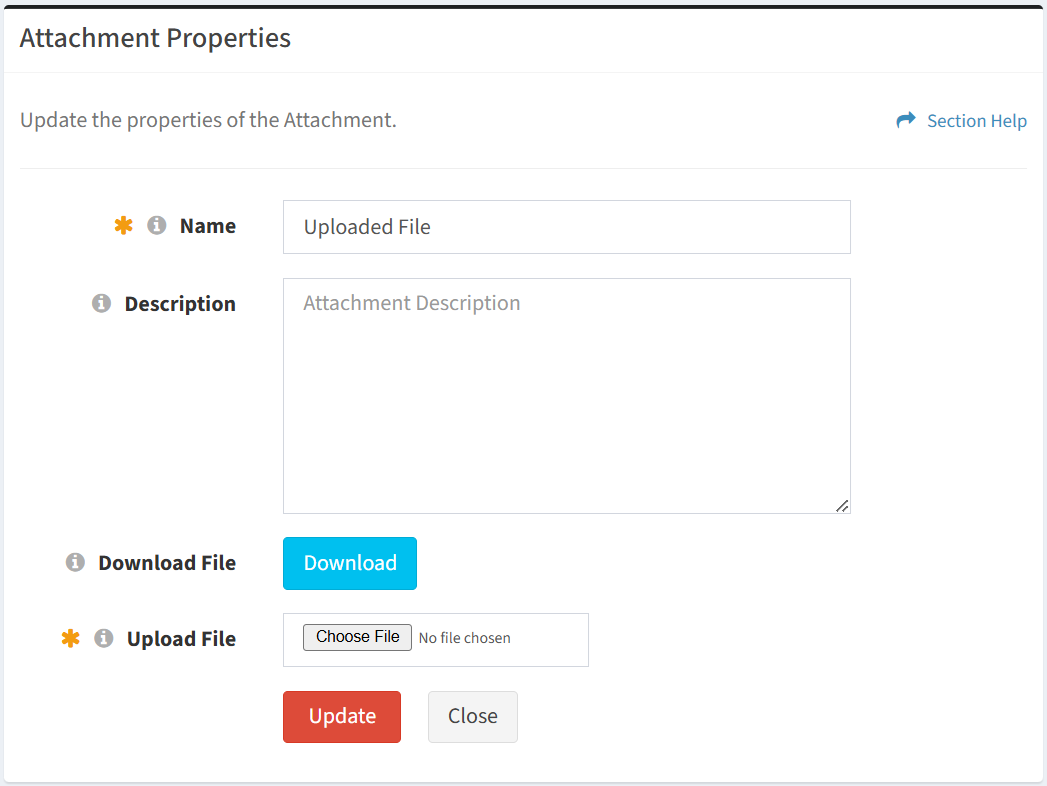
From the Attachment Properties tab, you can view and update the properties of the attachment.
Available operations:
- View and update the properties of the attachment (not a separate view and edit page)
- Fields available (view/edit)
- Name – Name of the attachment (required)
- Description – Description of the attachment (optional)
- Depending on the type of attachment (required):
- External URL – Change the link to a file
- Upload File – Upload a new file
NOTE: File types that can be uploaded are managed by ReadyWorks Support. Contact ReadyWorks Support to add additional file types.
- Click the Update button to save any changes to the properties
- Download the uploaded file or open the external URL
- External URL – Click the Open URL button to open the link in a new browser tab
- Uploaded File – Click the Download button to download the file