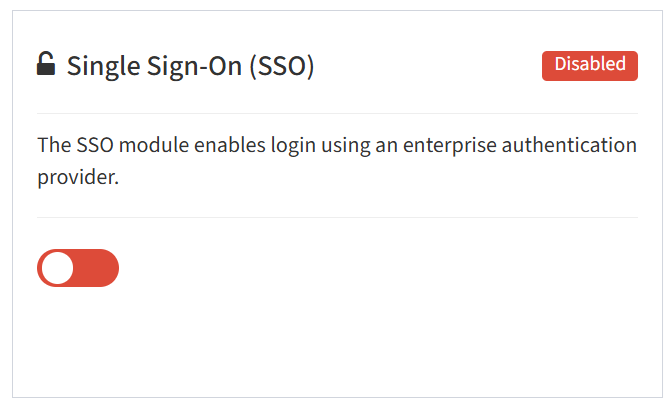
From the Modules tab, you can enable and disable the Single Sign-On (SSO) module.
- To enable, drag the slider in the Single Sign-On (SSO) widget to the right
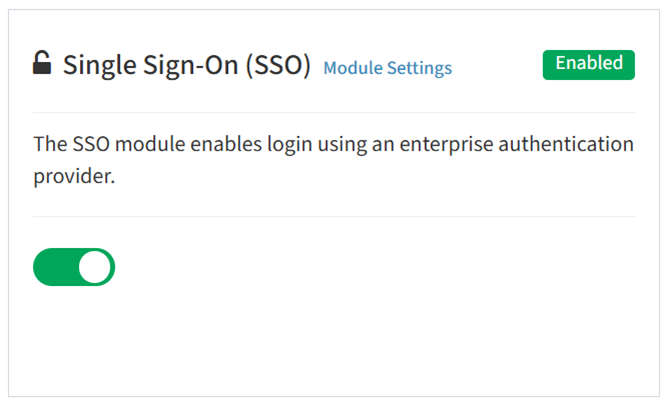
- Click Module Settings to configure SSO providers
- To disable, drag the slider in the Single Sign-On (SSO) widget to the left