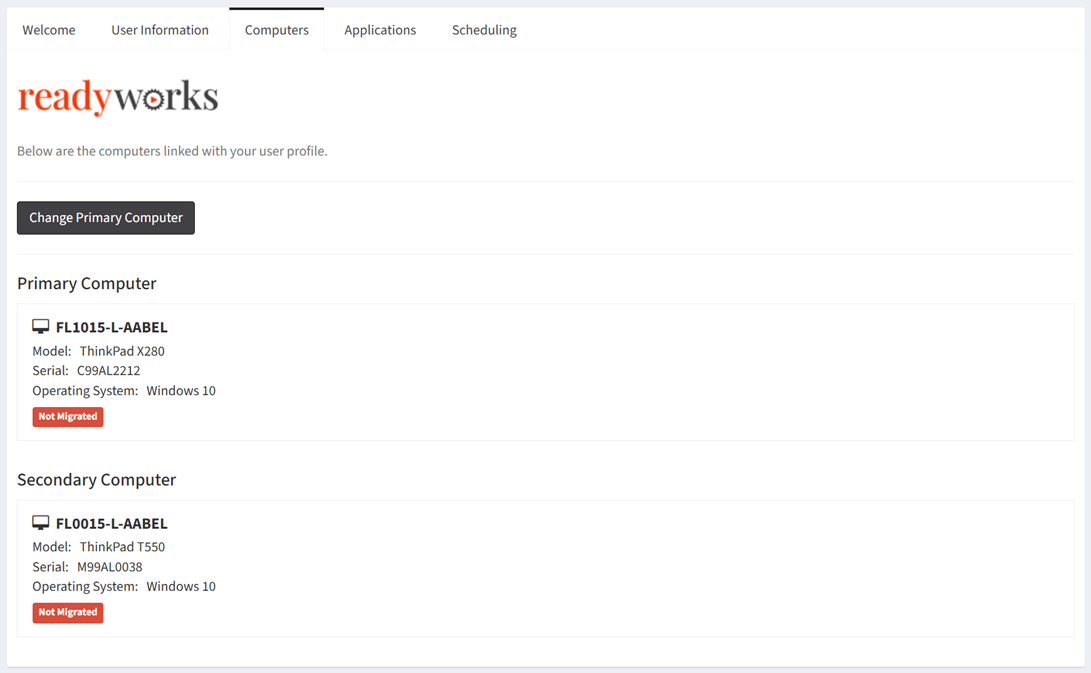
The Computers tab displays a portal user’s linked computers, and can allow for the user to change their primary computer.
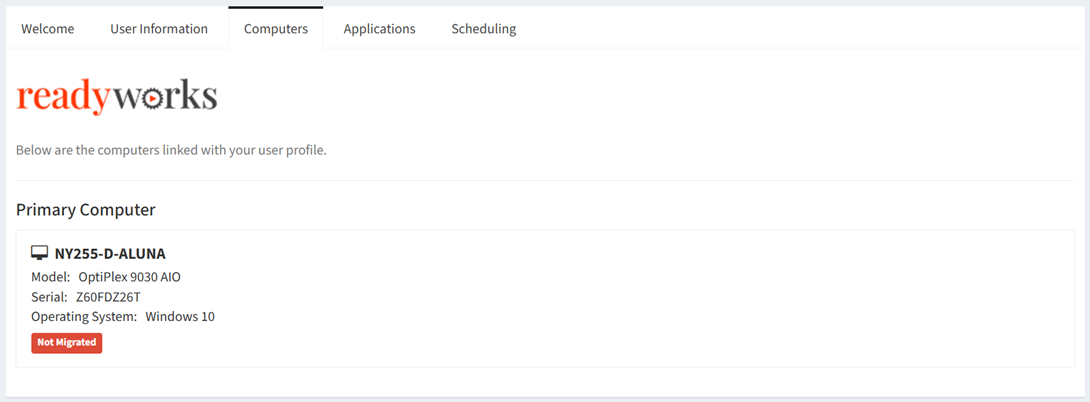
Change Primary Computer
From the Computers tab, you can change your primary computer. To change:
- Click the Change Primary Computer button
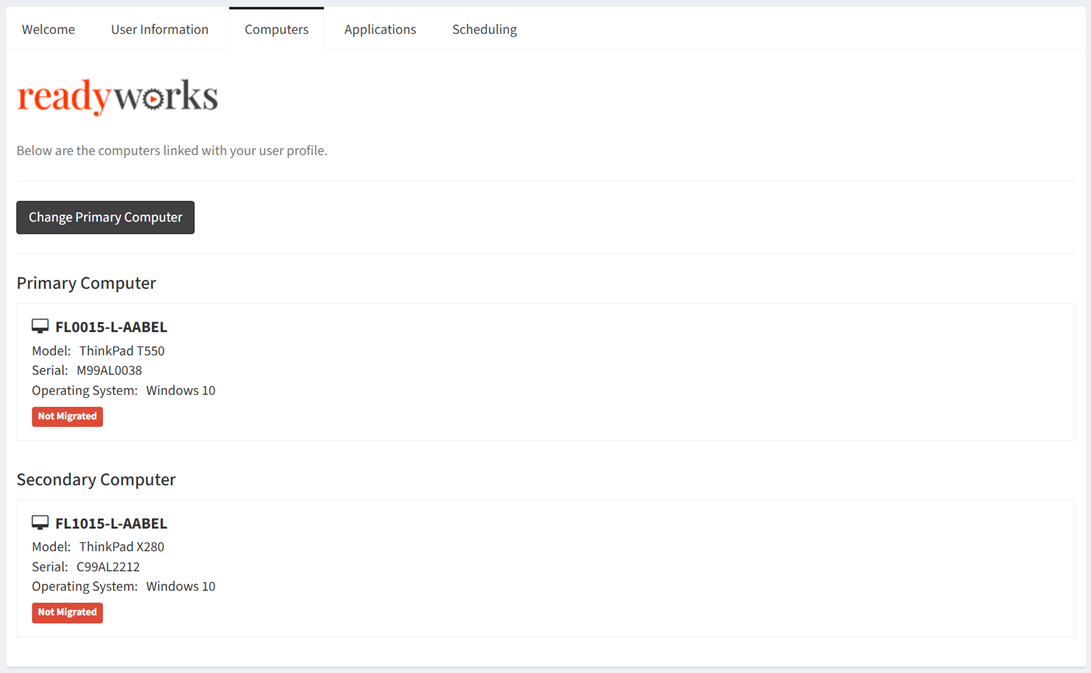
- Select your primary computer from the Select Primary Computer drop down and click Save Changes. Click Cancel to keep your primary computer.
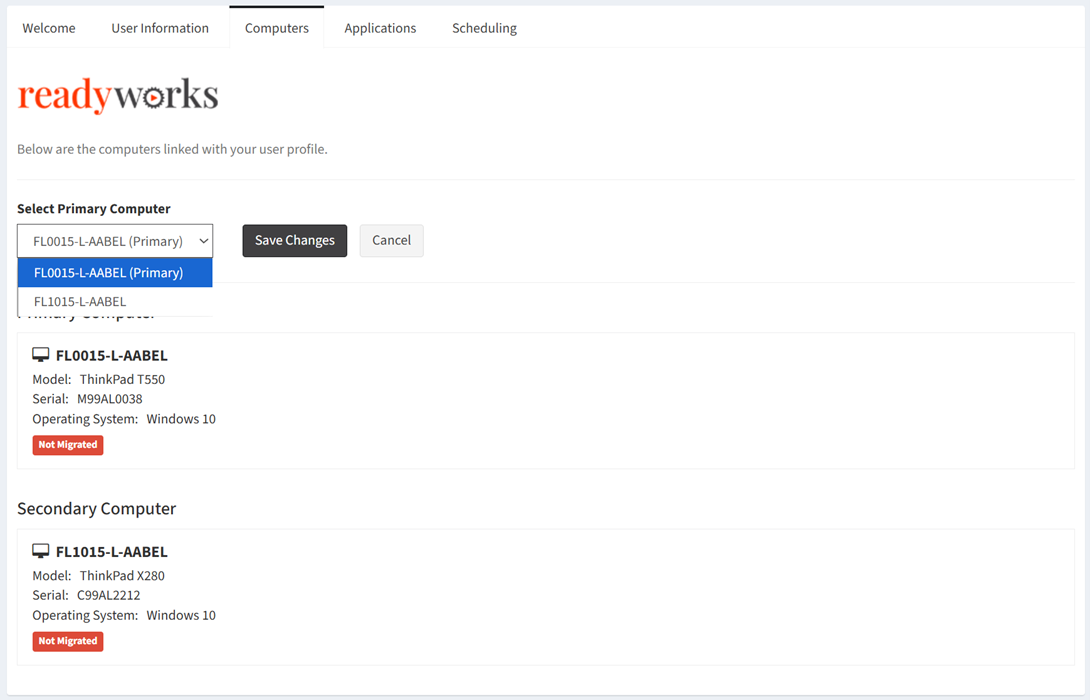
- Your new primary computer will be displayed in the portal