From the Action Templates page, you can create action templates. To create:
- Click the New Action Template button to bring up the New Action Template wizard
- On the Template Properties tab, enter the properties of the new action template
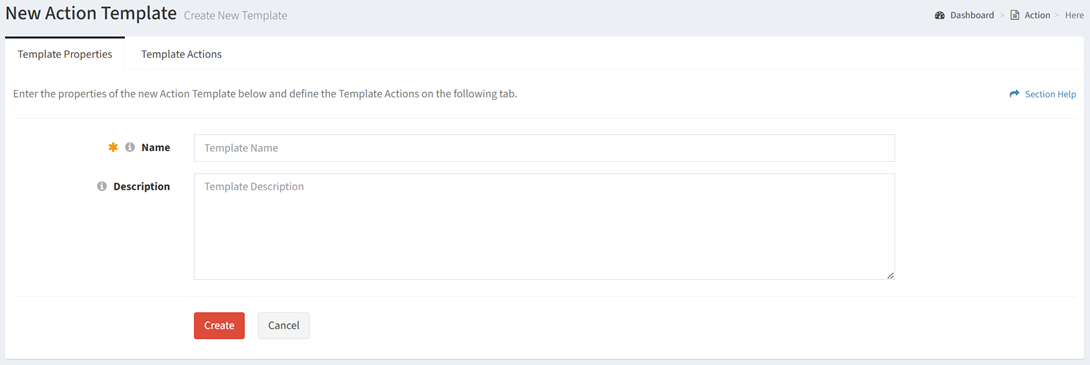
- Name – Name of the action template (required)
- Description – Description of the action template (optional)
- On the Template Actions tab, define the template actions
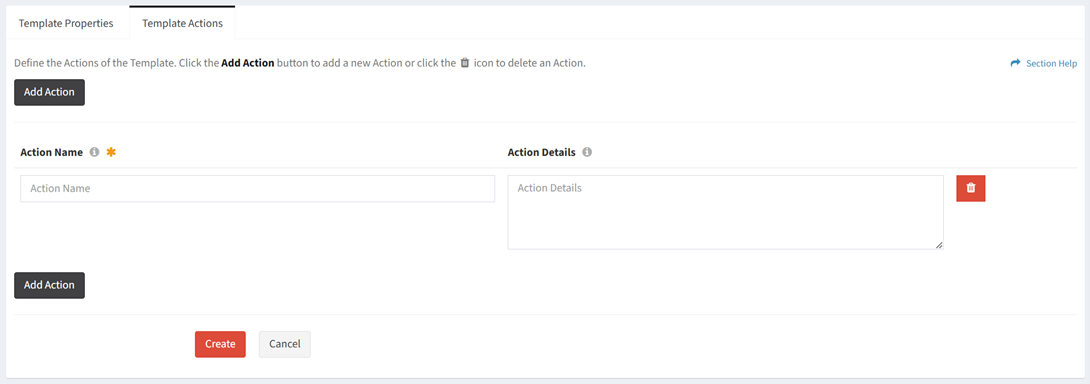
- Enter the properties of each action
- Action Name – Name of the action (required)
- Action Details – Description of the action (optional)
- Click the Add Action button to add more actions. Enter the properties of each additional action.
- Click the Delete Action button next to each action (row) to delete actions

- Click the Create button when finished to create the action template. You will be redirected back to the Action Templates page. Click the Cancel button to cancel the operation.