The ConnectionSettings tab provides the ability to view and configure connectivity between ReadyWorks and a generic SAML provider.
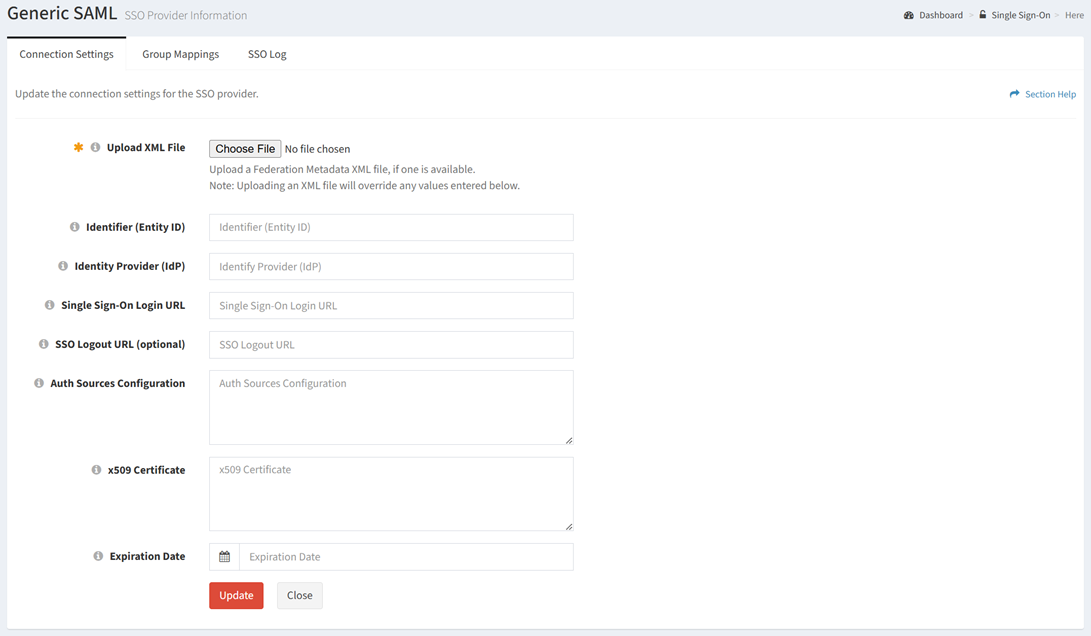
Available operations:
- View and update the connection settings
- Fields available
- Upload XML File – Browse for an XML file to upload to populate the connection settings
- Identity (Entity ID) – Unique identity of the entity
- Identity Provider (IdP) – Service that stores and verifies user identity
- Single Sign-On Login URL – SSO service URL
- SSO Logout URL – SSO logout URL (optional)
- Auth Sources Configuration – Stored metadata for authentication sources configuration (optional)
- x509 Certificate – x509 certificate (read only)
- Expiration Date – Expiration date of the x509 certificate. Leave blank unless specifically required by the IdP.
- Reset the connection settings
Update Connection Settings
From the Connection Settings tab, you can update the connection settings. To update:
- Browse for an XML file to upload to populate the connection settings, or enter a value for each connection setting
- Click the Update button to save the connection settings
Reset Connection Settings
From the Connection Settings tab, you can reset the connection settings. To reset:
- Click the Reset Settings button
- The reset button is only visible when Enable Delete has been checked under Settings–Options (top right corner of the UI)

- The reset function is only available to users in the Administrator security group
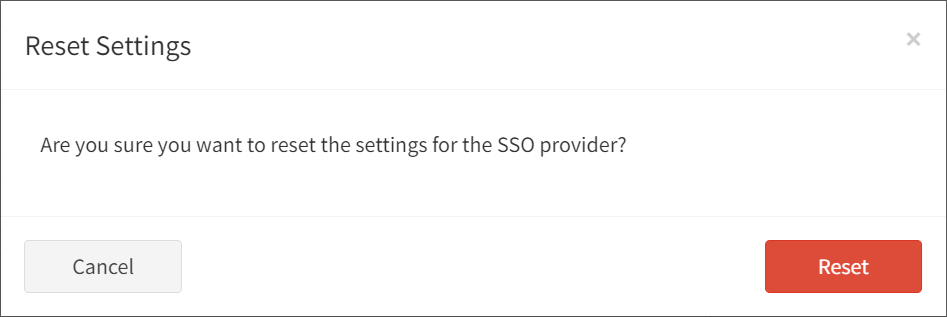
- Click the Reset Settings button to confirm the reset operation. Click the Cancel button to cancel the operation.