ReadyWorks allows users to login to ReadyWorks using local accounts. This section details how to configure native login.
From the Single Sign-On tab, you can enable and disable Native login.
- To enable, drag the slider in the Native widget to the right
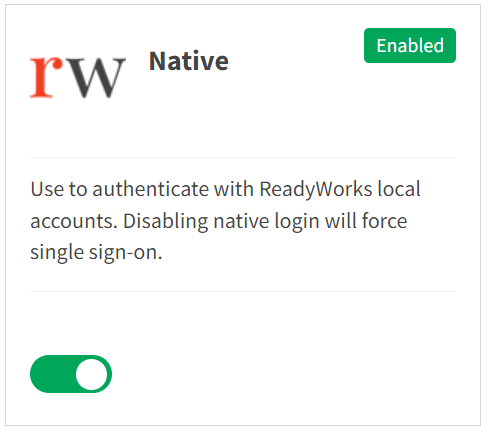
- Native login cannot be disabled if no other login provider is available
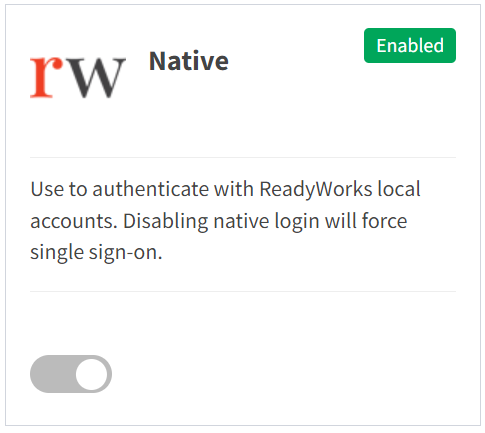
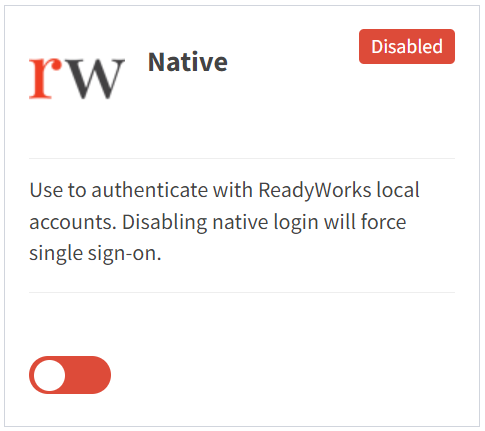
- To disable, drag the slider in the Native widget to the left
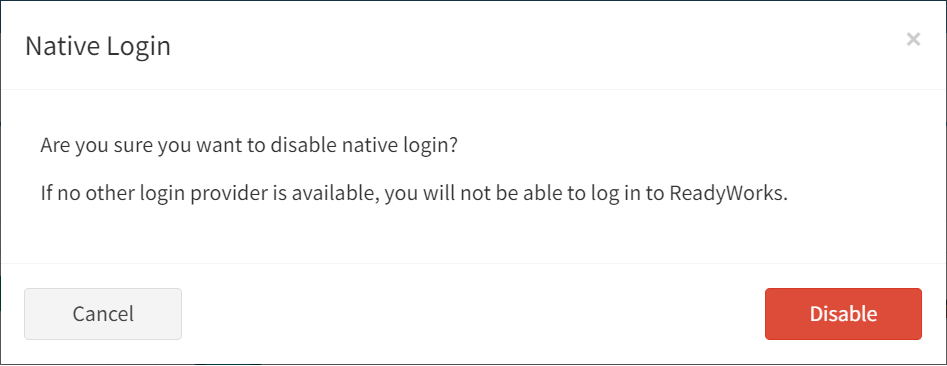
- Click the Disable button to confirm that another login provider is available. Click the Cancel button to cancel the operation.