This View Connection page is accessed when you view the properties of a connection by clicking the hyperlink of the connection name (e.g.,  ) for a connector from the Connector Library tab.
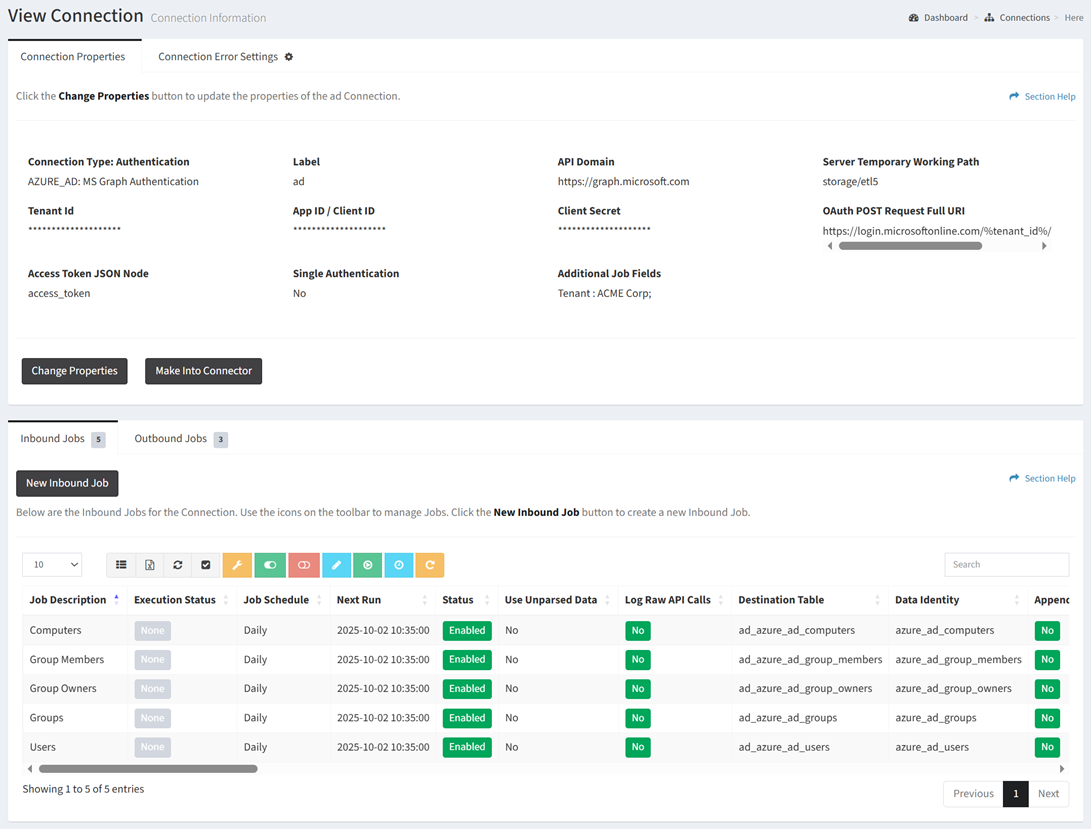
Available operations:
- View and update the properties of the connection
- Make the connection (as configured) into a connector
- Delete the connection
- View and update the error settings of the connection
- View, create, override error settings, enable, disable, update, run, set runtime, reset, and delete inbound jobs for the connection
- View, create, override error settings, enable, disable, update, run, set runtime, reset, and delete outbound jobs for the connection
In this section