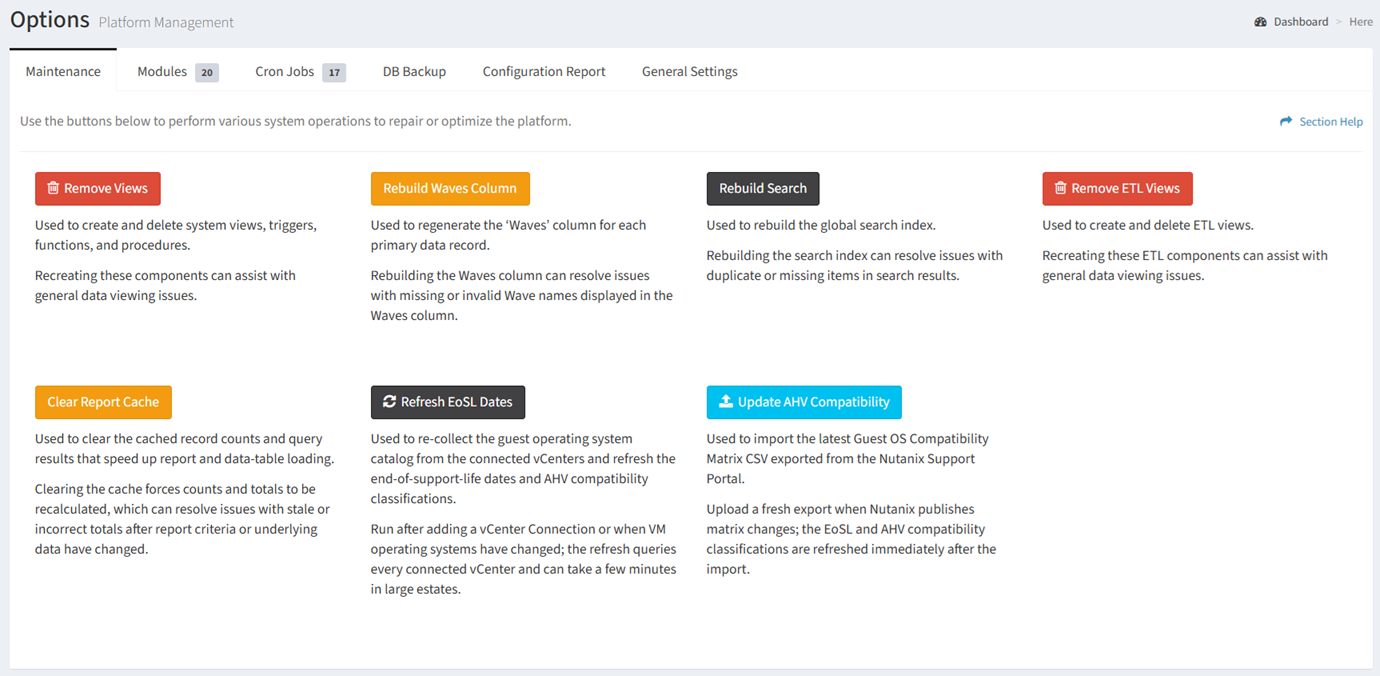
From the Maintenance tab, you can refresh the end-of-service-life (EoSL) dates. To refresh:
- Click the Refresh EoSL Dates button to re-collect the guest operating system catalog from the connected vCenters and refresh the end-of-support-life dates and AHV compatibility classifications
- The button will display a spinner while the EoSL dates are refreshed

- A success message will be displayed when the refresh EoSL dates operation has completed