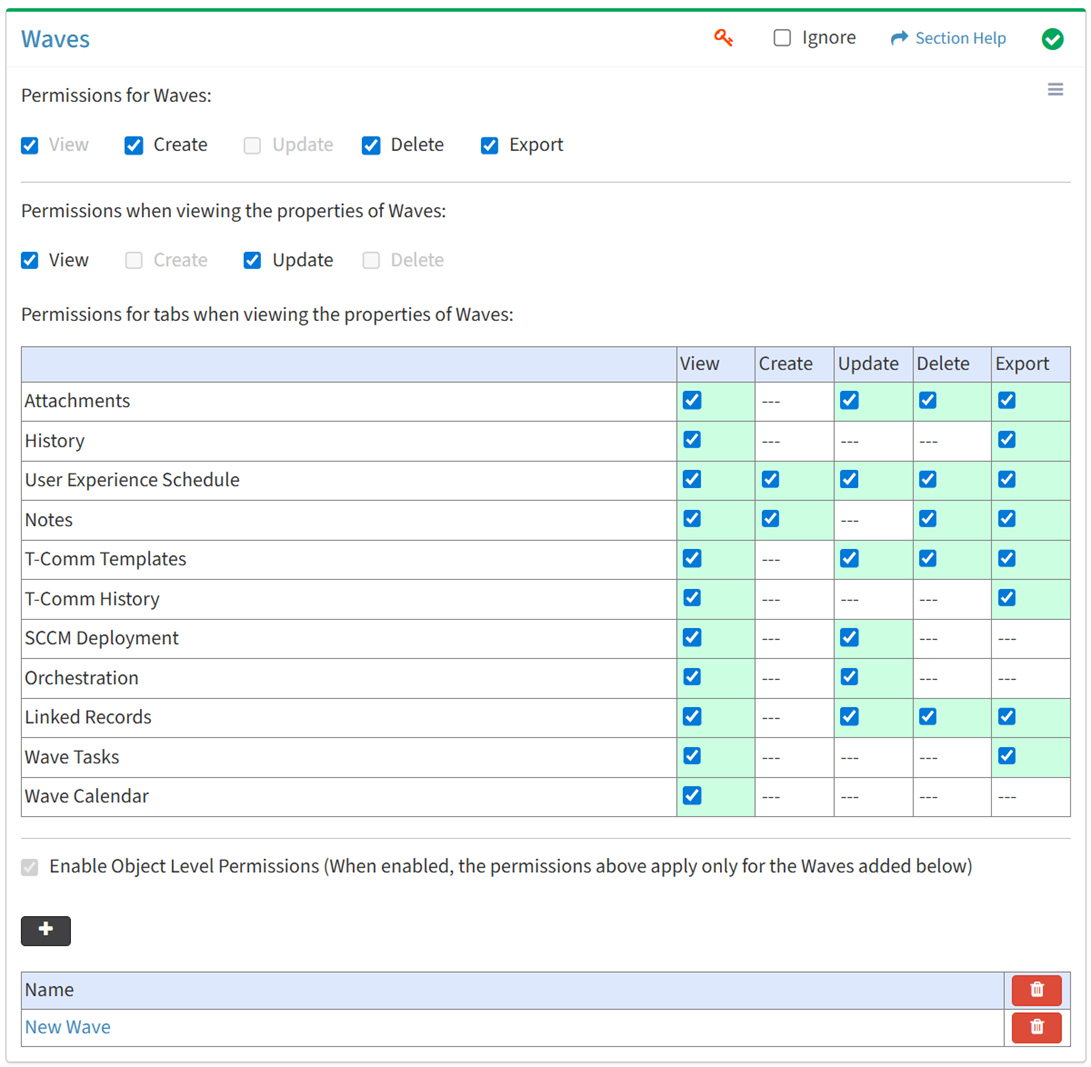
The Waves tab provides the ability to enable access to Waves in the Orchestration module.
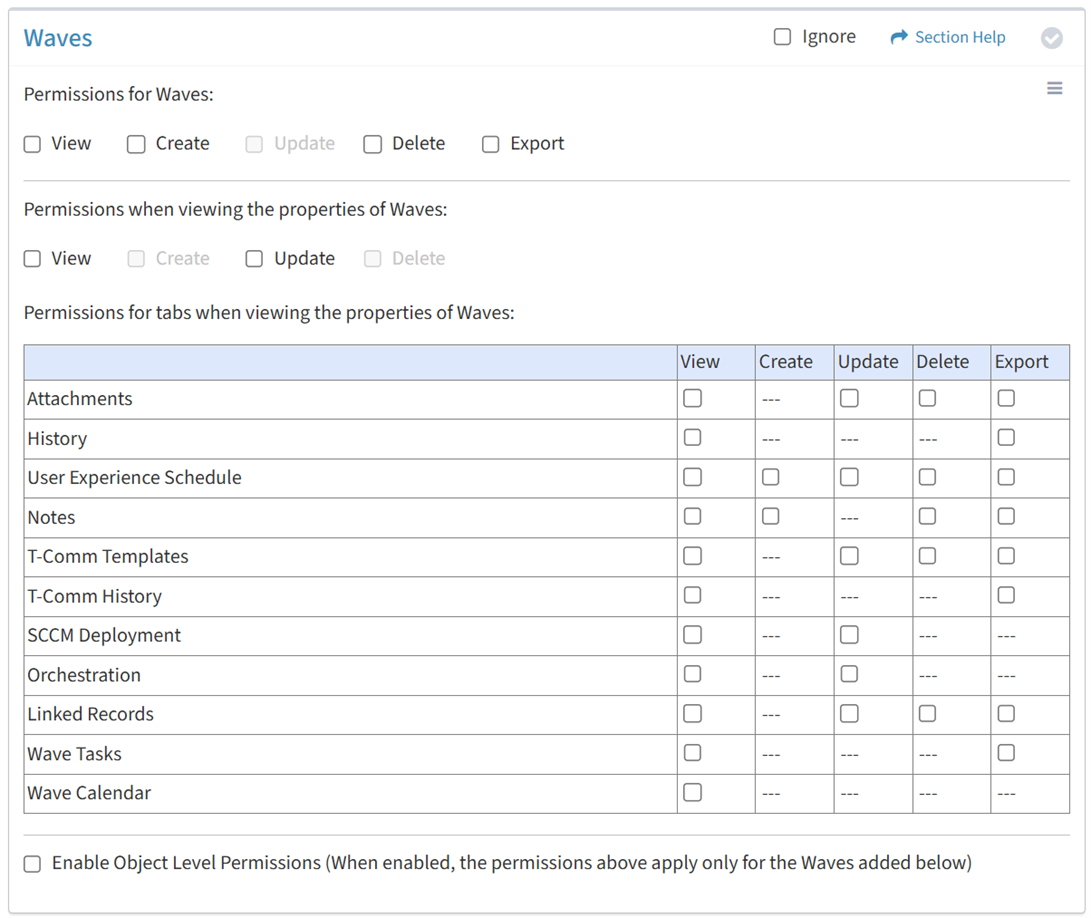
Available operations:
- Enable View, Create, Delete, or Export access for waves
- Enable View or Update access when viewing the properties of waves
- Enable View, Update, Delete, or Export access for the Attachments tab
- Enable View or Export access for the History tab
- Enable View, Create, Update, Delete, or Export access for the User Experience Schedule tab
- Enable View, Create, Delete or Export access for the Notes tab
- Enable View, Update, Delete, or Export access for the T-Comm Templates tab
- Enable View or Export access for the T-Comm History tab
- Enable View or Update access for the SCCM Deployment tab (ETL3 or prior)
- Enable View or Update access for the Orchestration tab
- Enable View, Update, Delete, or Export access for the Linked Records tab
- Enable View or Export access for the Wave Tasks tab
- Enable View access for the Wave Calendar tab
- Enable object level permissions to restrict access to specific waves
- Select all or deselect all permissions for waves
- Ignore waves permissions from this Security Group
NOTE: The ETL module and SCCM Dashboard must be enabled to set permissions for SCCM deployment and orchestration.
View
From the Waves tab, you can enable View access for waves.
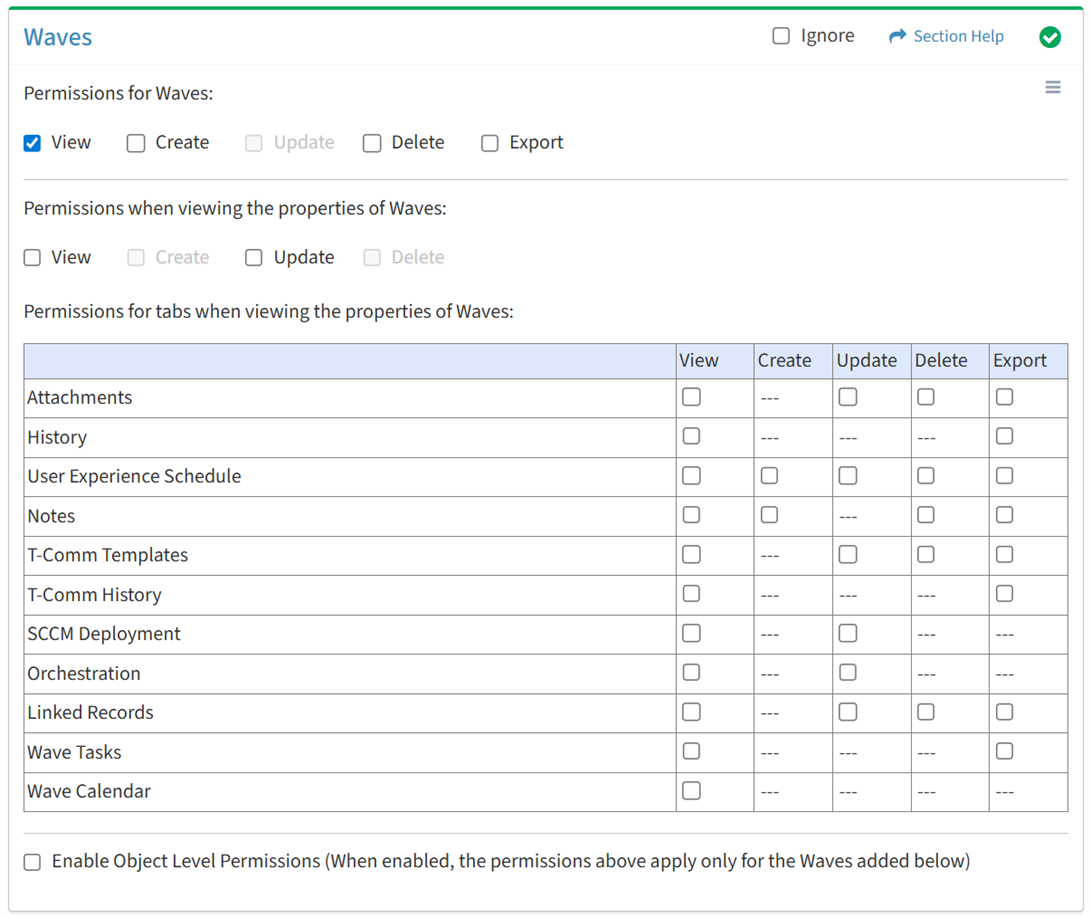
Available operations with View access:
Create
From the Waves tab, you can enable Create access for waves.
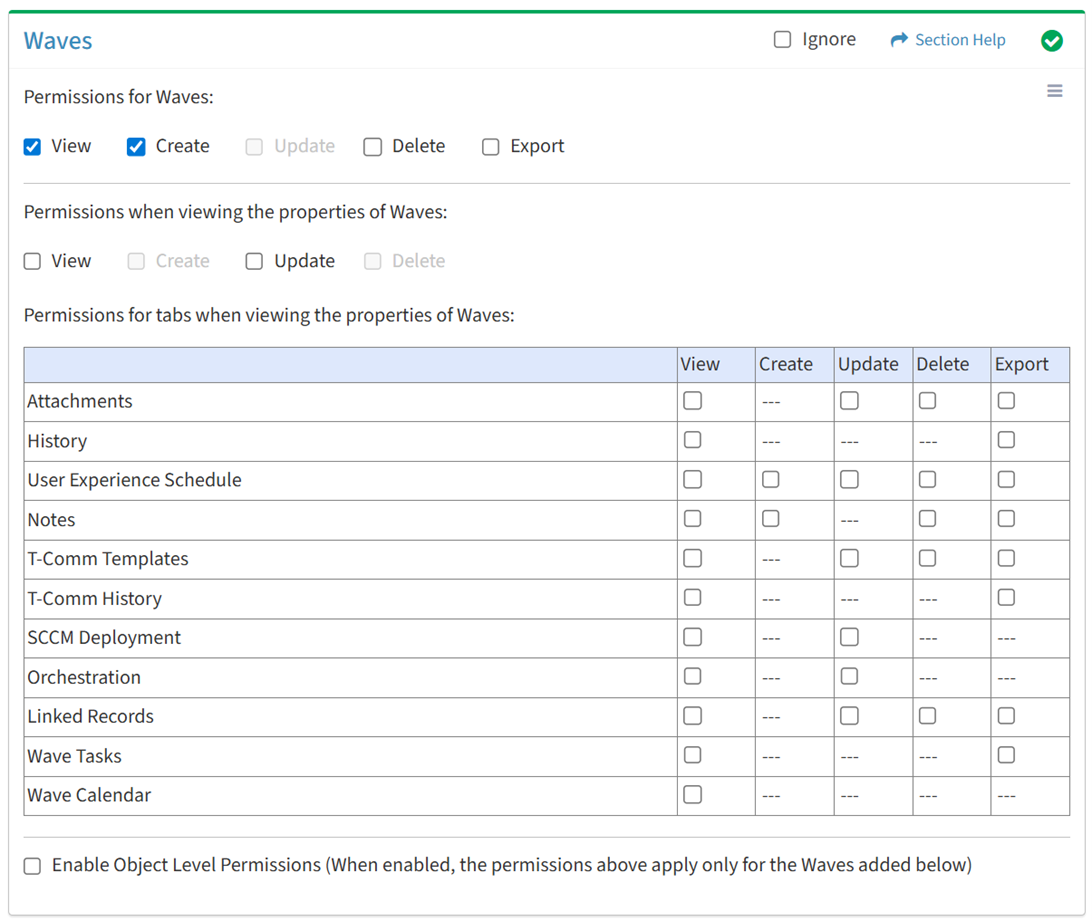
Available operations with Create access (requires View):
Delete
From the Waves tab, you can enable Delete access for waves.
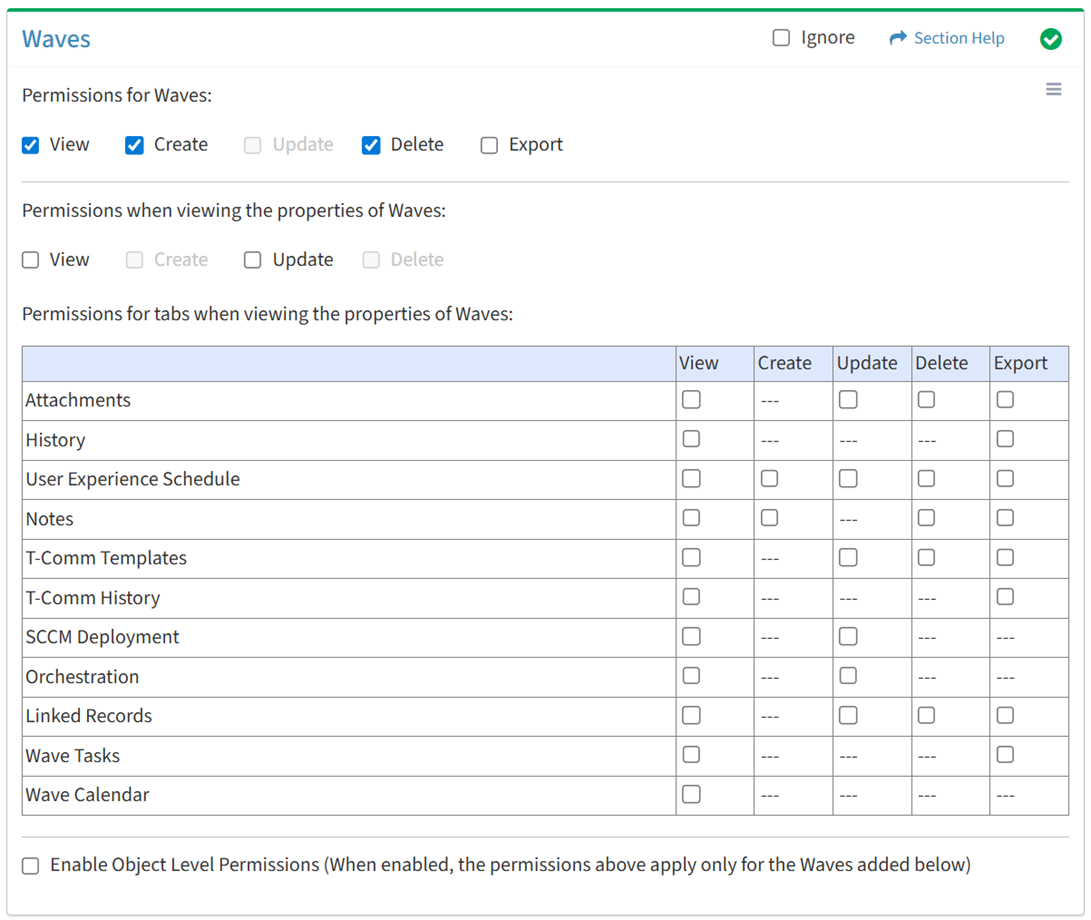
Available operations with Delete access (requires View):
Export
From the Waves tab, you can enable Export access for waves.
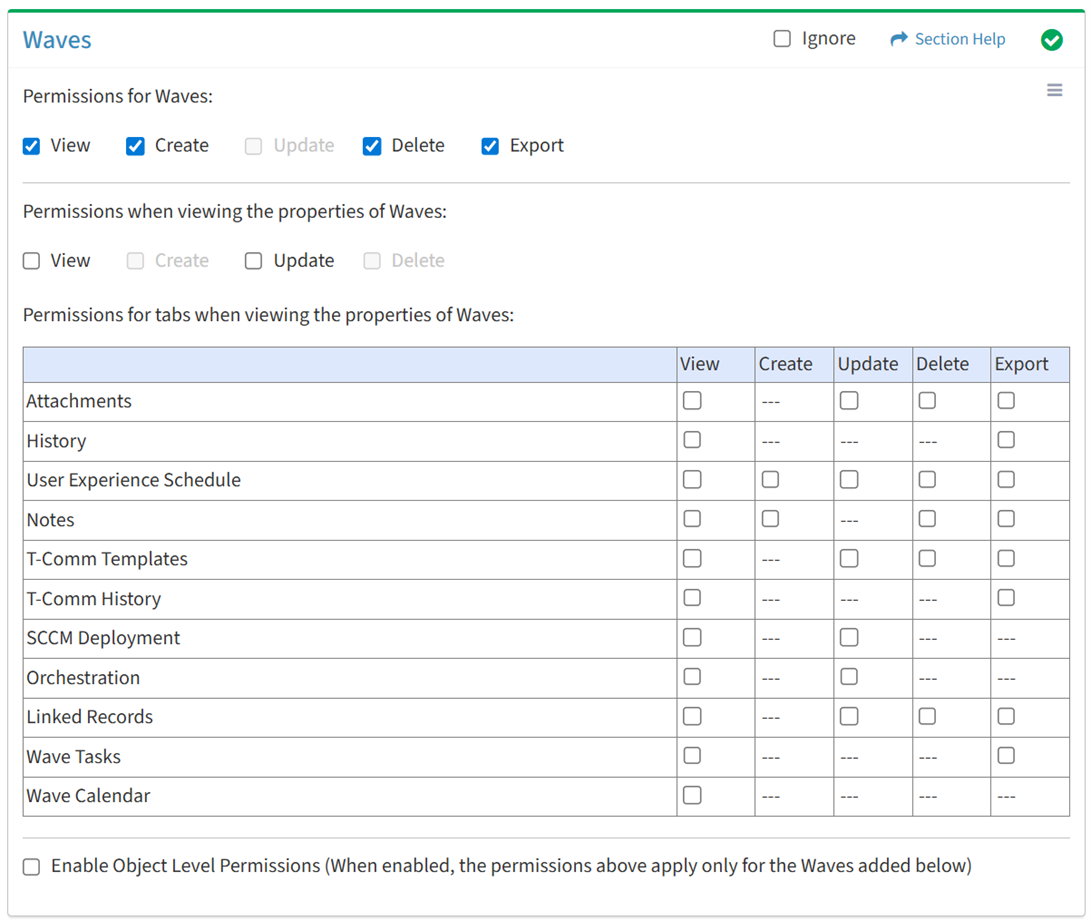
Available operations with Export access (requires View):
View Wave
View
From the Waves tab, you can enable View access when viewing the properties of waves.
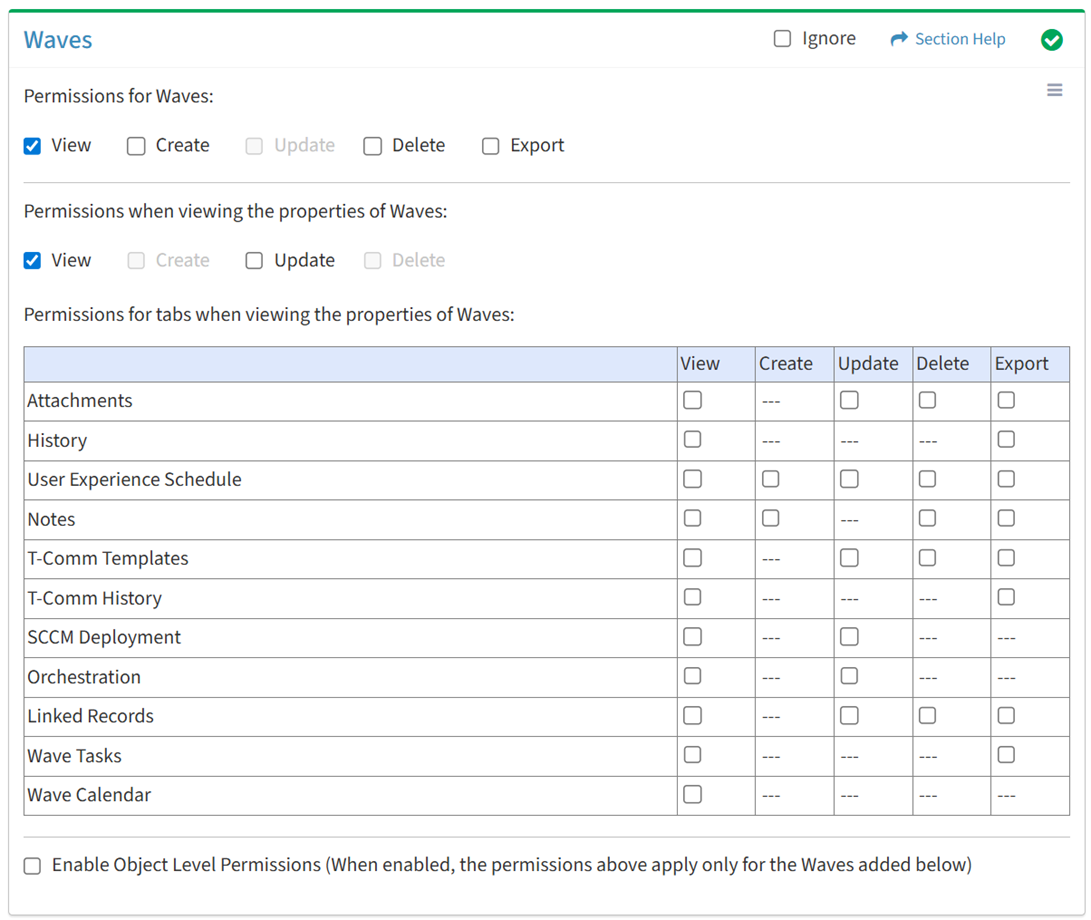
Available operations with View access (requires Waves View):
Update
From the Waves tab, you can enable Update access when viewing the properties of waves.
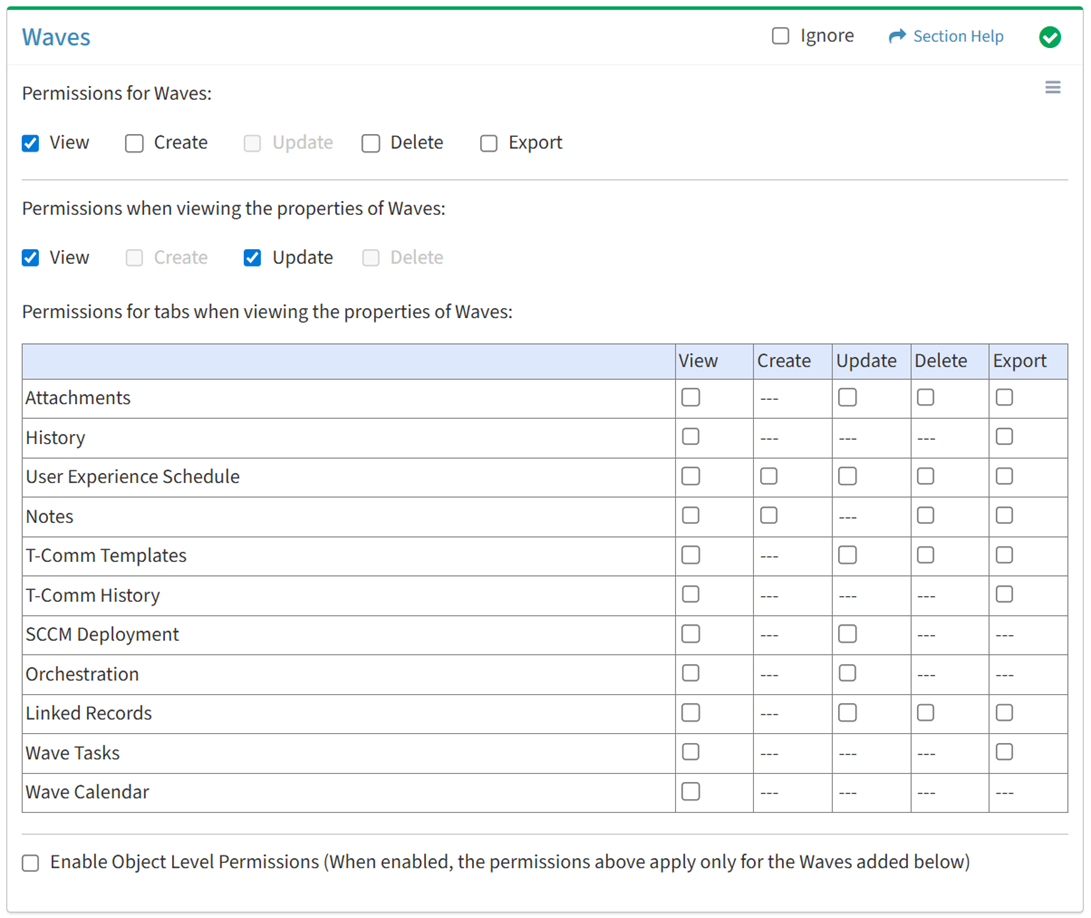
Available operations with Update access (requires View):
Attachments
View
From the Waves tab, you can enable View access for attachments when viewing the properties of waves.
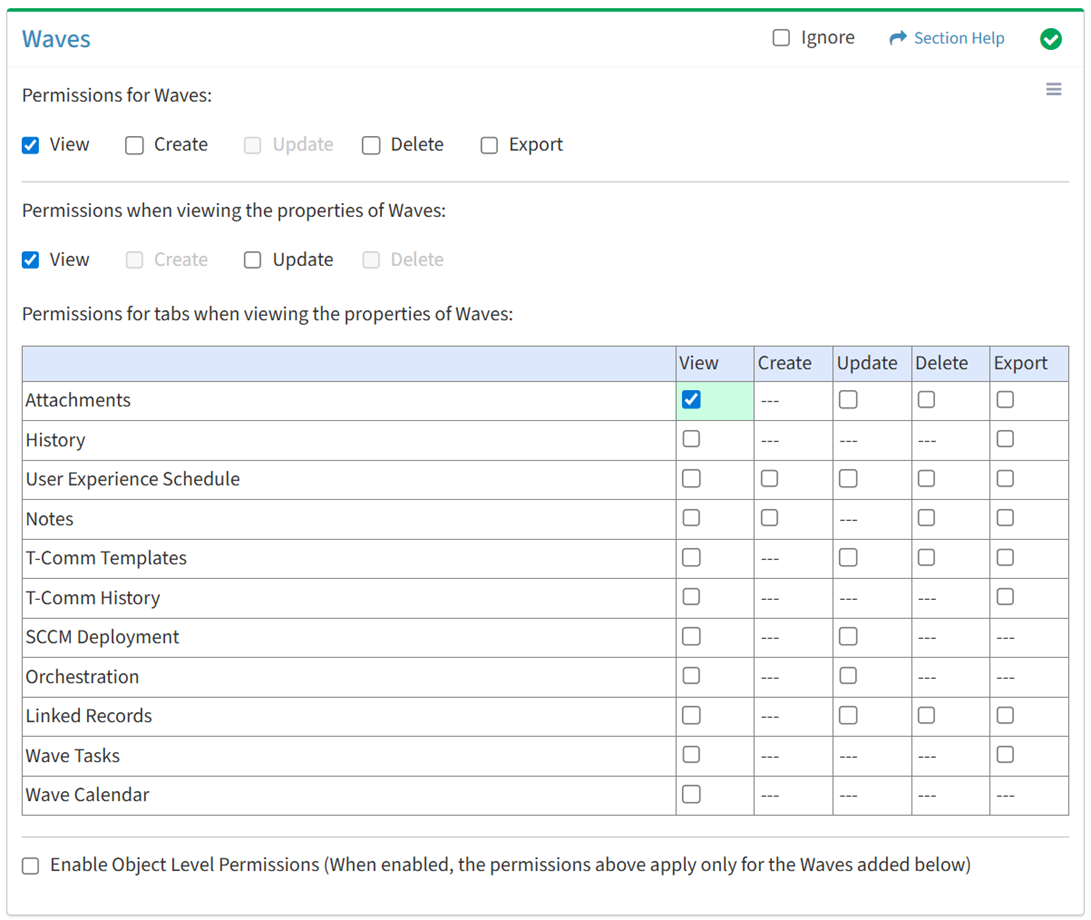
Available operations with View access (requires View Wave View and Attachments View):
Update
From the Waves tab, you can enable Update access for attachments when viewing the properties of waves.
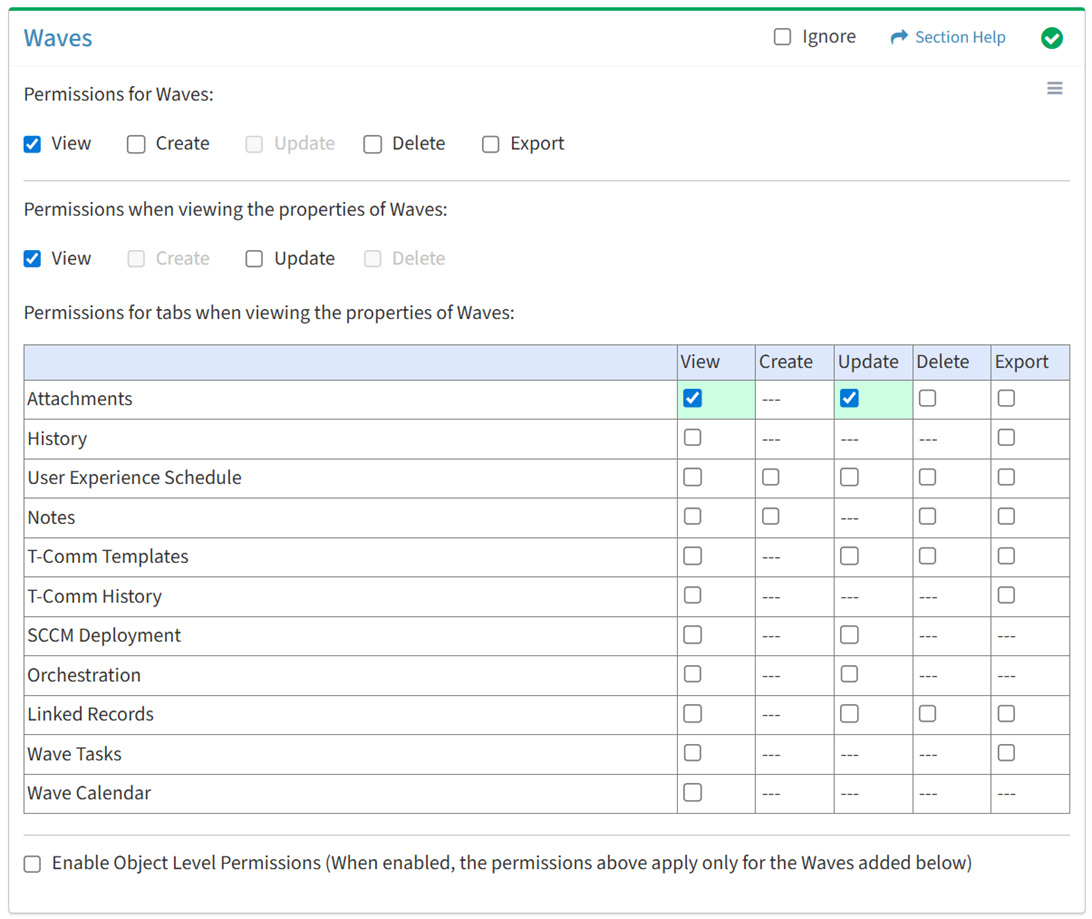
Available operations with Update access (requires View):
Delete
From the Waves tab, you can enable Delete access for attachments when viewing the properties of waves.
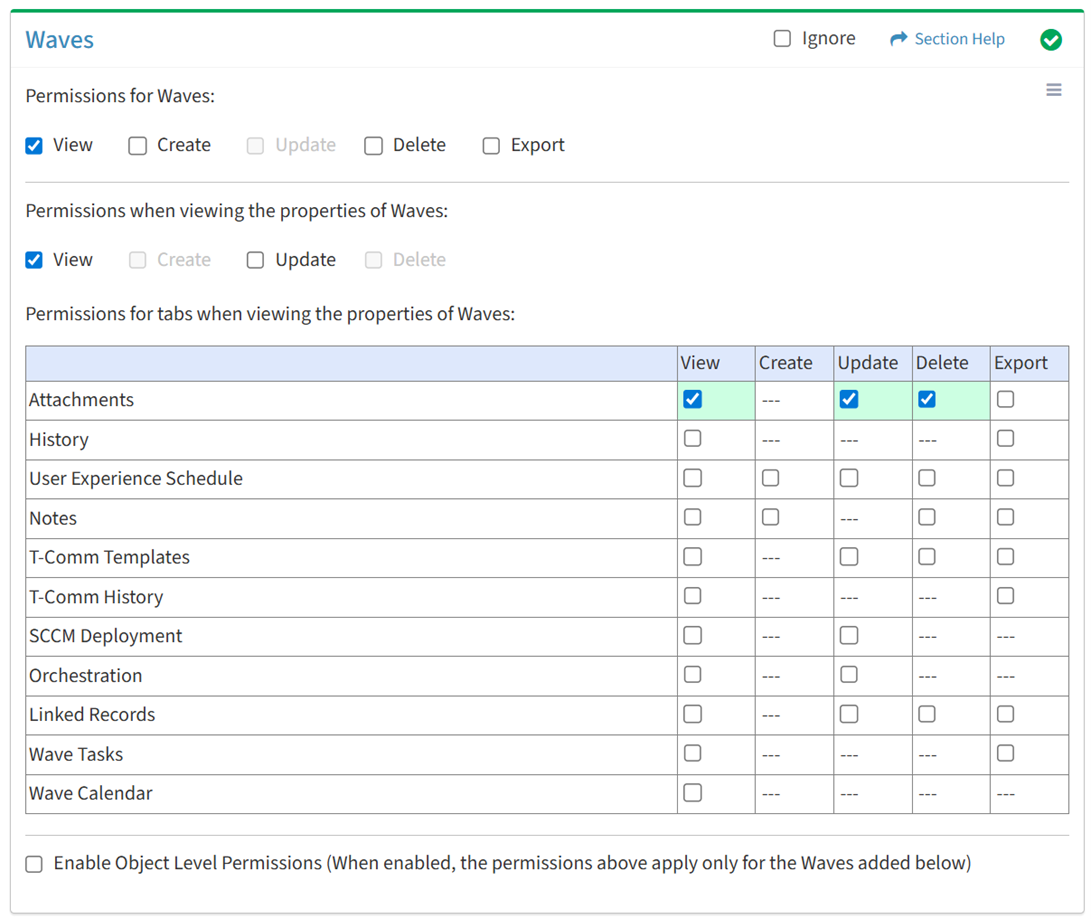
Available operations with Delete access (requires View):
Export
From the Waves tab, you can enable Export access for attachments when viewing the properties of waves.
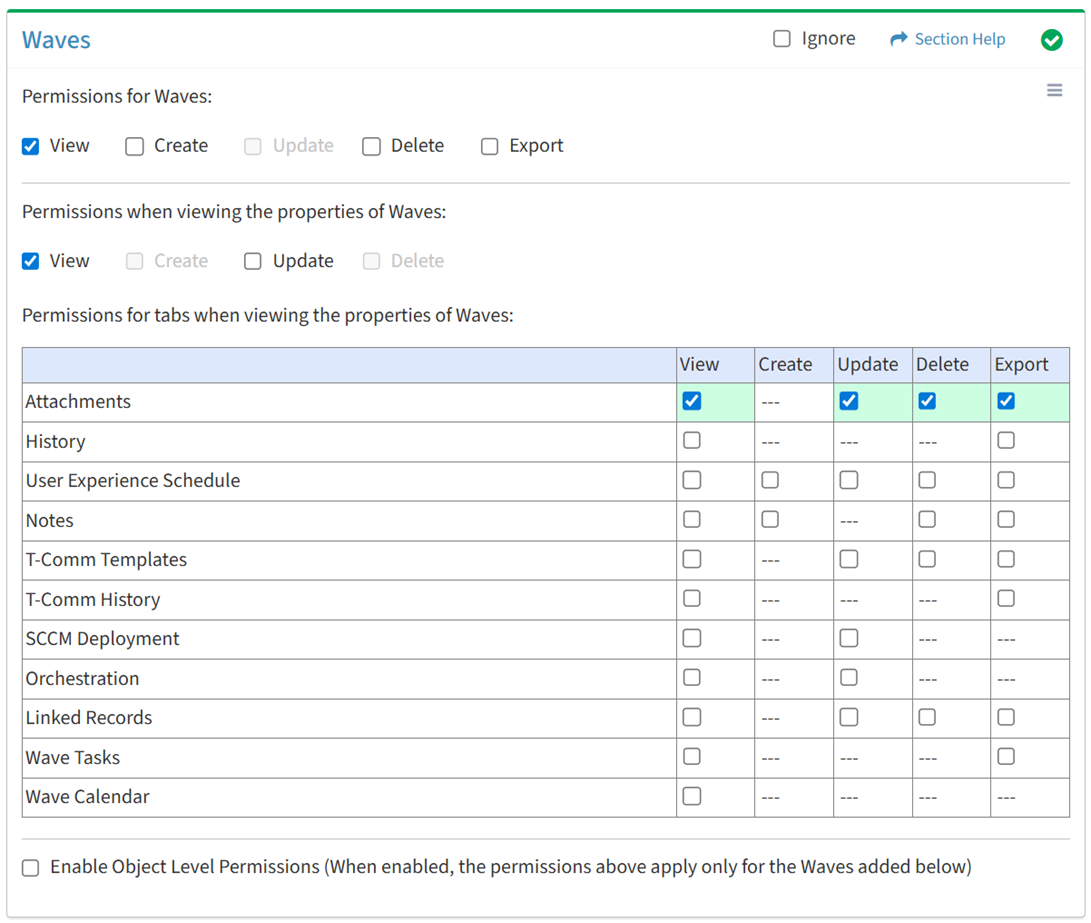
Available operations with Export access (requires View):
History
View
From the Waves tab, you can enable View access for the history when viewing the properties of waves.
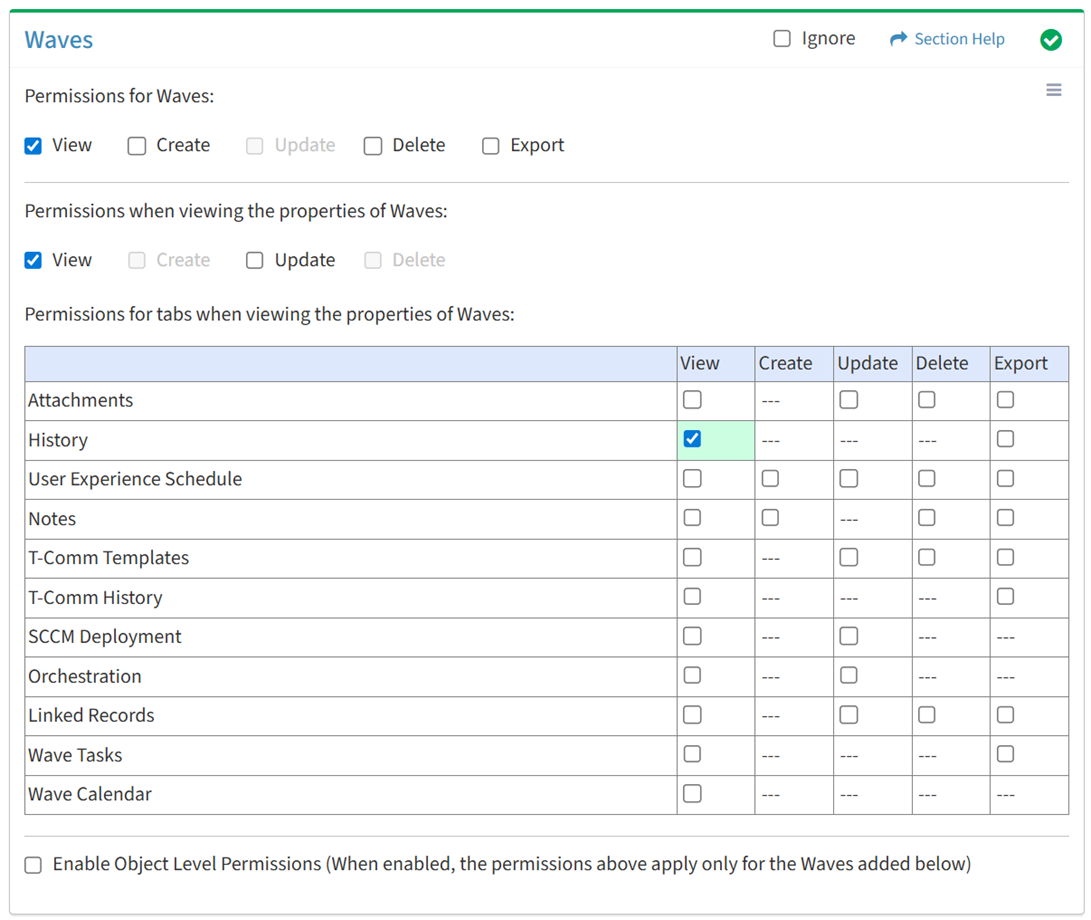
Available operations with View access (requires View Wave View):
Export
From the Waves tab, you can enable Export access for the history when viewing the properties of waves.
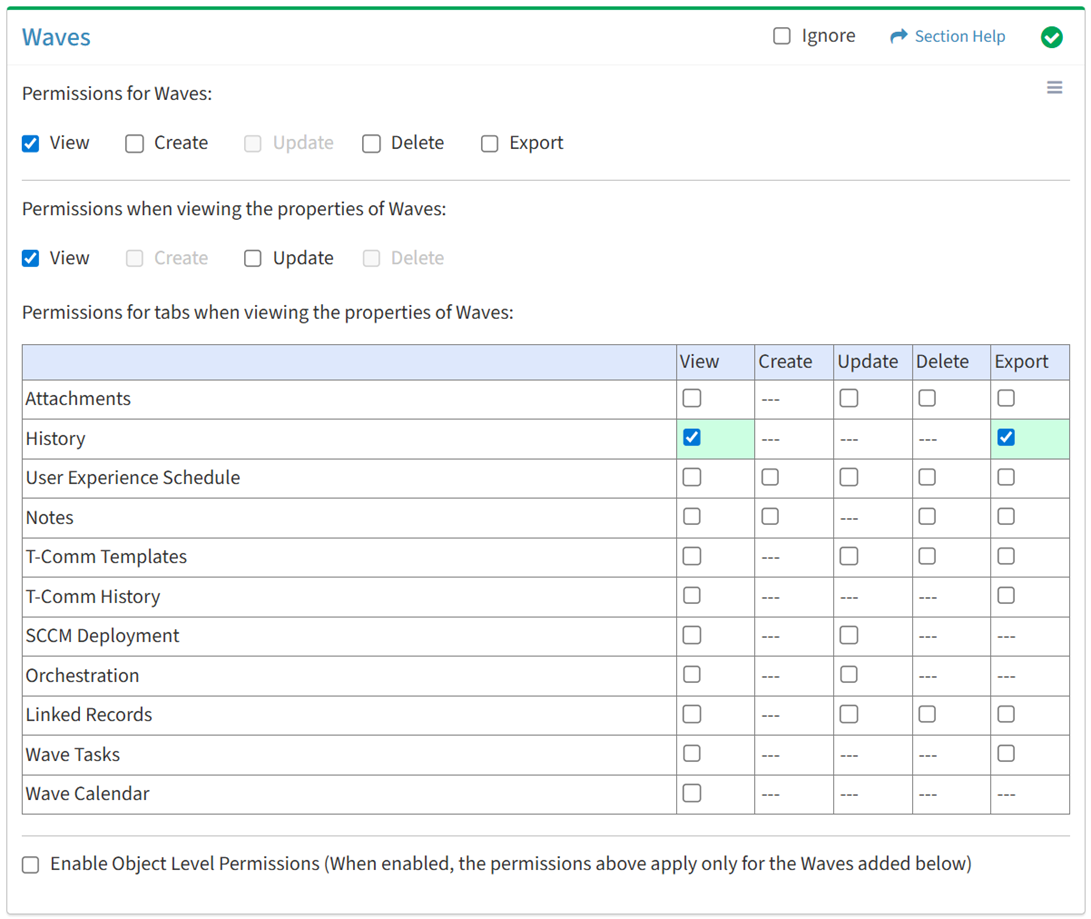
Available operations with Export access (requires View):
User Experience Schedule
View
From the Waves tab, you can enable View access for user experience schedule when viewing the properties of waves.
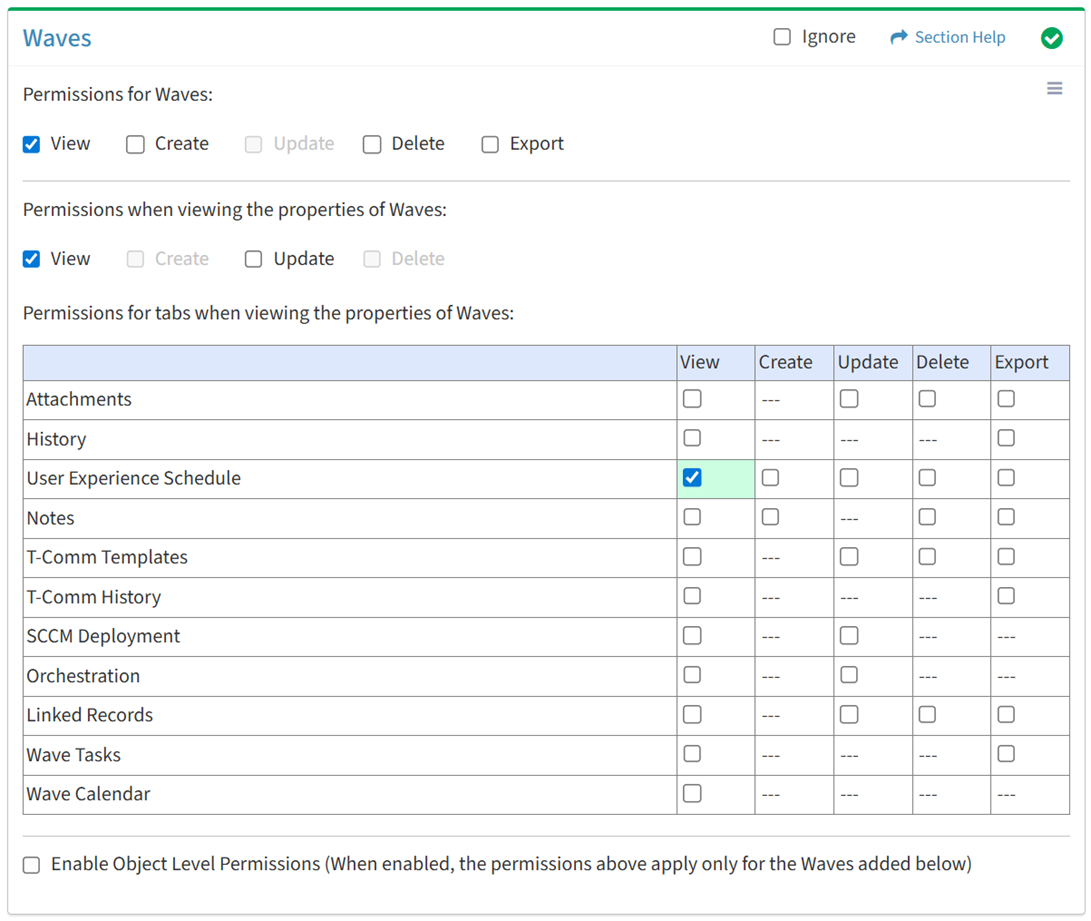
Available operations with View access (requires View Wave View):
Create
From the Waves tab, you can enable Create access for user experience schedule when viewing the properties of waves.
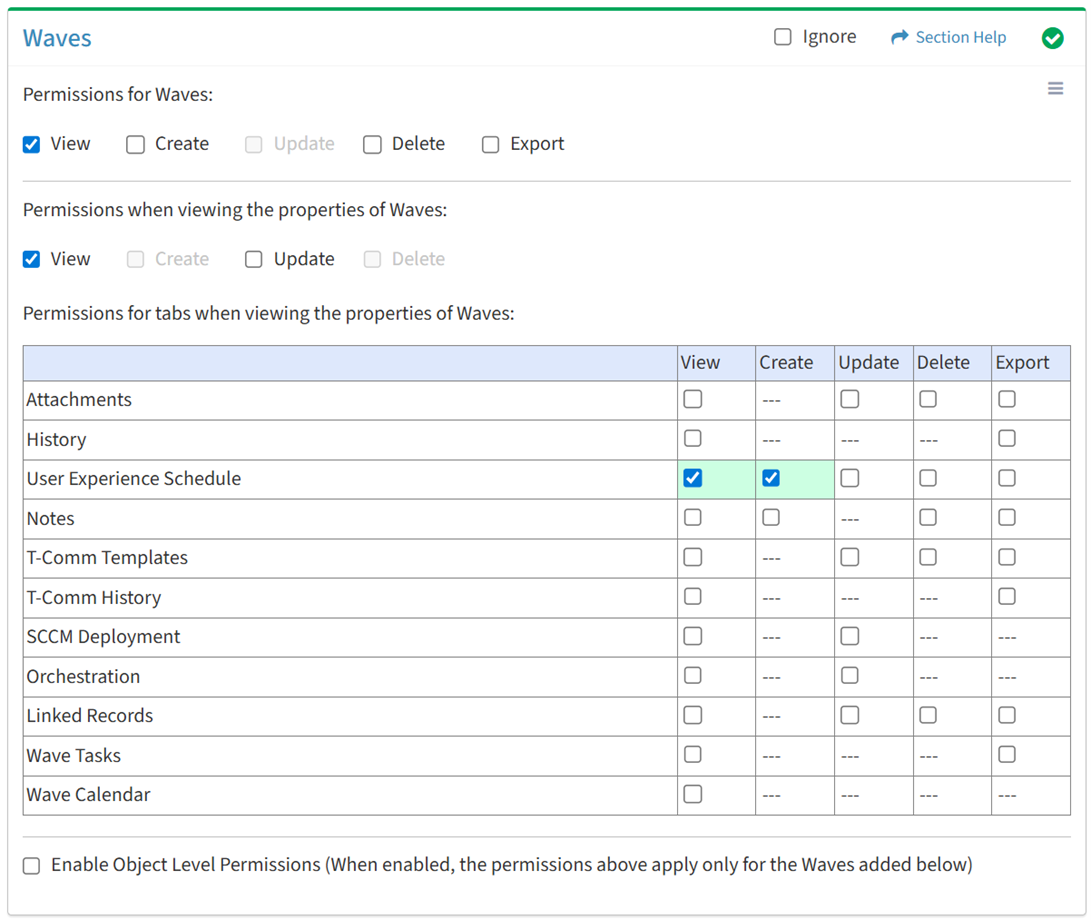
Available operations with Create access (requires View):
Update
From the Waves tab, you can enable Update access for user experience schedule when viewing the properties of waves.
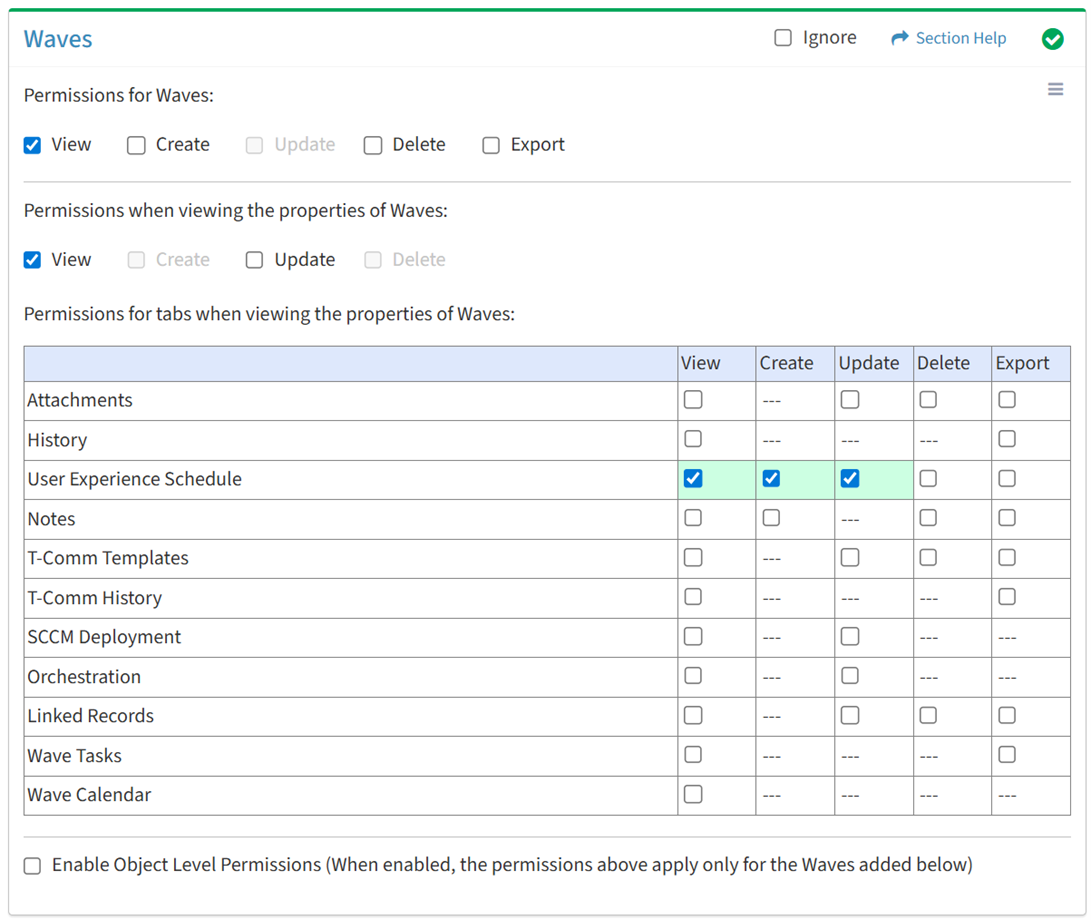
Available operations with Update access (requires View):
Delete
From the Waves tab, you can enable Delete access for user experience schedule when viewing the properties of waves.
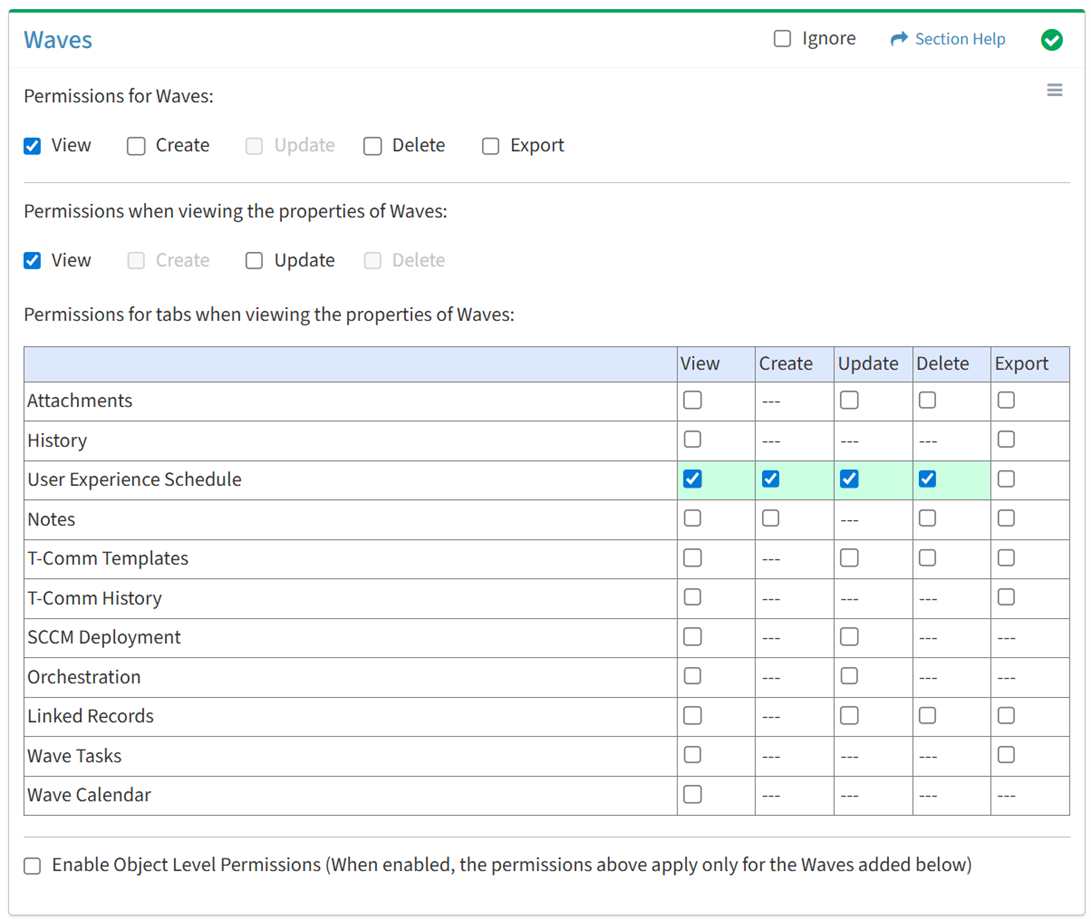
Available operations with Delete access (requires View):
Export
From the Waves tab, you can enable Export access for user experience schedule when viewing the properties of waves.
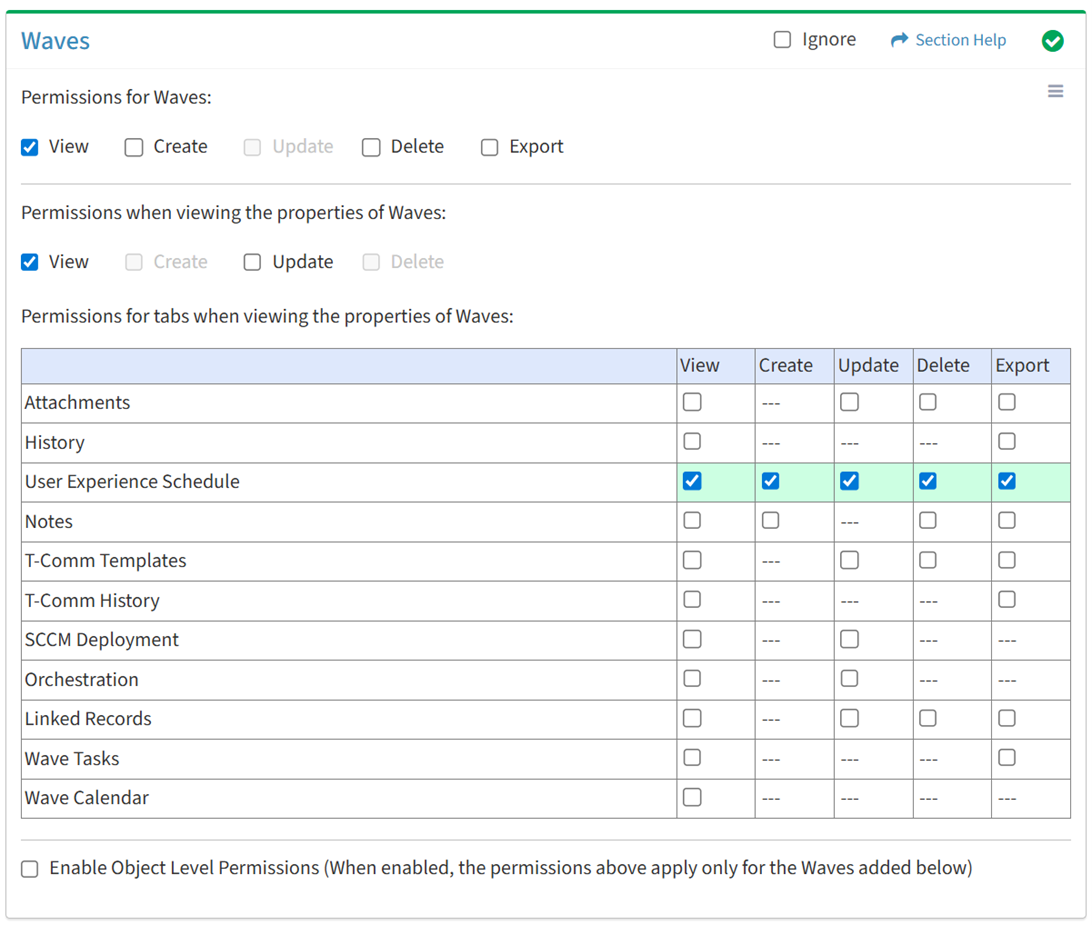
Available operations with Export access (requires View):
Notes
View
From the Waves tab, you can enable View access for notes when viewing the properties of waves.
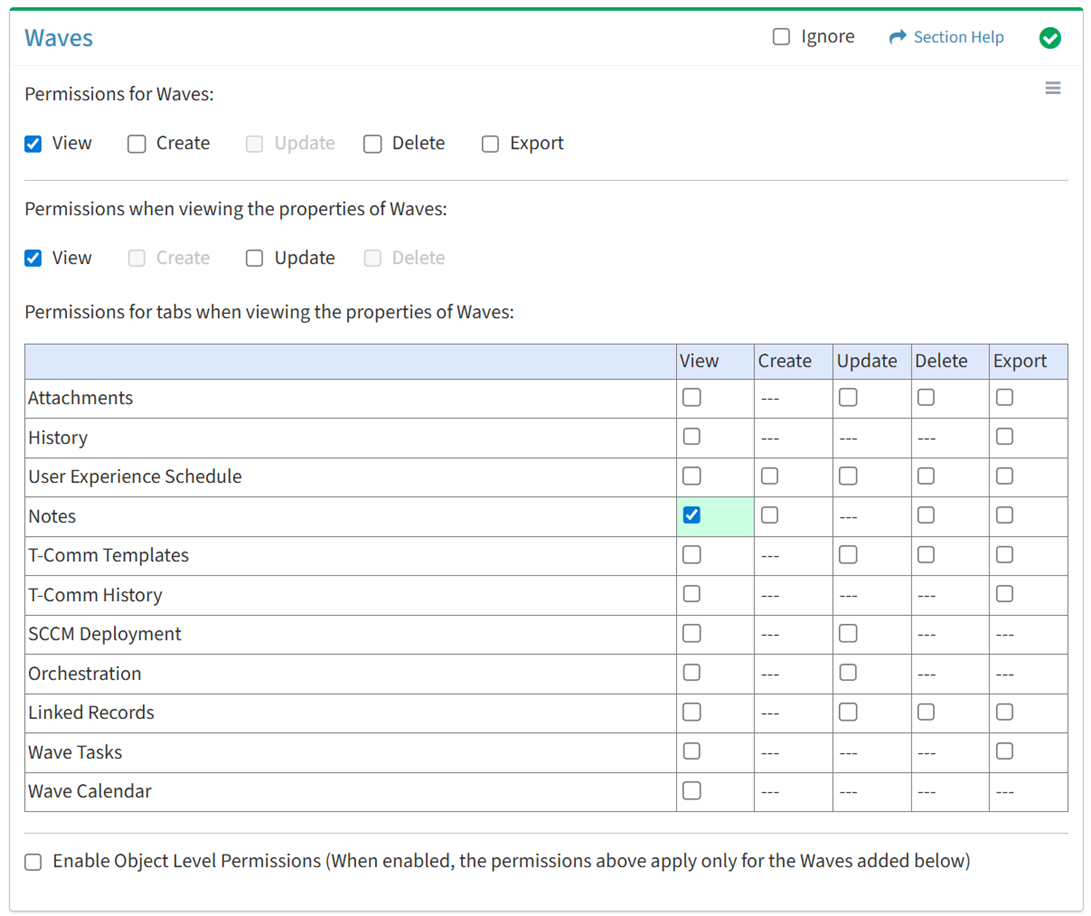
Available operations with View access (requires View Wave View):
Create
From the Waves tab, you can enable Create access for notes when viewing the properties of waves.
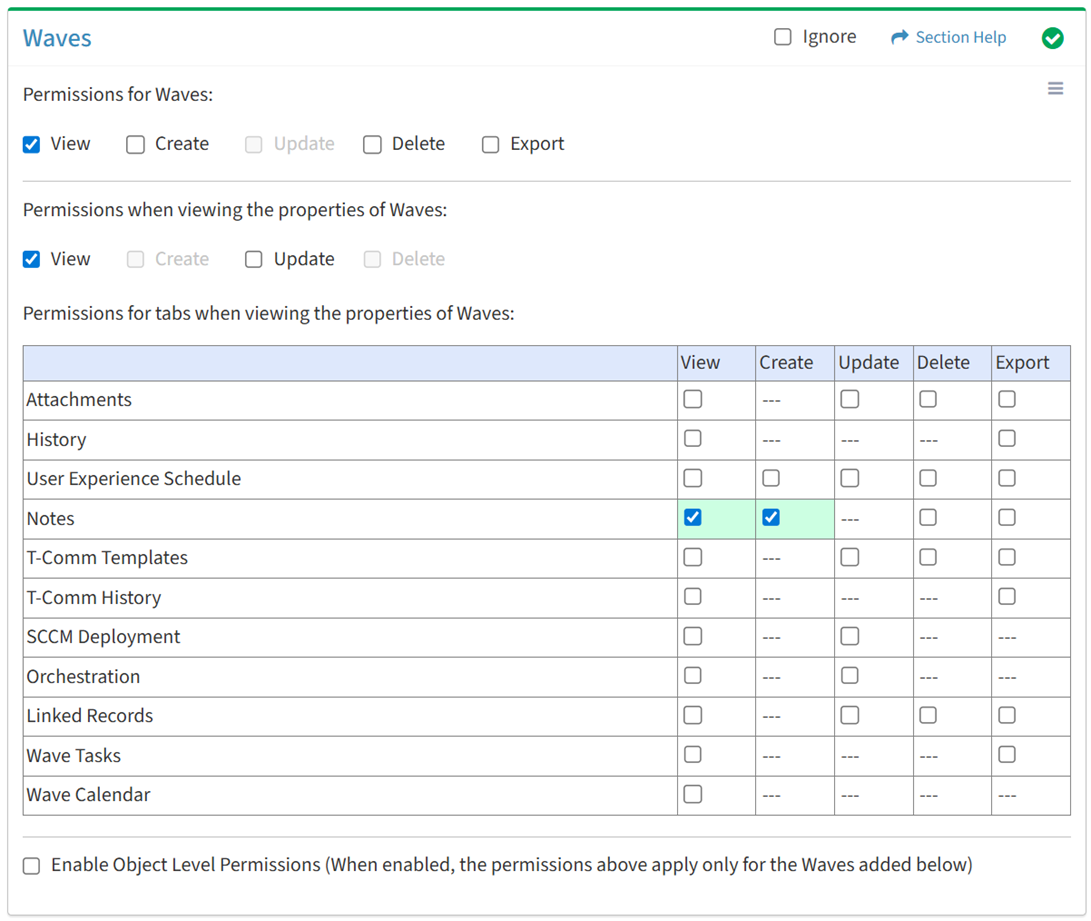
Available operations with Create access (requires View):
Delete
From the Waves tab, you can enable Delete access for notes when viewing the properties of waves.
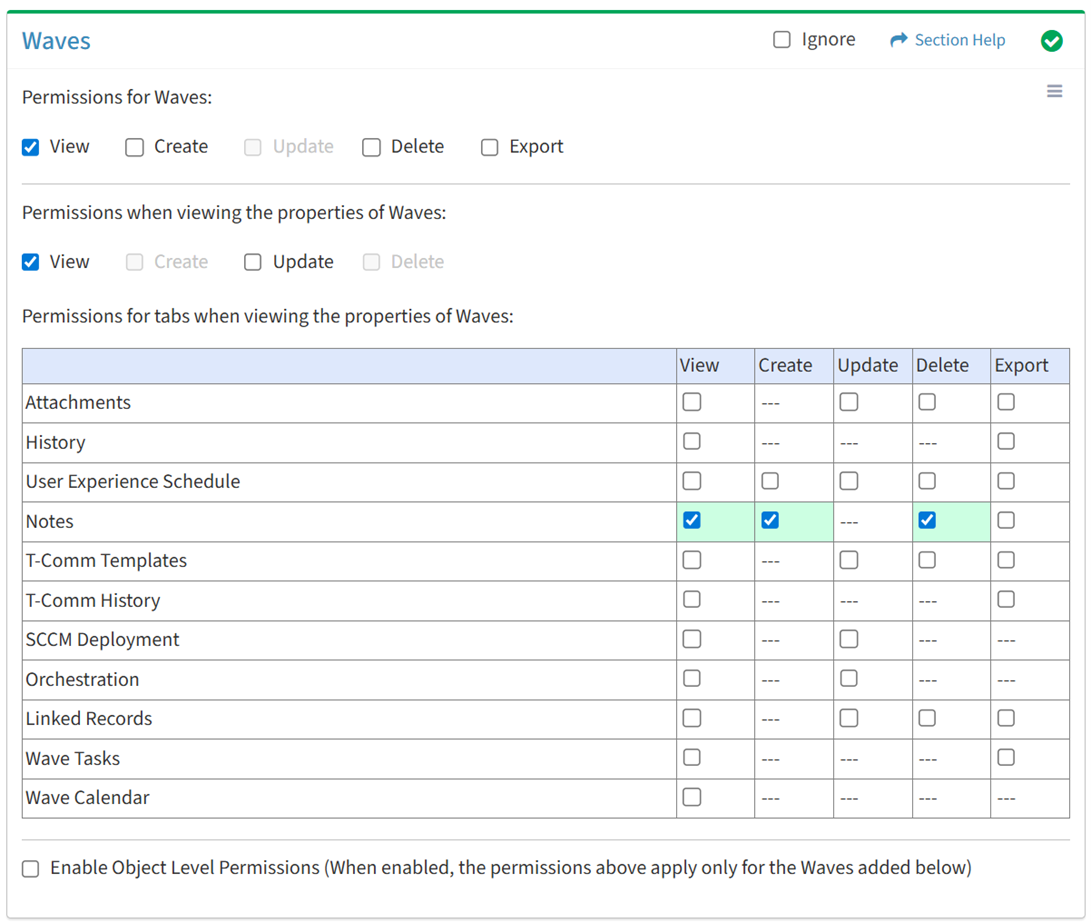
Available operations with Delete access (requires View):
Export
From the Waves tab, you can enable Export access for notes when viewing the properties of waves.
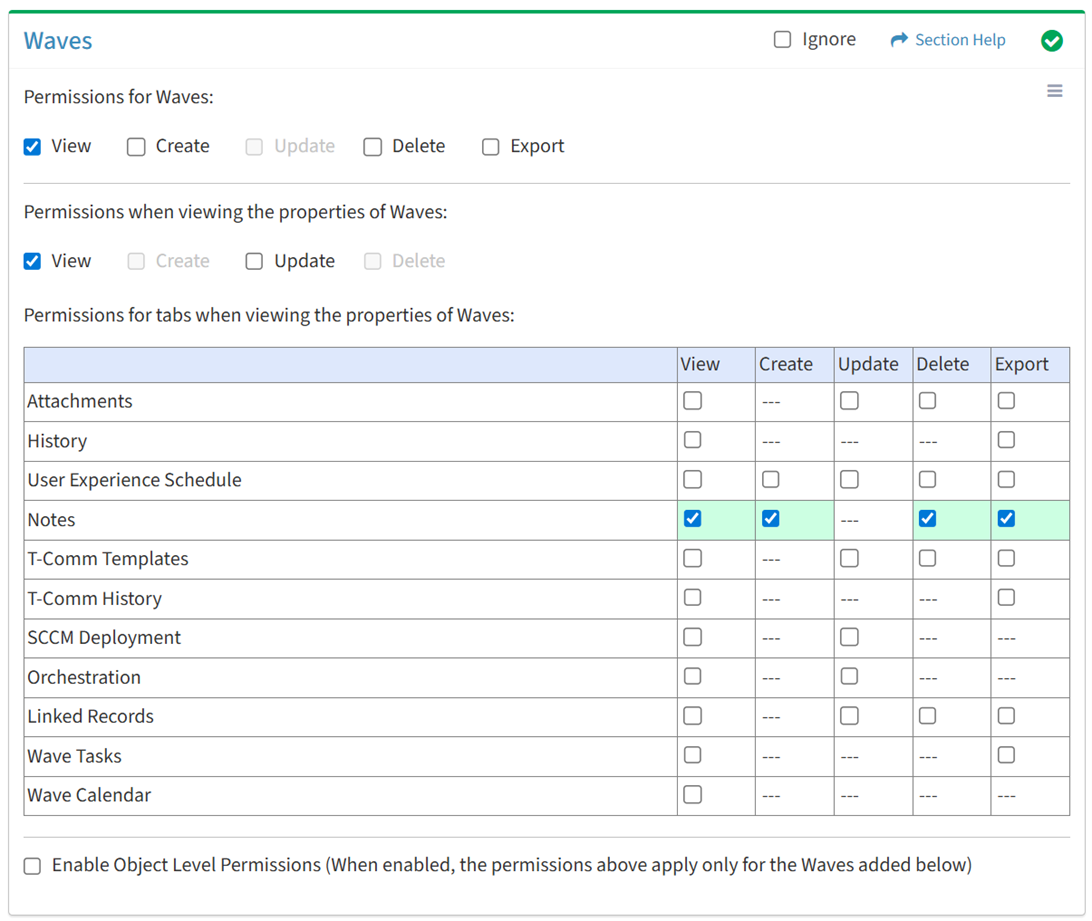
Available operations with Export access (requires View):
T-Comm Templates
View
From the Waves tab, you can enable View access for T-Comm templates when viewing the properties of waves.
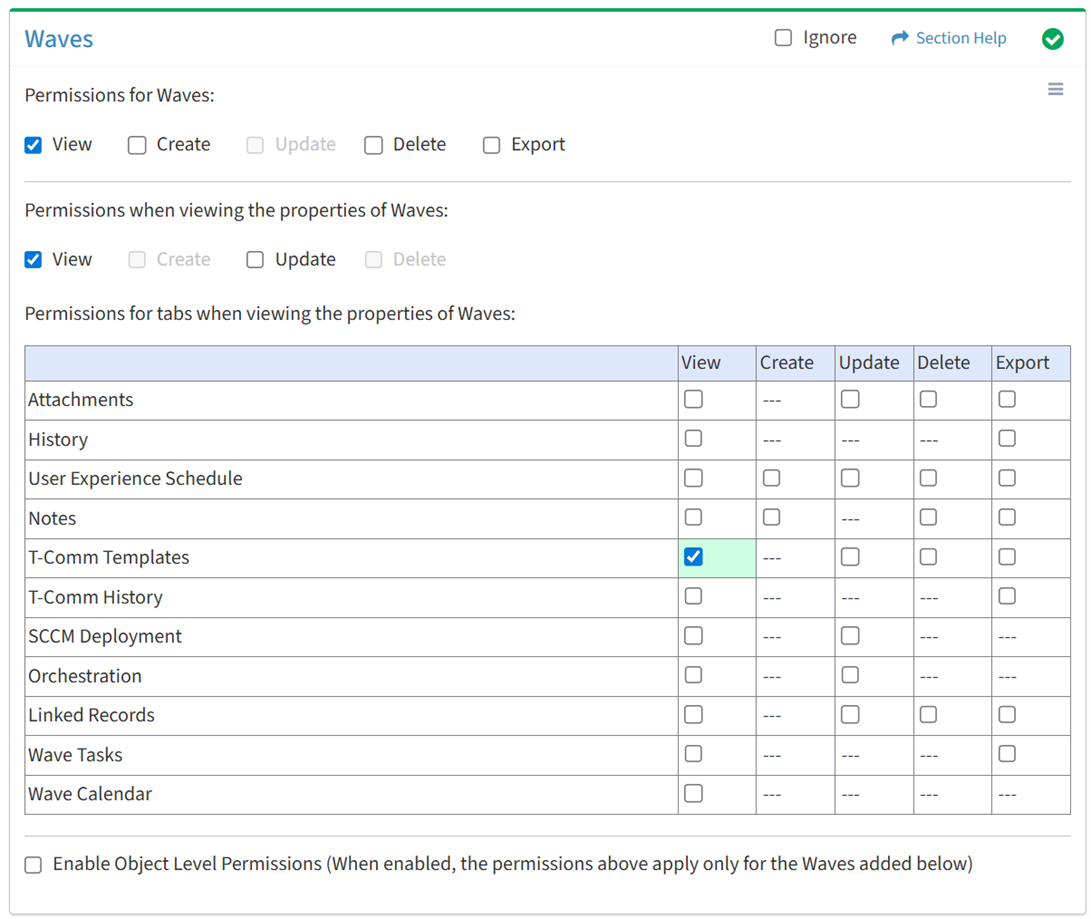
Available operations with View access (requires View Wave View and T-Comm Templates View):
Update
From the Waves tab, you can enable Update access for T-Comm templates when viewing the properties of waves.
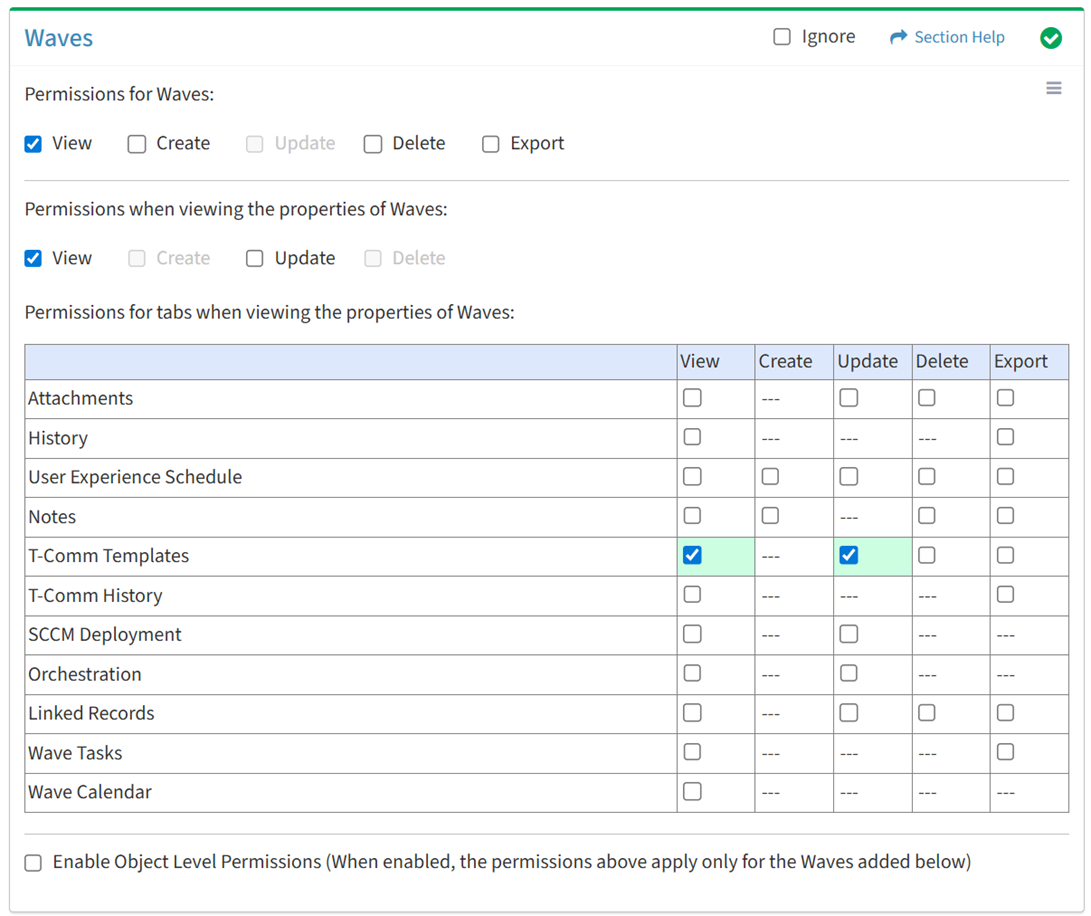
Available operations with Update access (requires View):
Delete
From the Waves tab, you can enable Delete access for T-Comm templates when viewing the properties of waves.
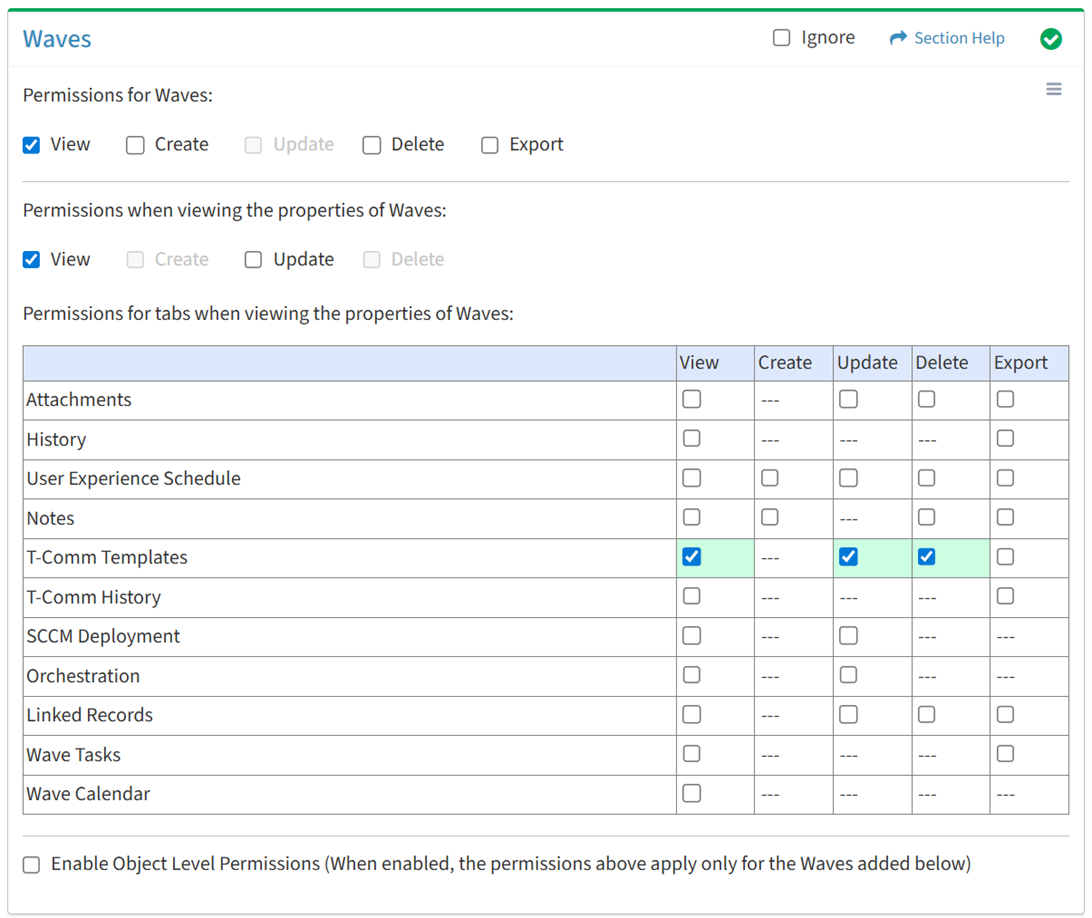
Available operations with Delete access (requires View):
Export
From the Waves tab, you can enable Export access for T-Comm templates when viewing the properties of waves.
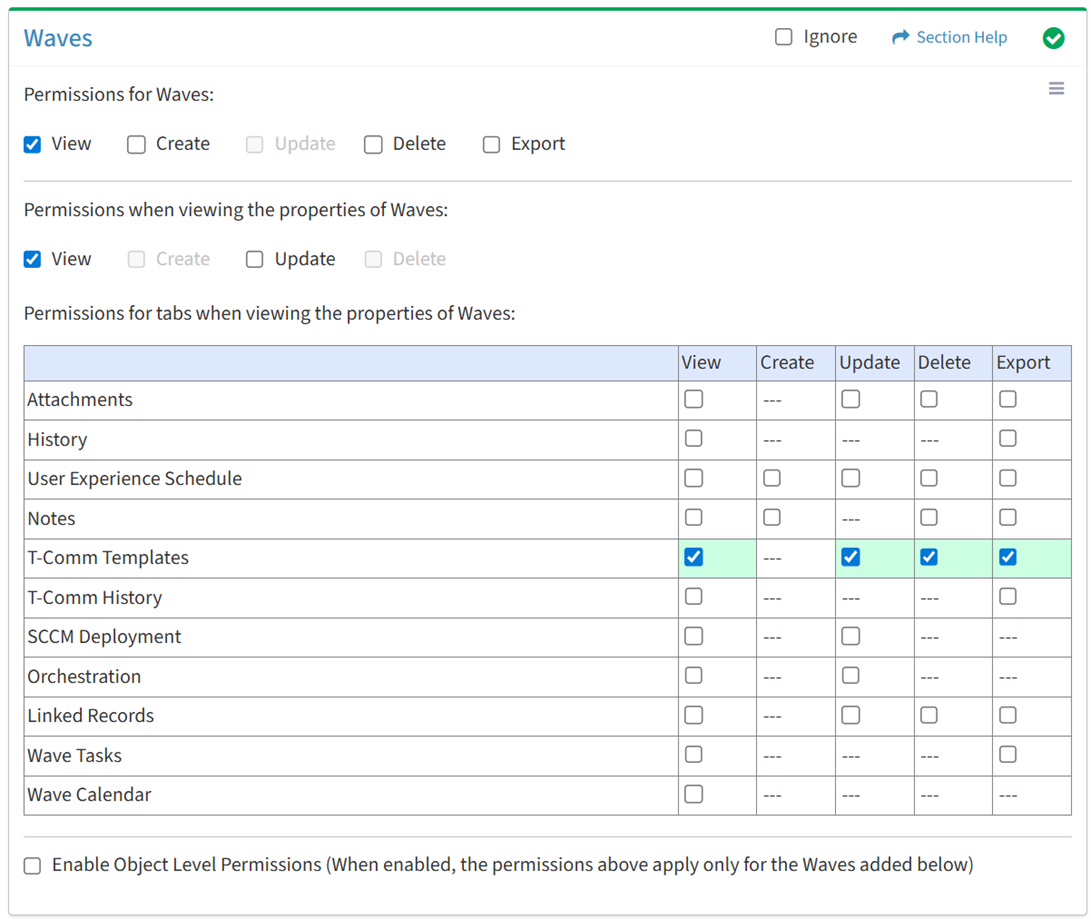
Available operations with Export access (requires View):
T-Comm History
View
From the Waves tab, you can enable View access for the T-Comm sent history when viewing the properties of waves.
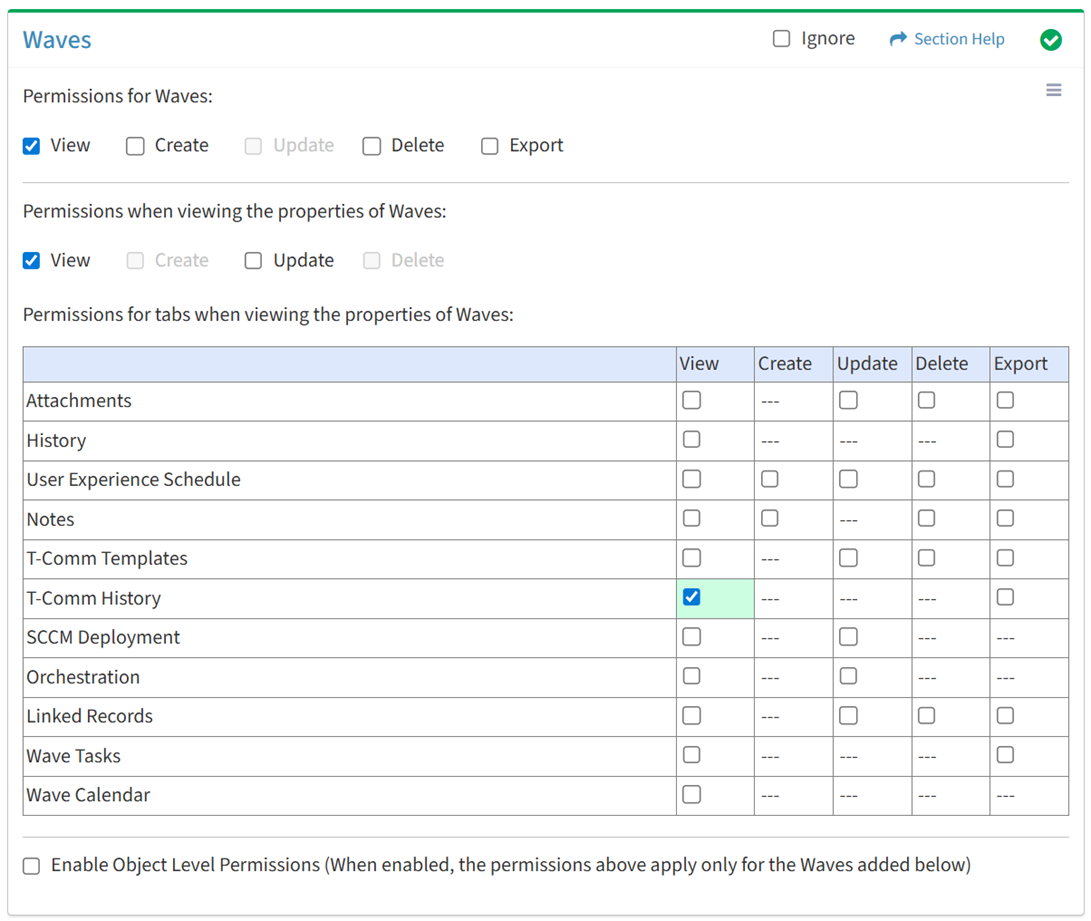
Available operations with View access (requires View Wave View):
Export
From the Waves tab, you can enable Export access for the T-Comm sent history when viewing the properties of waves.
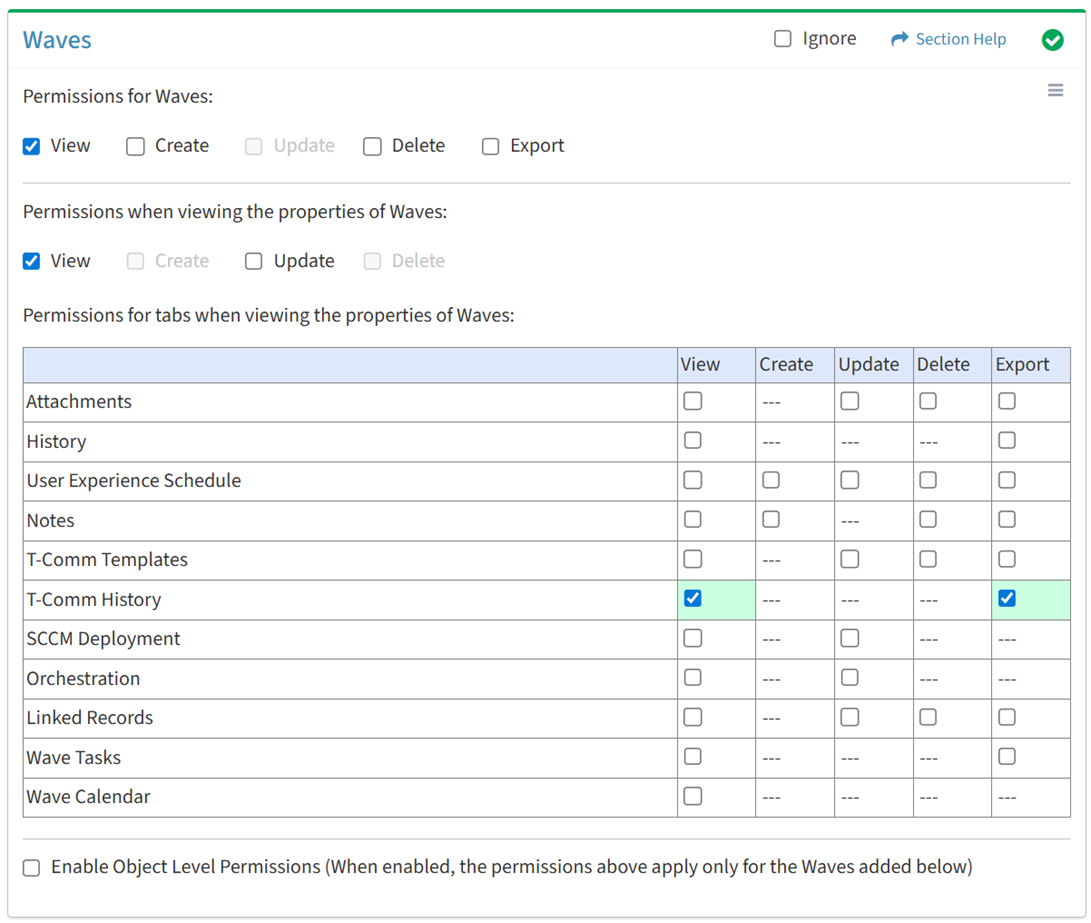
Available operations with Export access (requires View):
SCCM Deployment
View
From the Waves tab, you can enable View access for SCCM deployment when viewing the properties of waves.
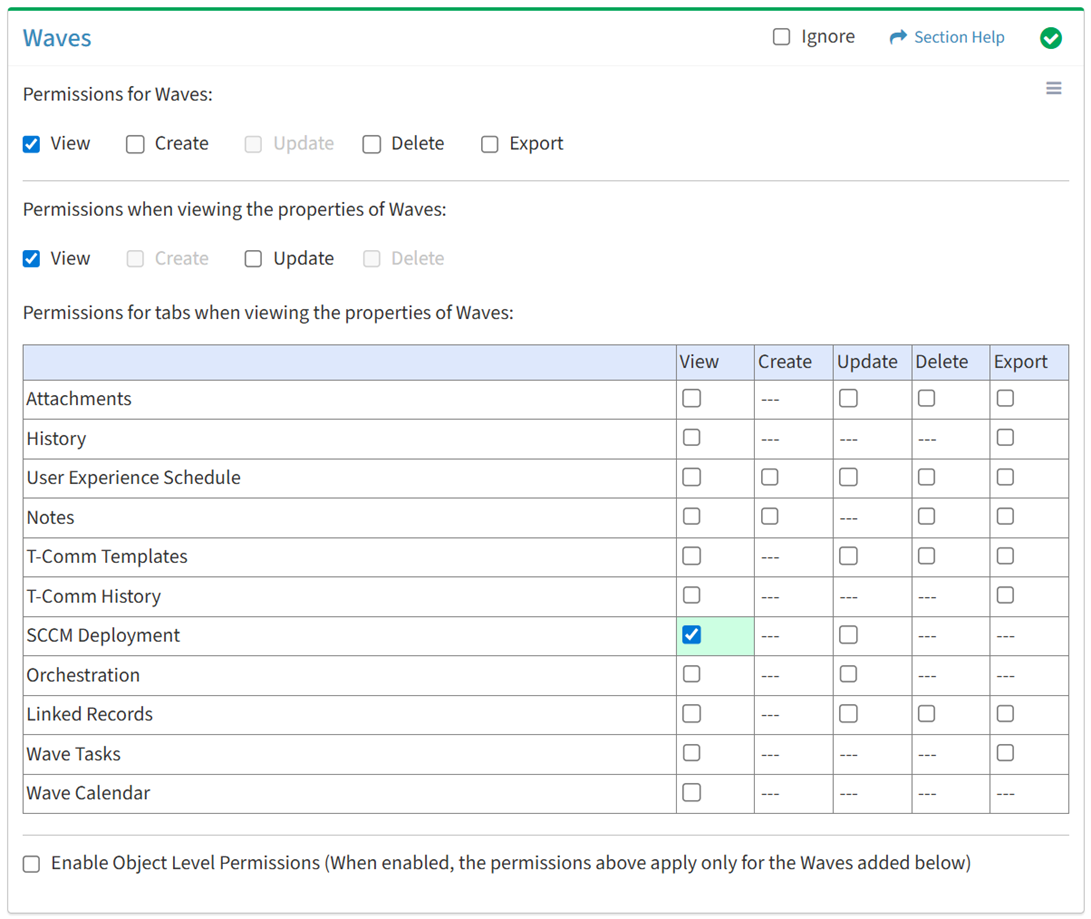
Available operations with View access (requires View Wave View):
NOTE: The ETL module and SCCM Dashboard must be enabled to set permissions for SCCM deployment.
Update
From the Waves tab, you can enable Update access for SCCM deployment when viewing the properties of waves.
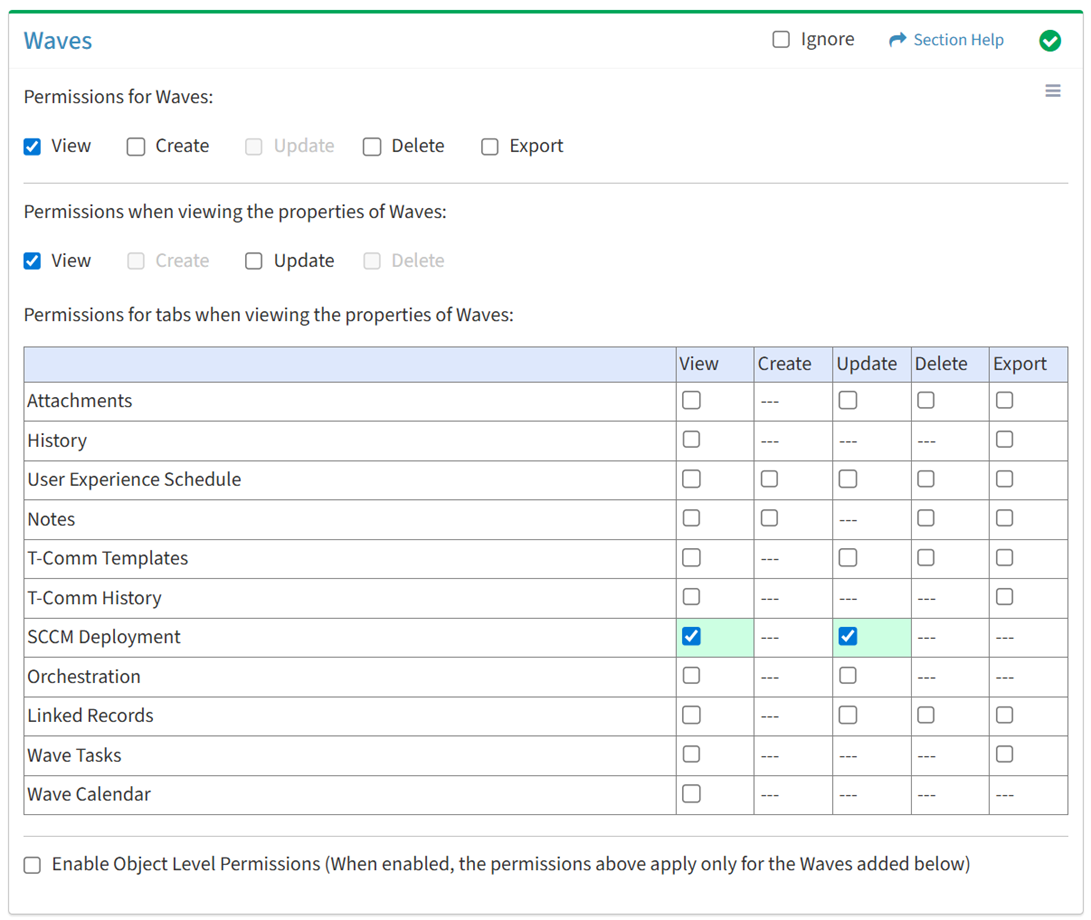
Available operations with Update access (requires View):
NOTE: The ETL module and SCCM Dashboard must be enabled to set permissions for SCCM deployment.
Orchestration
View
From the Waves tab, you can enable View access for orchestration when viewing the properties of waves.
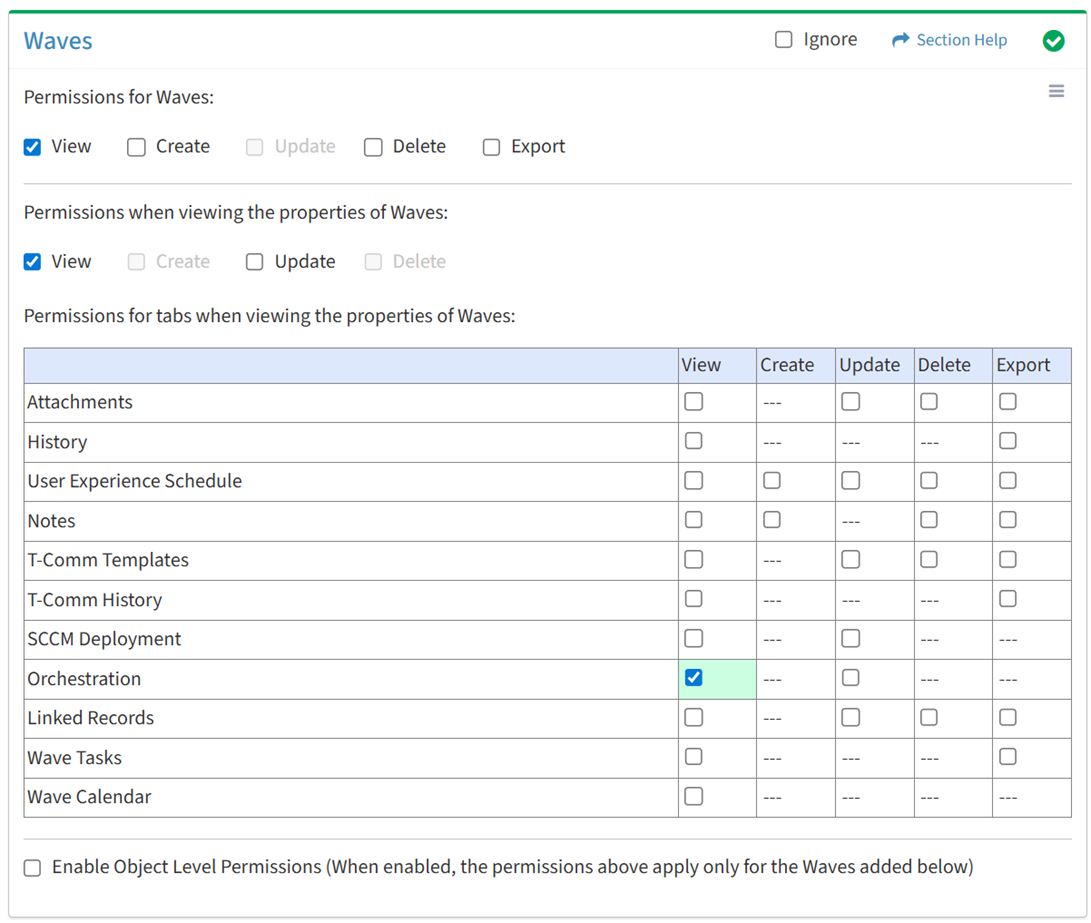
Available operations with View access (requires View Wave View):
NOTE: The ETL module and SCCM Dashboard must be enabled to set permissions for orchestration.
Update
From the Waves tab, you can enable Update access for orchestration when viewing the properties of waves.
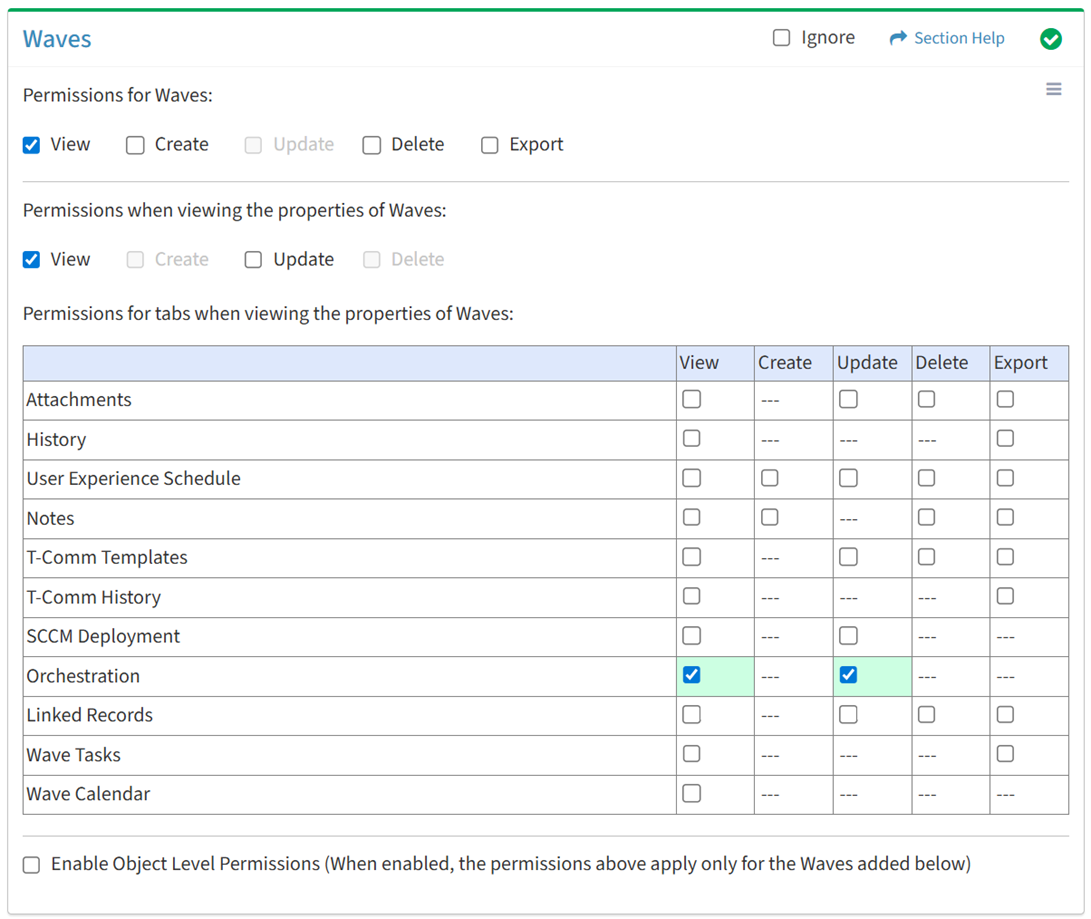
Available operations with Update access (requires View):
NOTE: The ETL module and SCCM Dashboard must be enabled to set permissions for orchestration.
Linked Records
View
From the Waves tab, you can enable View access for linked records when viewing the properties of waves.
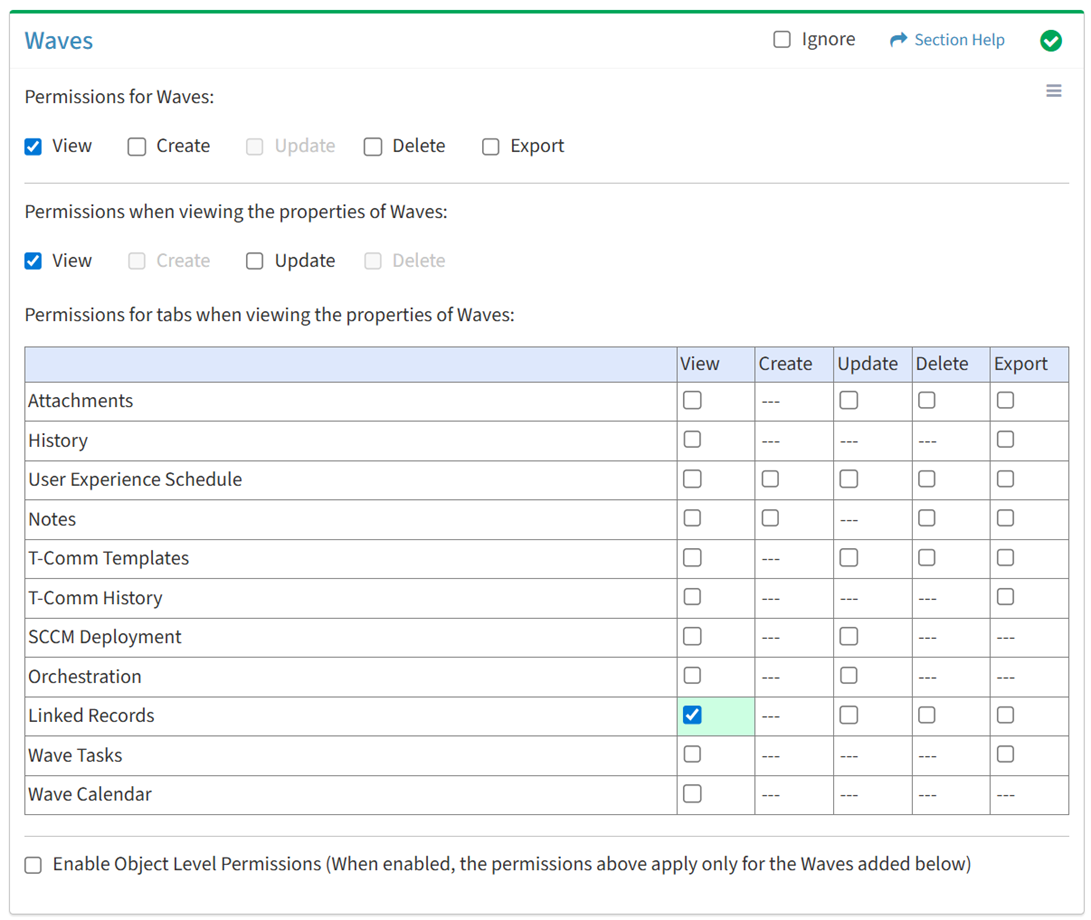
Available operations with View access (requires View Wave View and Data View):
Update
From the Waves tab, you can enable Update access for linked records when viewing the properties of waves.
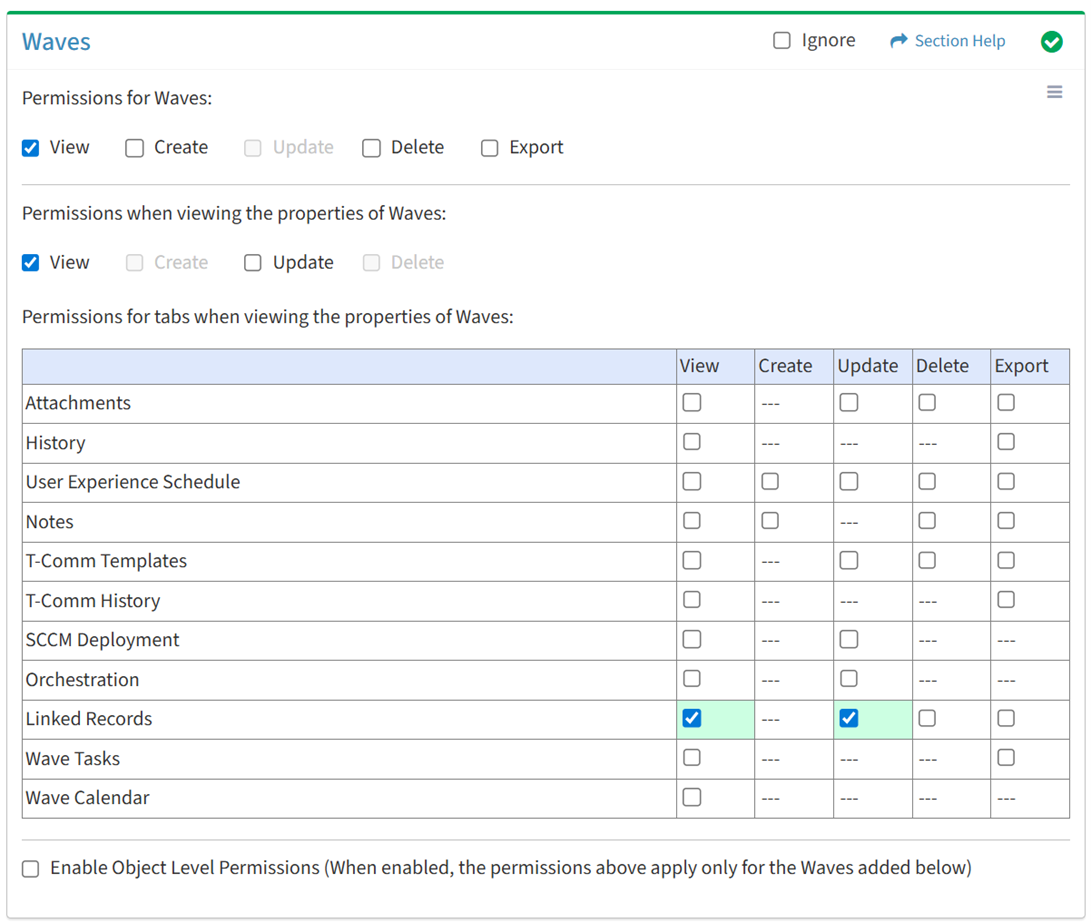
Available operations with Update access (requires View):
Delete
From the Waves tab, you can enable Delete access for linked records when viewing the properties of waves.
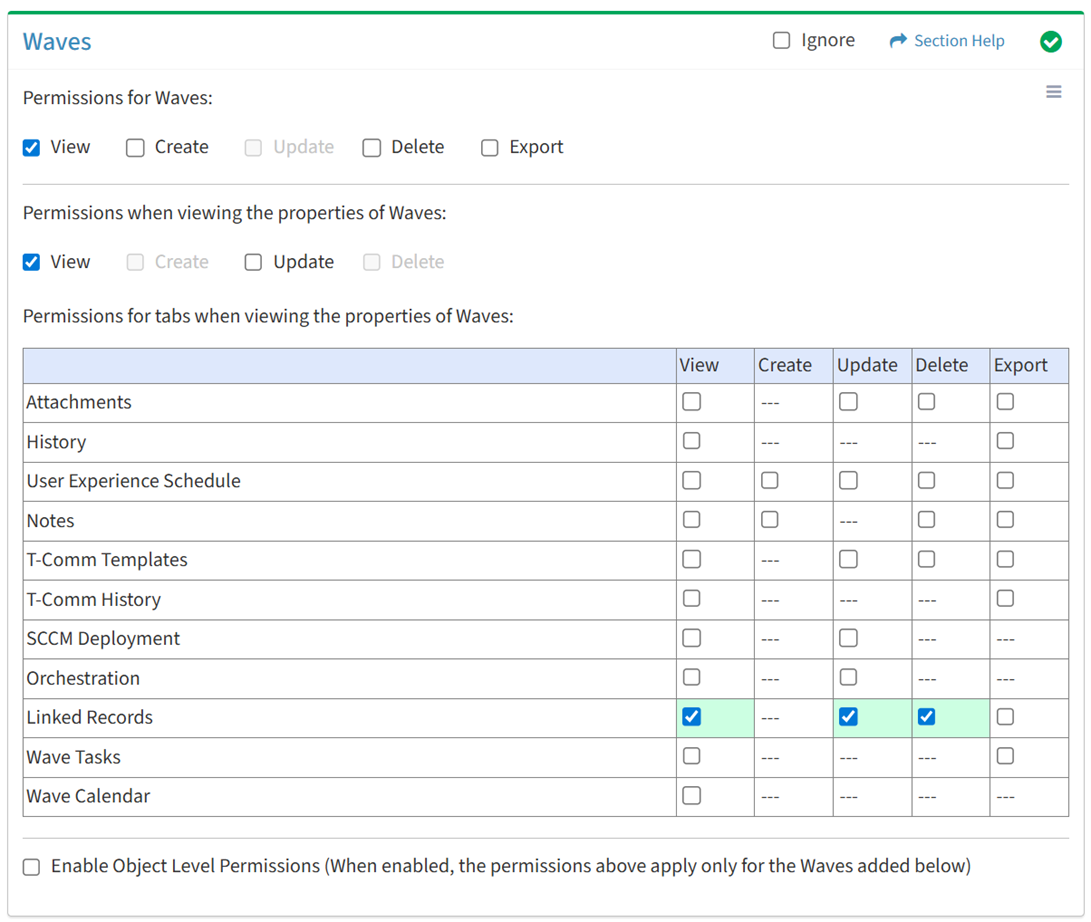
Available operations with Delete access (requires View):
Export
From the Waves tab, you can enable Export access for linked records when viewing the properties of waves.
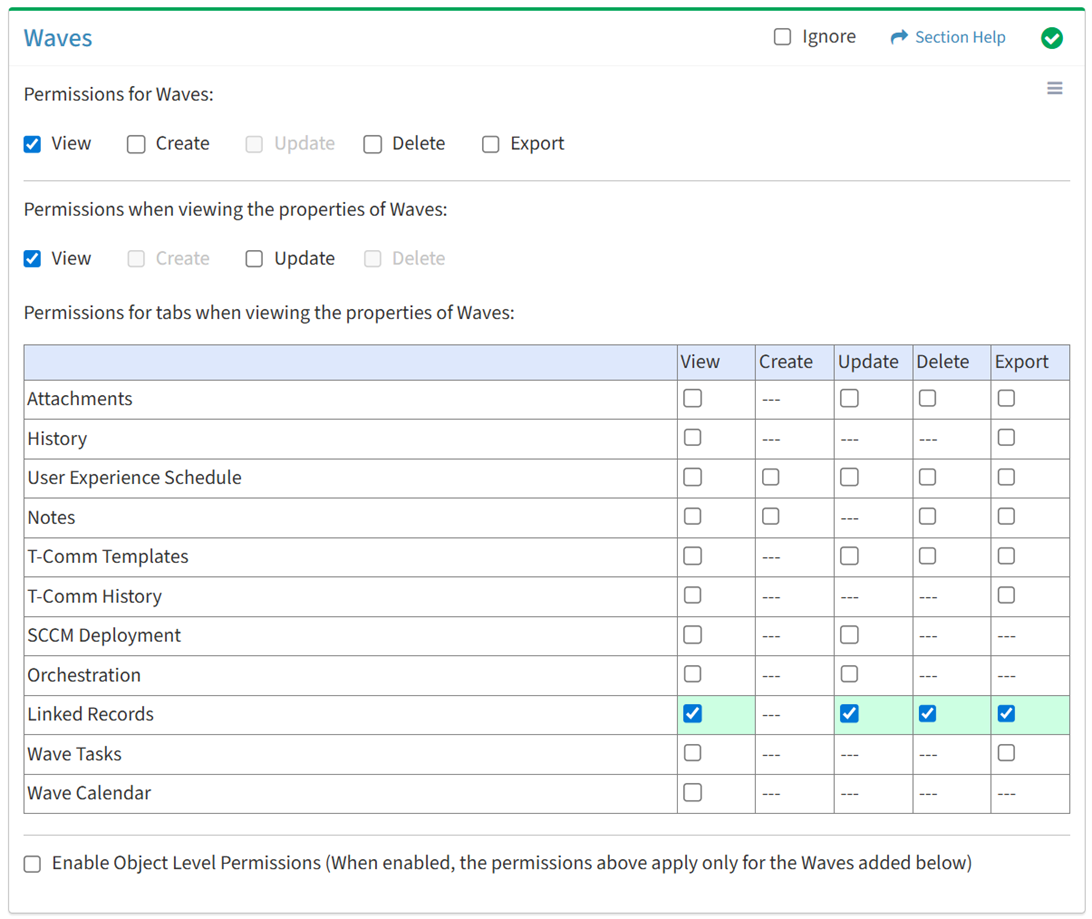
Available operations with Export access (requires View):
Wave Tasks
View
From the Waves tab, you can enable View access for wave tasks when viewing the properties of waves.
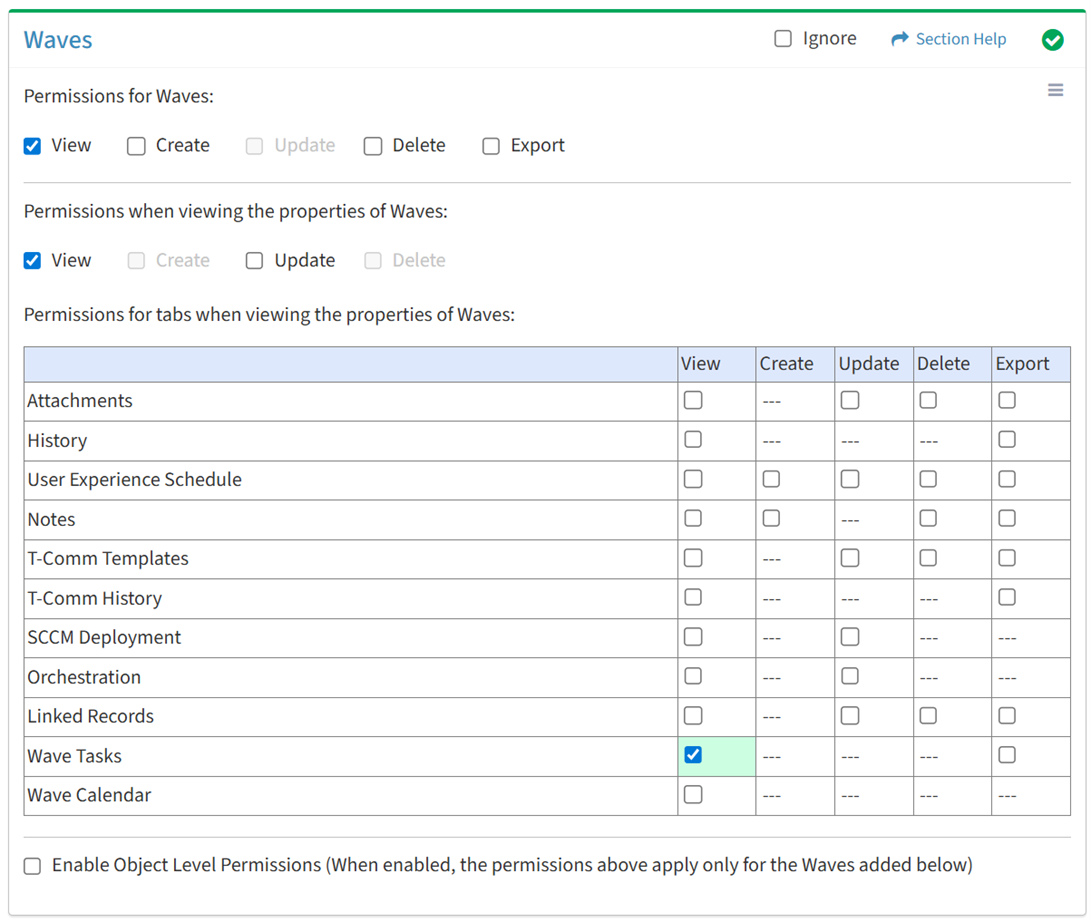
Available operations with View access (requires View Wave View and Tasks View):
Export
From the Waves tab, you can enable Export access for wave tasks when viewing the properties of waves.
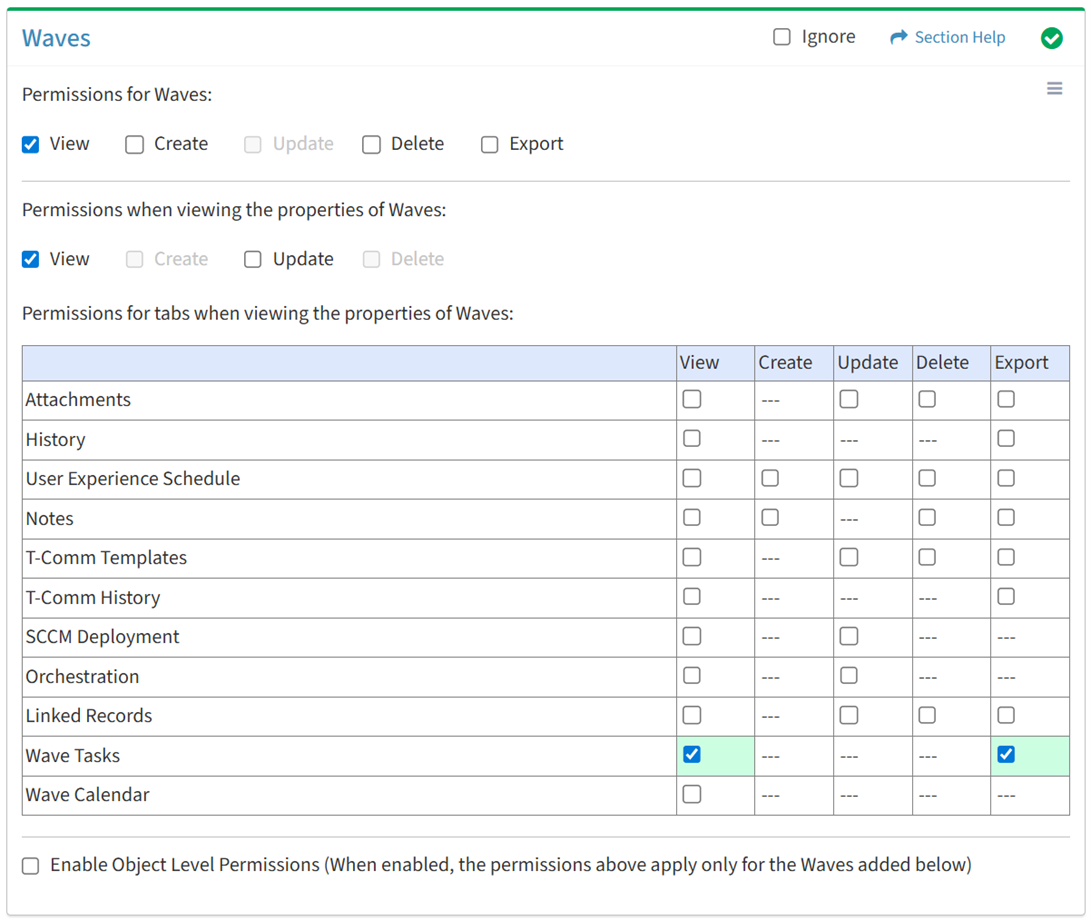
Available operations with Export access (requires View):
Wave Calendar
View
From the Waves tab, you can enable View access for the wave calendar when viewing the properties of waves.
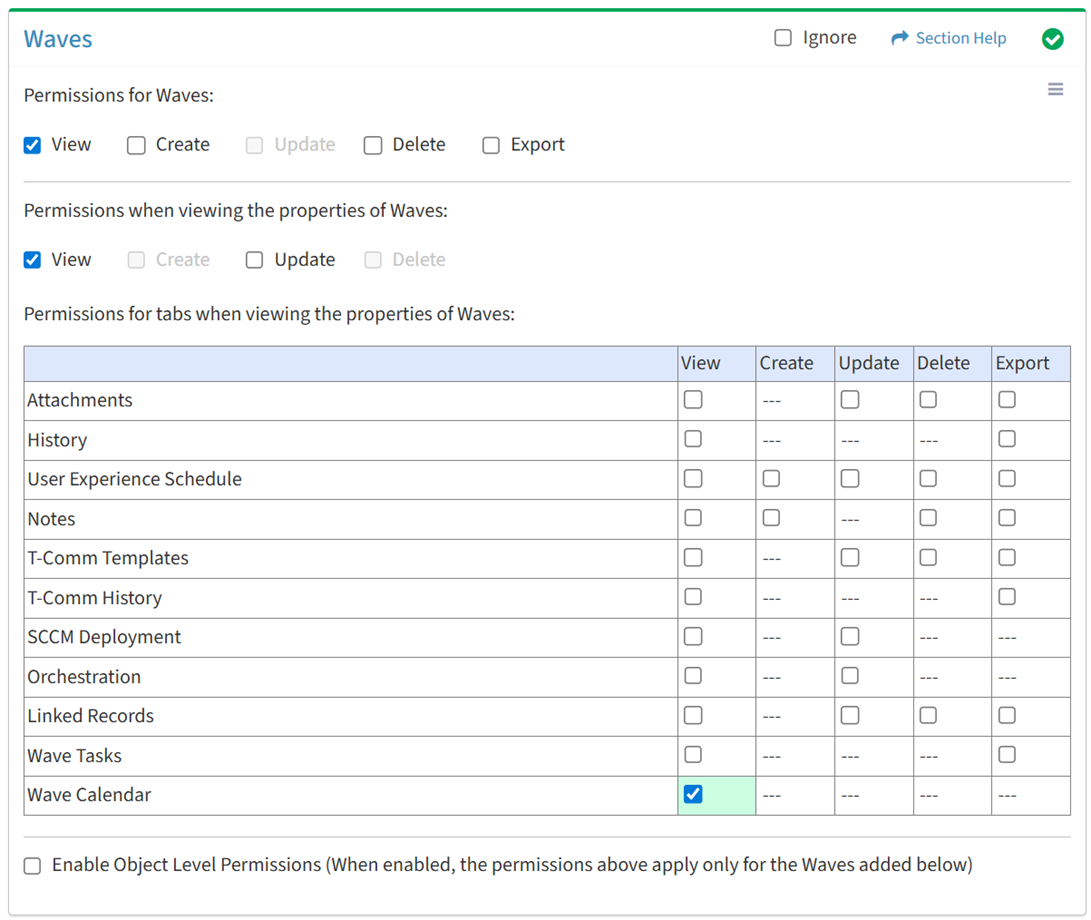
Available operations with View access (requires View Wave View):
Object Level
From the Waves tab, you can enable object level permissions and restrict access to specific waves. To restrict access:
- Click the Enable Object Level Permissions checkbox to enable object level permissions
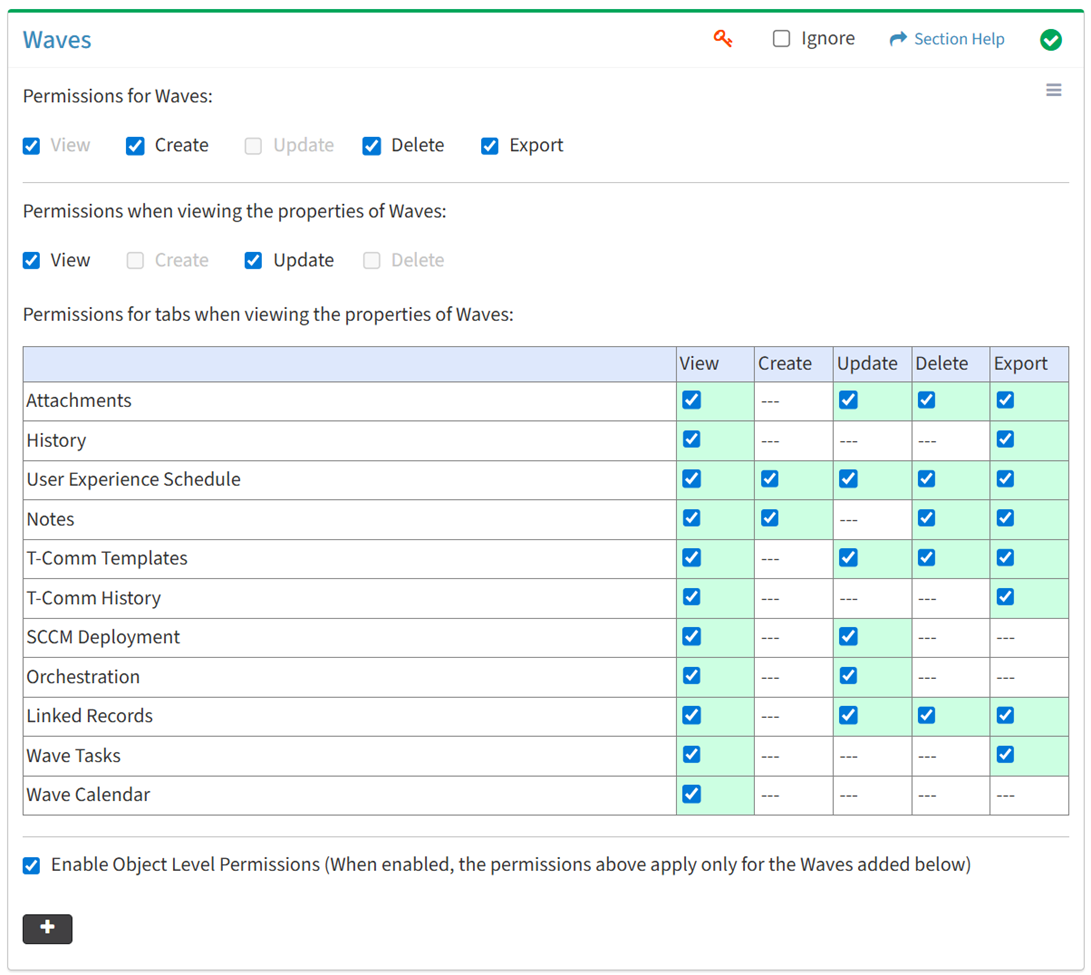
NOTE: A  icon is displayed when Object Level Permissions is enabled.
- Add waves
- Click the
 button to bring up the Waves dialog
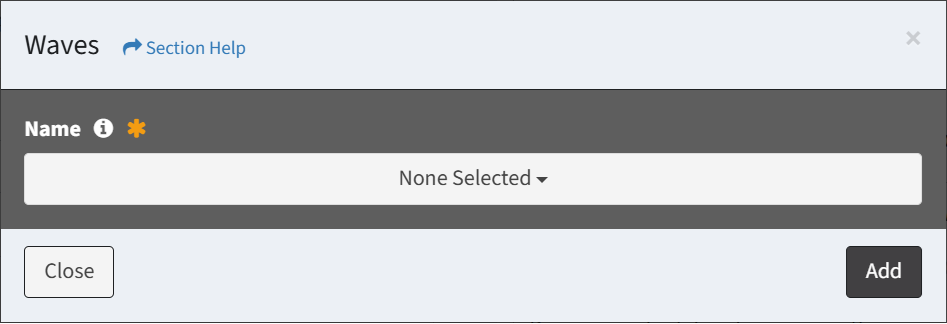
- Select waves from the Name drop down and then click the Add button. Click the Close button to cancel the operation.
- Added waves are displayed below the button

- Set permissions for the added waves (View is required at minimum to access the Waves module)
NOTE: Object level permissions restricts access to the waves selected. Users cannot be assigned to more than one Security Group with the same module permissioned (e.g. Waves) if any of those modules include object level permissions.
- Click the
 button to delete a wave (row) or all waves
- Uncheck the Enable Object Level Permissions checkbox to disable object level permissions
NOTE: Deleting all waves (either from the Waves tab or the Waves module) does not disable object level permissions and results in access to no waves.
Select All
From the Waves tab, you can select all or deselect all permissions for waves.
- From the
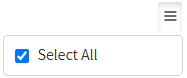
 menu in the upper right corner, check Select All to check (enable) all permissions on the tab.
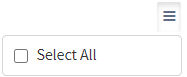
- Uncheck Select All to uncheck (remove) all permissions on the tab.
Ignore
From the Waves tab, you can ignore waves permissions from this security group by selecting Ignore. This option is used when overlaying multiple security groups and waves permissions are set by a different security group. Not enabling permissions on the Waves tab, without selecting Ignore, results in no access, as overlaid security groups assume the most restrictive permissions.

Add Waves
From the Waves tab, you can add waves to restrict access to when enabling object level permissions. To add waves:
- Click the button to bring up the Waves dialog
- Select waves from the Name drop down and then click the Add button. Click the Close button to cancel the operation.
NOTE: Waves are listed alphabetically.