From the Wave Groups tab, you can create wave groups. To create:
- Click the New Wave Group button to bring up the New Wave Group dialog
- Enter the properties of the new wave group
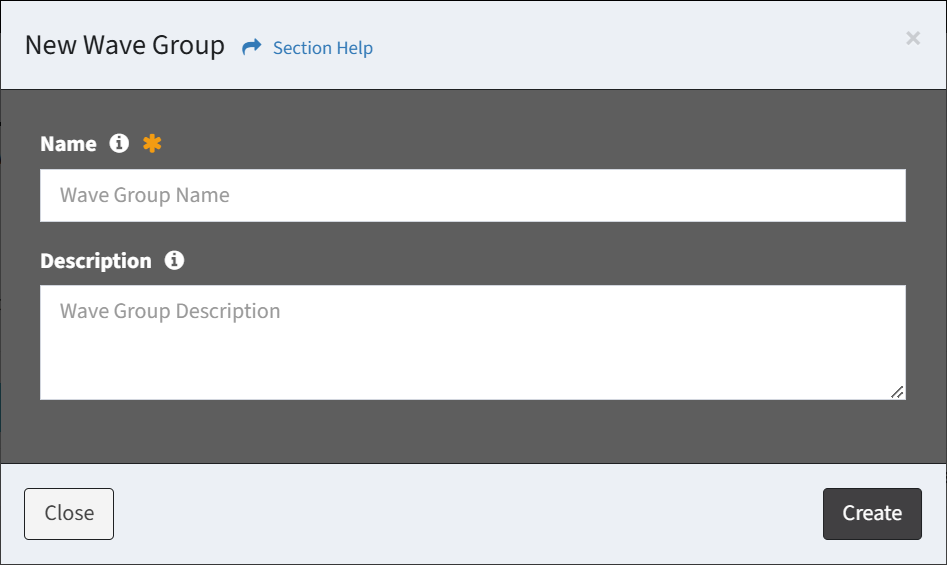
- Name – Name of the wave group (required)
- Description – Description of the wave group (optional)
- Click the Create button when finished to create the wave group. You will be redirected back to the Wave Groups tab. Click the Close button to cancel the operation.
- The new wave group function is only available to users in the Administrator and Regular User security groups