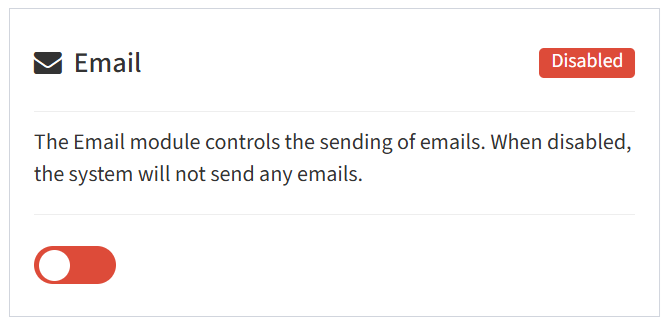
From the Modules tab, you can enable and disable the Email module.
- To enable, drag the slider in the Email widget to the right
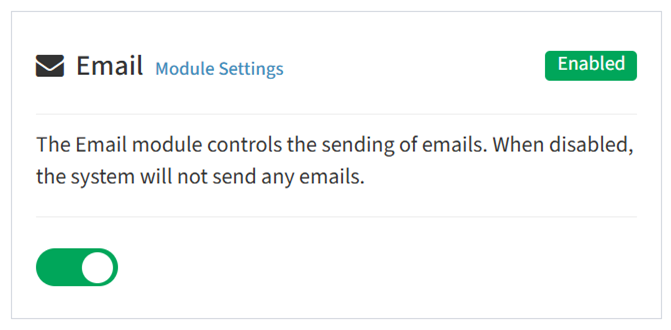
- Click Module Settings to configure email settings
- To disable, drag the slider in the Email widget to the left
NOTE: In order to enable the sending of emails from ReadyWorks, it must first be configured to connect to your SMTP server.