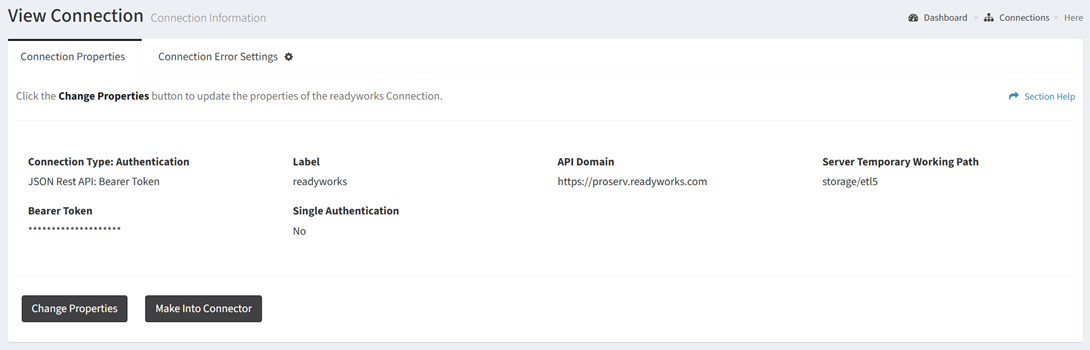
From the Connection Properties tab, you can make connections (as configured) into a new connector. To make into a connector:
- Click the Make Into Connector button
- The make into connector function is only available to users in the Administrator security group
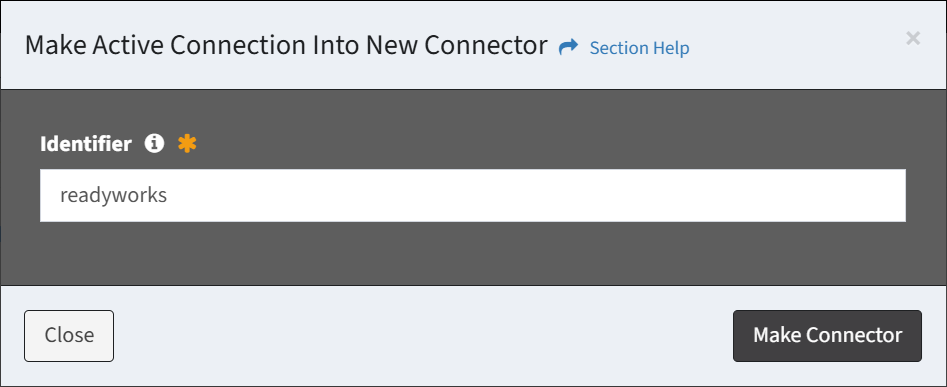
- Enter the Identifier and click the Make Connector button to make the connection into a new connector. You will be redirected to the Connector Properties tab of the new connector. Click the Close button to cancel the operation.