The Password & Security tab is located on the View User page and is accessed by clicking the hyperlink of the user account Email field. The Password & Security tab is not visible to SSO users.
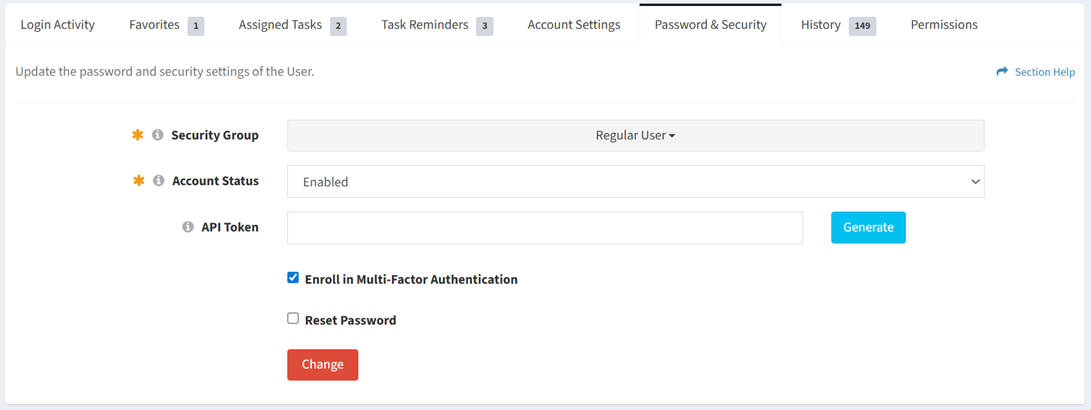
Available operations:
Generate API Token
From the Password & Security tab, you can generate the API token of the user. To generate:
- Click the Generate button to generate an API token
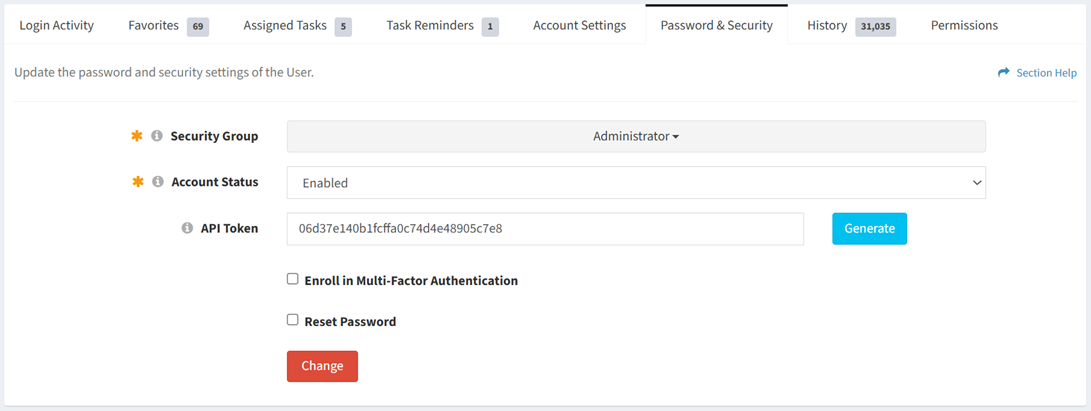
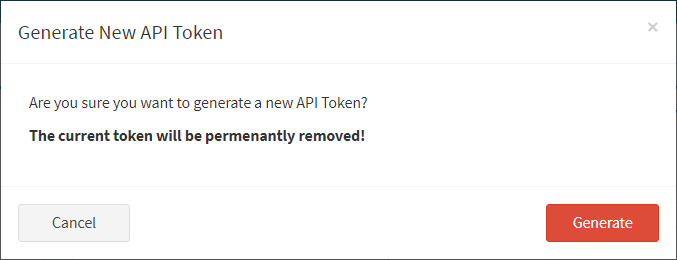
- Click the Generate button again to generate a new API token
- The generate function is only available to users in the Administrator security group
- Click the Generate button to confirm the generate operation. Click the Cancel button to cancel the operation.
Reset Your Password
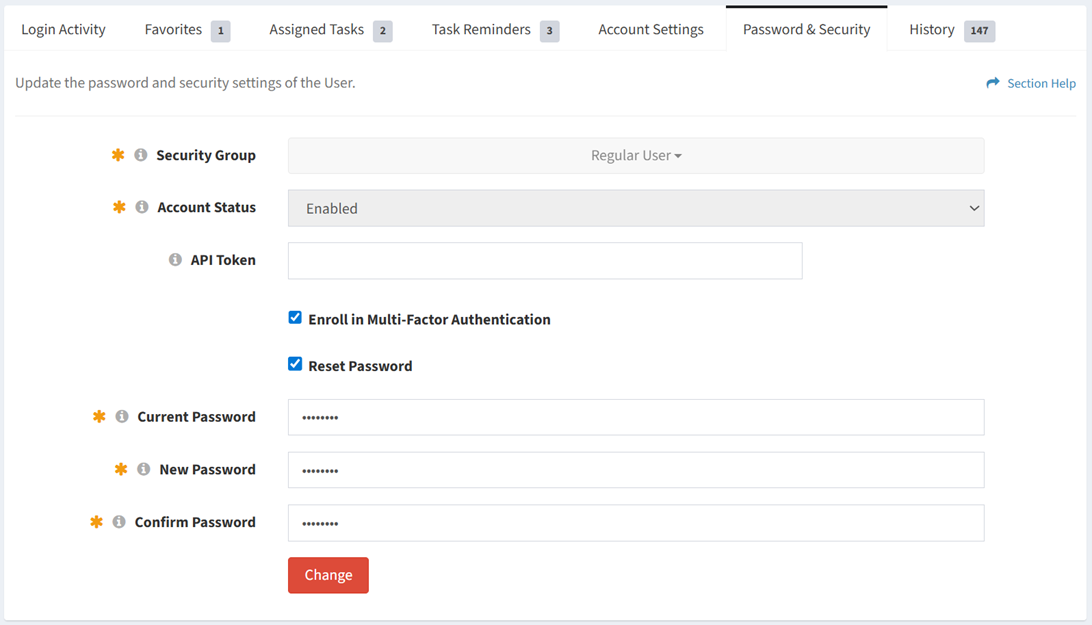
From the Password & Security tab, you can reset your password. To reset:
- Check Reset Password
- Enter your current password. Enter and confirm your new password.
- Check User Must Change Password at Next Login to force you to change your password at next login
- This function is only available to users in the Administrator security group
- Click the Change button to save any changes to the password and security settings. Navigate to another page to cancel your changes.
Reset Password
From the Password & Security tab, you can reset the password of the user. To reset:
- Check Reset Password
- Enter and confirm the new password
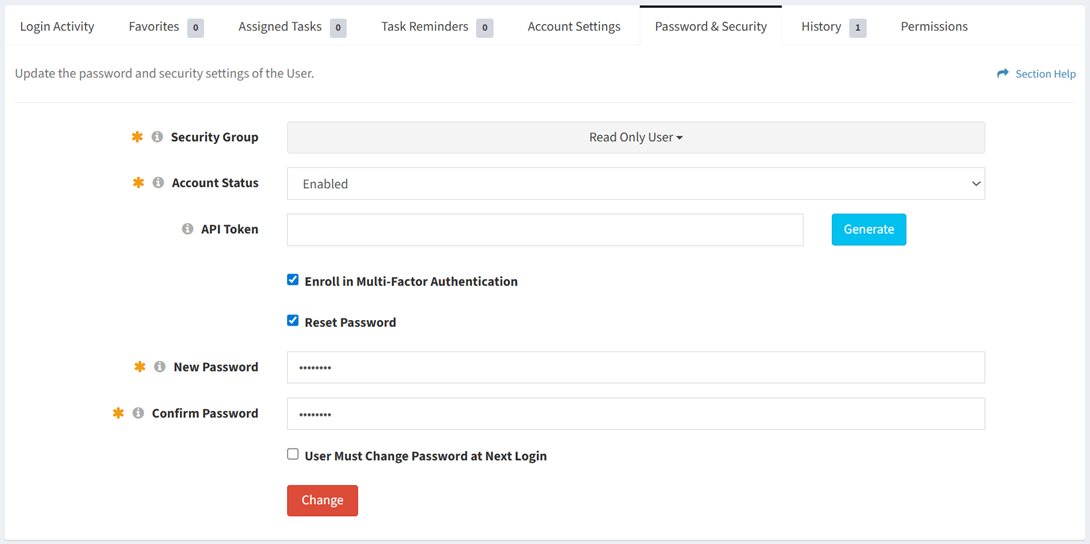
- Check User Must Change Password at Next Login to force the user to change their password at next login
- This function is only available to users in the Administrator security group
- Click the Change button to save any changes to the password and security settings. Navigate to another page to cancel your changes.