NOTE: This features was deprecated in version 8.1.0106.
ReadyWorks connects to an LDAP provider in non Microsoft-centric environments to allow users to login to ReadyWorks with their enterprise account. This section details how to configure an LDAP provider.
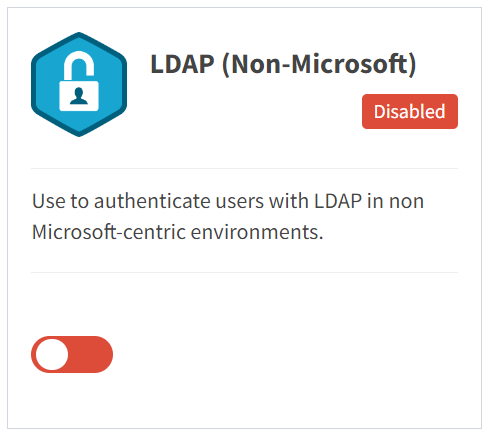
From the Single Sign-On tab, you can enable and disable an LDAP provider.
- To enable, drag the slider in the LDAP widget to the right
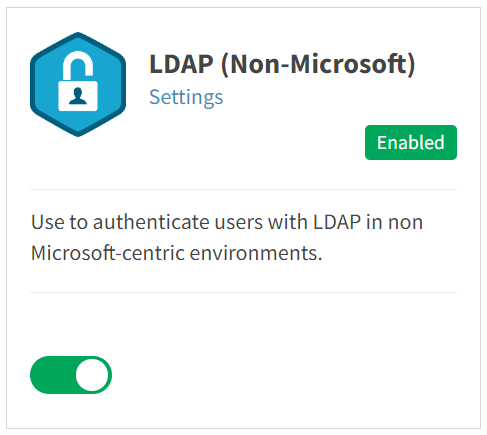
- Click Settings to configure Connection Settings and Group Mappings or view the SSO Log of an LDAP provider
- To disable, drag the slider in the LDAP widget to the left