From the Mappings tab, you can install mappings. To install:
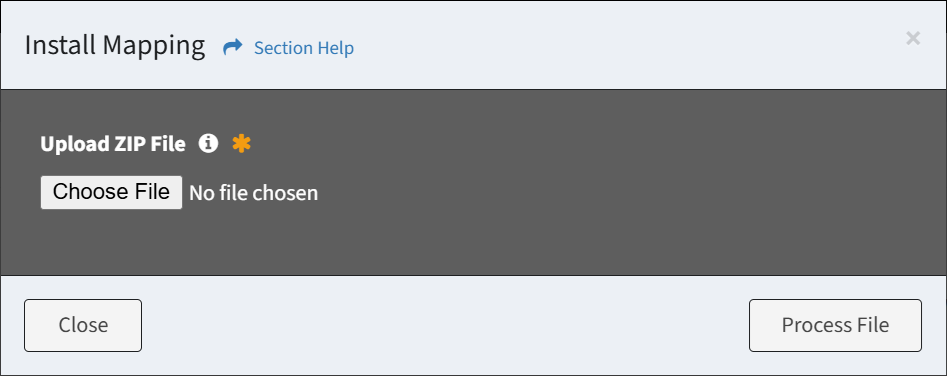
- Click the Install Mapping button to bring up the Install Mapping dialog
- Browse for the mapping source ZIP file to install and click the Process File button to process and validate the file. Click the Close button to cancel the operation.
- Click the Install button when validated to install the mappings. Click the Close button to cancel the operation.
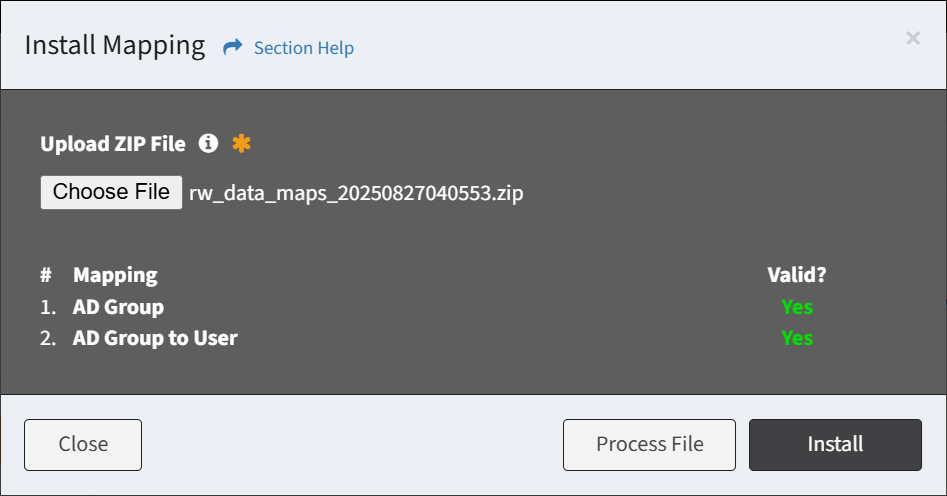
NOTE: Data types must be installed before mappings can be installed. A status of Error is displayed when the data type is not found.