From the Reports Configuration page, you can install reports. To install:
- Click the Install Report button to bring up the Install Report dialog
- Enter the properties of the new report
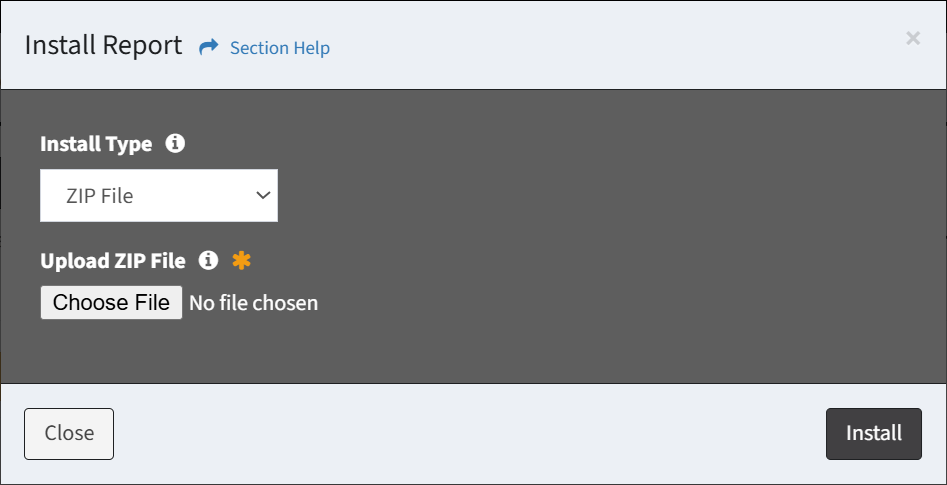
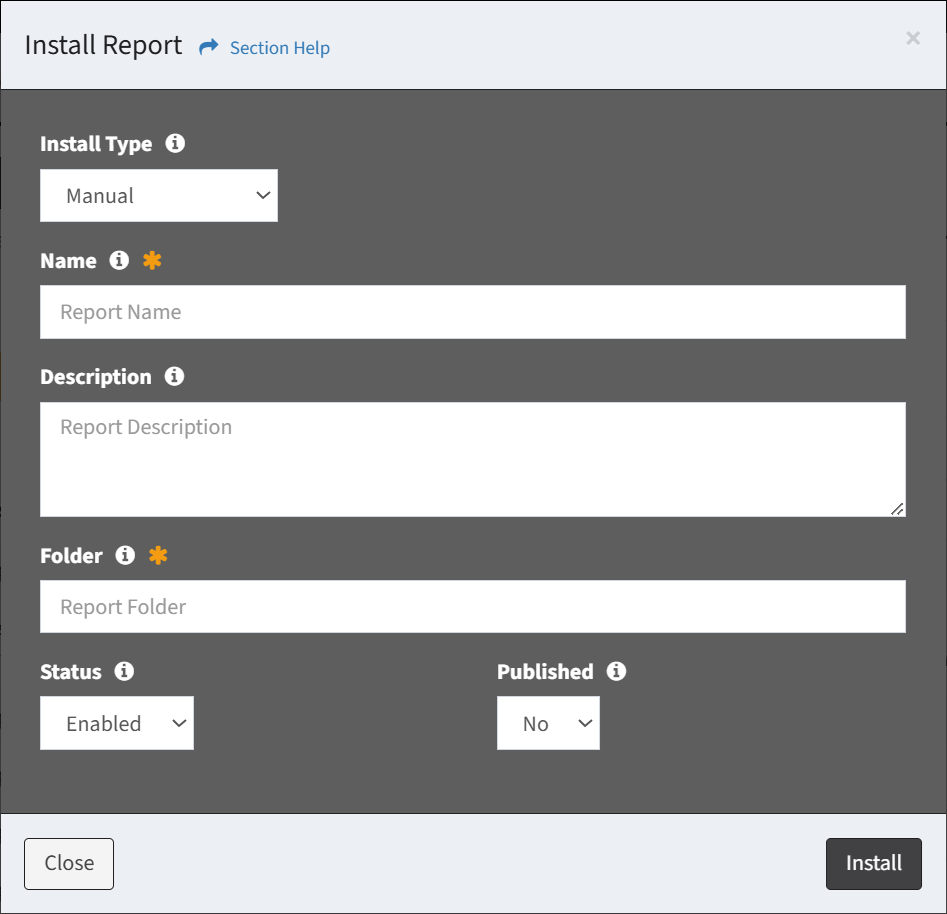
- Install Type – Select the type of report install (required)
- Different options are available depending on the type of report install:
- ZIP File – Browse for a report ZIP file to upload
- Manual – Enter the properties of the new report
- Name – Name of the report (required)
- Description – Description of the report (optional)
- Folder – Folder (path) of the report (required)
- Status – Choose if the report is enabled (optional)
- Disabled reports are only visible to users in the Administrator security group
- Published – Choose if the report is published (optional)
- Click the Install button when finished to install the report. Click the Close button to cancel the operation.