ReadyWorks connects to the ETL (Extract Transfer Load) to pull data into the ReadyWorks database from your data sources such as Active Directory, ServiceNow, VMware, and Intune. The ConnectionSettings tab on the Settings page provides the ability to view, configure, and test connectivity between ReadyWorks and the ETL.
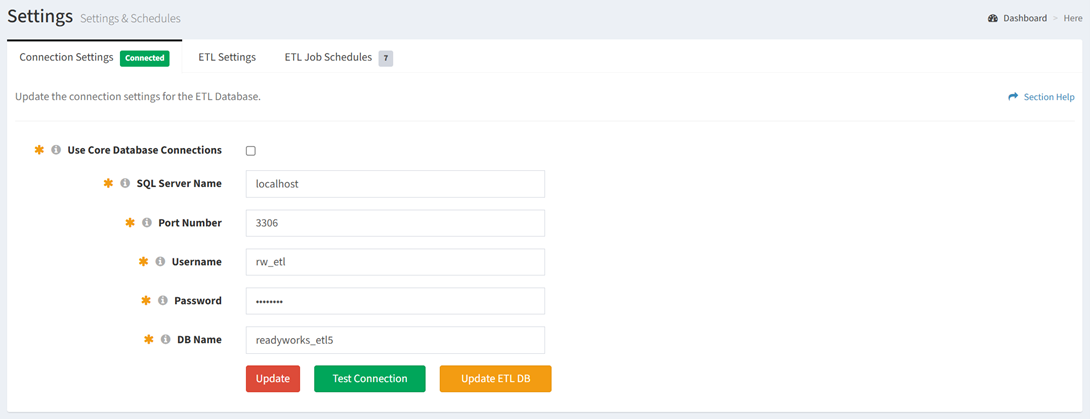
Available operations:
Update Connection Settings
From the Connection Settings tab, you can update the ETL connection settings. To update:
- Enter a value for each connection setting
- Click the Update button to save your ETL connection settings
Test Connection
From the Connection Settings tab, you can test the connection to the ETL. To test the connection:
- Click the Test Connection button
- The following status message is displayed when a connection is successfully established

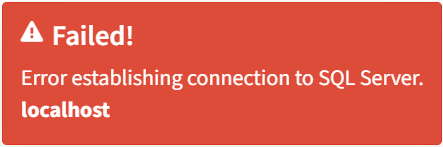
- The following status message is displayed when an error occurs establishing the connection
Connection Error
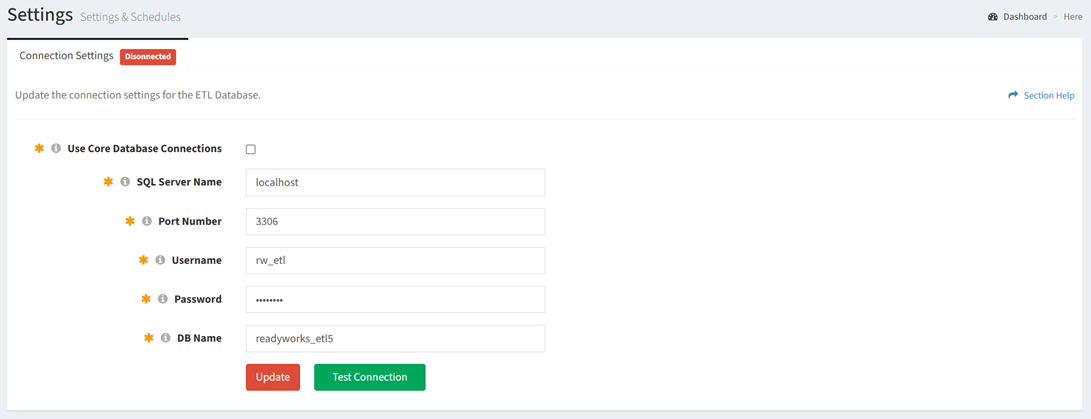
Connection errors are displayed when ReadyWorks is unable to connect to the ETL.
- The Connection Settings tab will be marked
 . ETL pages are unavailable when the connection is disconnected.
- When the connection is reestablished, the Connection Settings tab will be marked

Update ETL DB Schema
From the Connection Settings tab, you can update the ETL database schema. To update:
- Click the Update ETL DB button
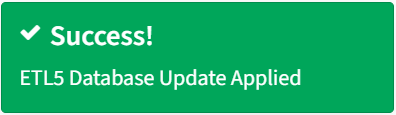
- The following status message is displayed when the ETL database schema is updated successfully