The Wave Types tab provides the ability to create types to assign to your orchestration waves.
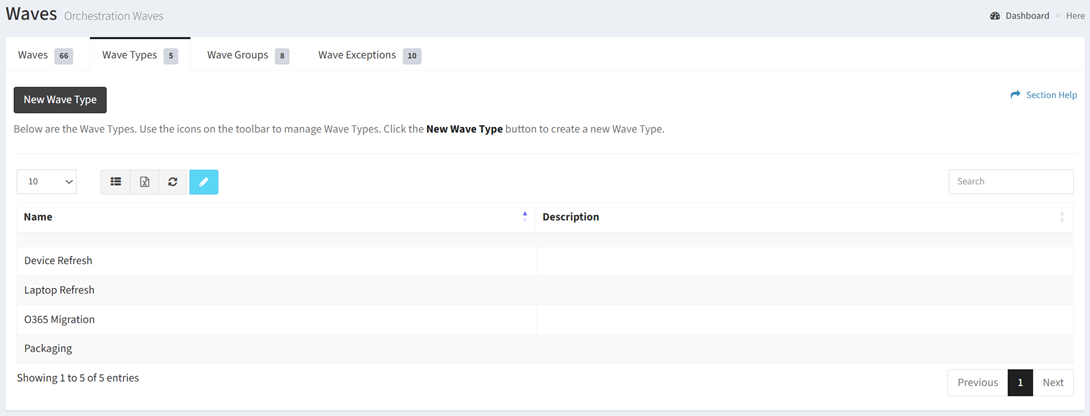
Available operations:
- Create new waves types by clicking on the New Wave Type button
- View a list of wave types in ReadyWorks
- Columns available
- Name – Name of the wave type
- Description – Description of the wave type
- Date Created (hidden by default) – Date the wave type was created
- Edit wave types by selecting a wave type (row) and clicking the Edit Wave Type button on the toolbar
- Delete wave types by selecting a wave type (row) and clicking the Delete Wave Type button on the toolbar
- You can also change the number of visible rows in the table, set column visibility, export to CSV or Excel, refresh the table, and search for text
In this section