The Rules page provides the ability to manage data rules. Data changes are utilized to trigger actions based on data conditions.
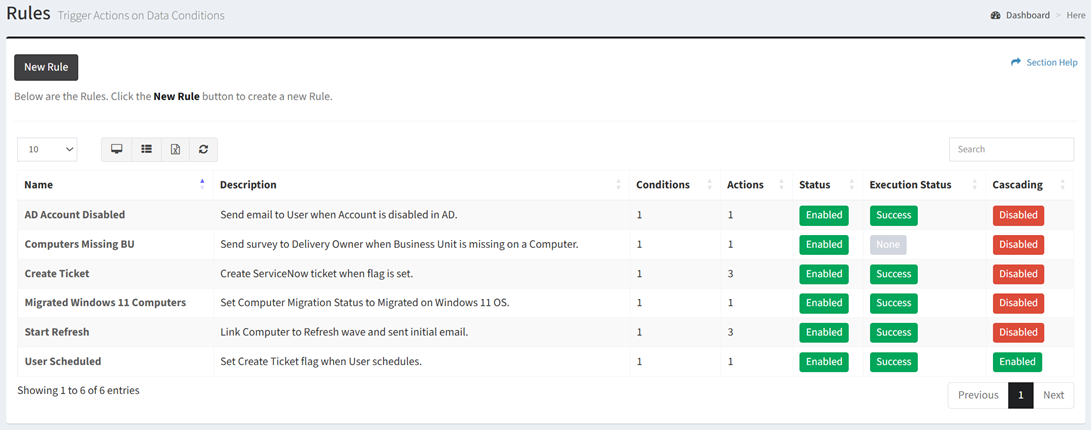
Available operations:
- Create new rules by clicking on the New Rule button
- View a list of rules
- Columns available
- Name – Name of the rule
- Description – Description of the rule
- Conditions – Number of conditions of the rule
- Actions – Number of actions of the rule
- Status – Whether the rule is enabled or disabled
- Execution Status – Status of the last execution (Success, Error, None)
- Cascading – Whether cascading is enabled or disabled
- Date Created – Date the rule was created
- View or edit a rule by clicking the hyperlink of the Name field
- Delete rules by selecting a rule (row) and clicking the Delete Rule button on the toolbar
- You can also change the number of visible rows in the table, view full screen, set column visibility, export to CSV or Excel, refresh the table, and search for text
In this section