The Assigned Users tab provides the ability to view users assigned to, assign users to, and unassign users from functional groups.
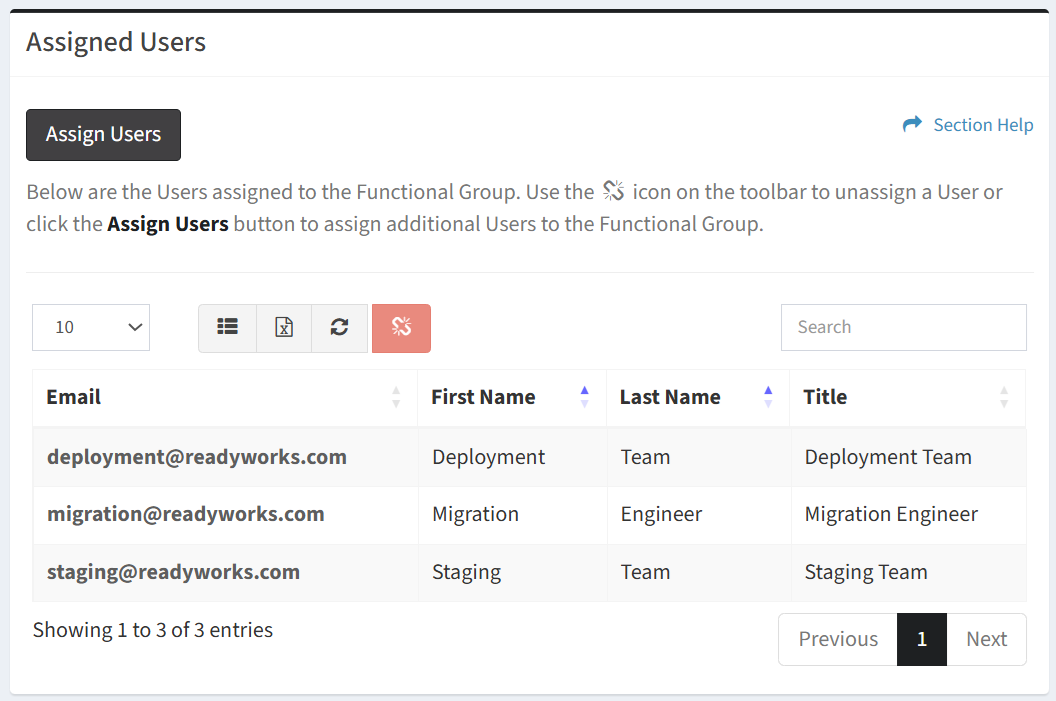
Available operations:
- View users assigned to a functional group
- Columns available
- Email – Email address of the ReadyWorks user account (ReadyWorks login ID)
- First Name – First name of the user
- Last Name – Last name of the user
- Title – Title of the user
- View the properties of assigned users by clicking the hyperlink of the Email field
- Assign users to a functional group
- Unassign users from a functional group by selecting a user (row) and clicking the Unassign User button on the toolbar
- You can also change the number of visible rows in the table, set column visibility, export to CSV or Excel, refresh the table, and search for text
NOTE: Users are assigned and unassigned automatically based on the Security Group membership when a Functional Group is associated to a Security Group.
Assign Users
From the Assigned Users tab, you can assign users to a functional group. To assign:
- Click the Assign Users button to bring up the Assign Users to Functional Group dialog
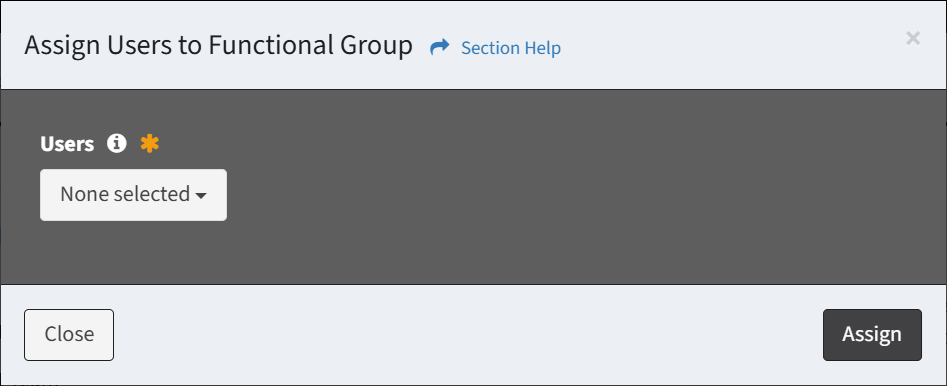
- Select users from the ReadyWorks Users drop down to assign to the functional group (required) and then click the Assign button. Click the Close button to cancel the operation.
NOTE: Users are assigned automatically based on the Security Group membership when a Functional Group is associated to a Security Group.
Unassign Users
From the Assigned Users tab, you can unassign users from a functional group. To unassign:
- Select a user (row) to unassign. Only one user can be unassigned at a time.
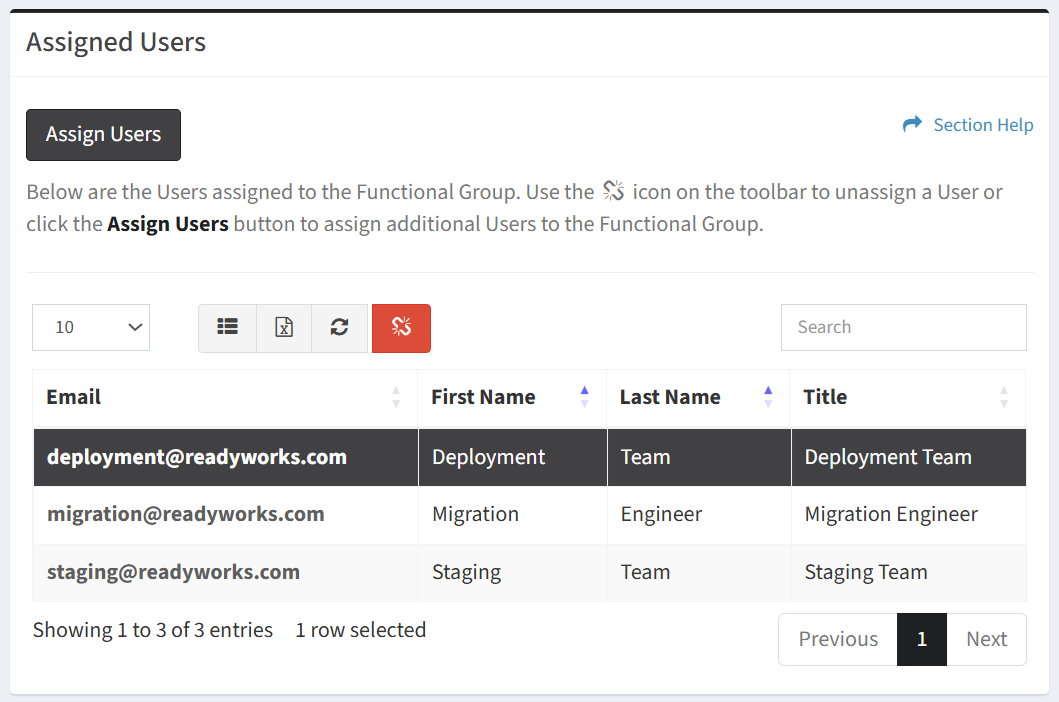
- Click the Unassign User button on the toolbar

- The unassign button is grayed out unless a user (row) is selected
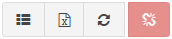
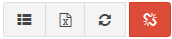
- The unassign function is only available to users in the Administrator security group
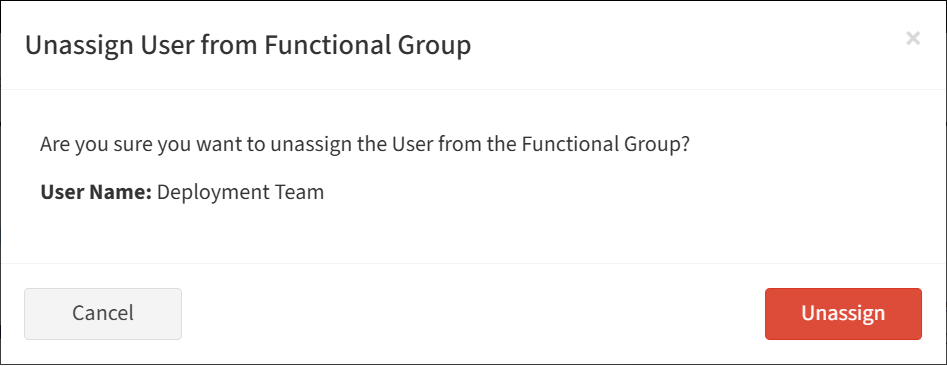
- Click the Unassign button to confirm the unassign operation. Click the Cancel button to cancel the operation.
NOTE: Users are unassigned automatically based on the Security Group membership when a Functional Group is associated to a Security Group.