The Exception Log tab provides the ability to view all logged exceptions.
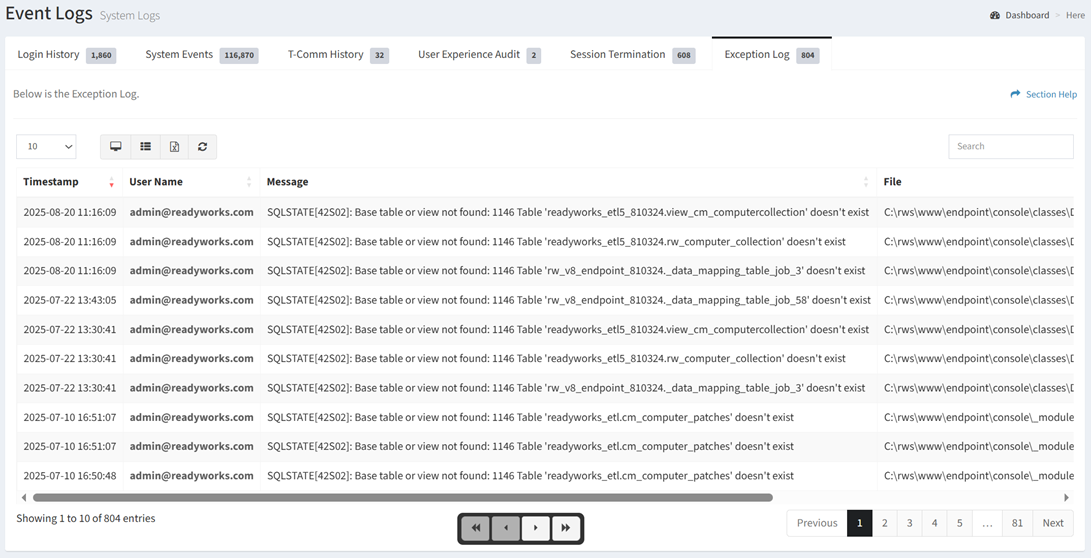
Available operations:
- View the ReadyWorks exceptions
- Columns available
- Timestamp – Date and time the exception was logged
- User Name – User who initiated the exception
- Message – Message of the exception
- File – File that initiated the exception
- Line Number – Line number in the file that initiated the exception
- You can also change the number of visible rows in the table, view full screen, set column visibility, export to CSV or Excel, refresh the table, and search for text