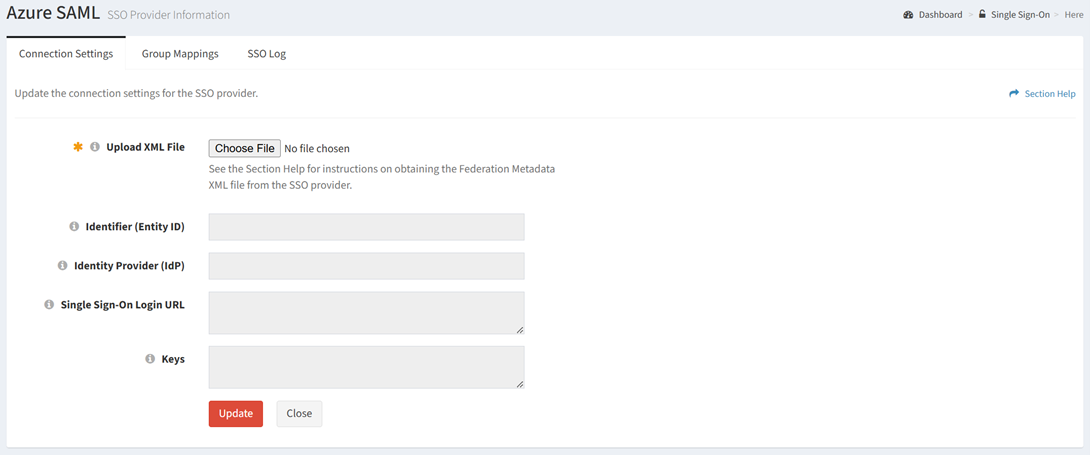
The ConnectionSettings tab provides the ability to view and configure connectivity between ReadyWorks and an Azure SAML provider.
Available operations:
- View and update the connection settings
- Fields available
- Upload XML File – Browse for an XML file to upload to populate the connection settings
- Identity (Entity ID) – Unique identity of the entity (read only)
- Identity Provider (IdP) – Service that stores and verifies user identity (read only)
- Single Sign-On Login URL – SSO service URL (read only)
- Keys – Uploaded keys (read only)
Update Connection Settings
From the Connection Settings tab, you can update the connection settings. To update:
- Browse for an XML file to upload to populate the connection settings
- Click the Update button to save the connection settings