The User Profile is located on the left side of the View User page and is accessed by clicking the hyperlink of the user account Email field.
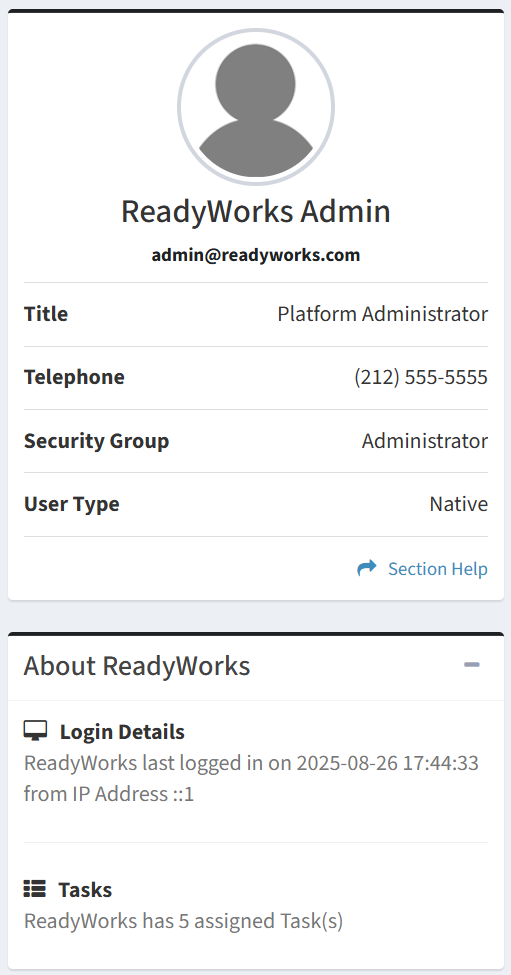
Available operations:
- View the profile of the user
- Fields available
- Name – Full name of the user
- Email – Email address of the ReadyWorks user account (ReadyWorks login ID)
- Title – Title of the user
- Telephone – Telephone number of the user
- Security Group – Security group of the user (Administrator, Regular User, Regular User (No Delete), Read Only User, Orchestration User, Custom Security Group)
- User Type – Type of the user account (Native or SSO)
- View the last login of the user
- View the number of tasks assigned to the user