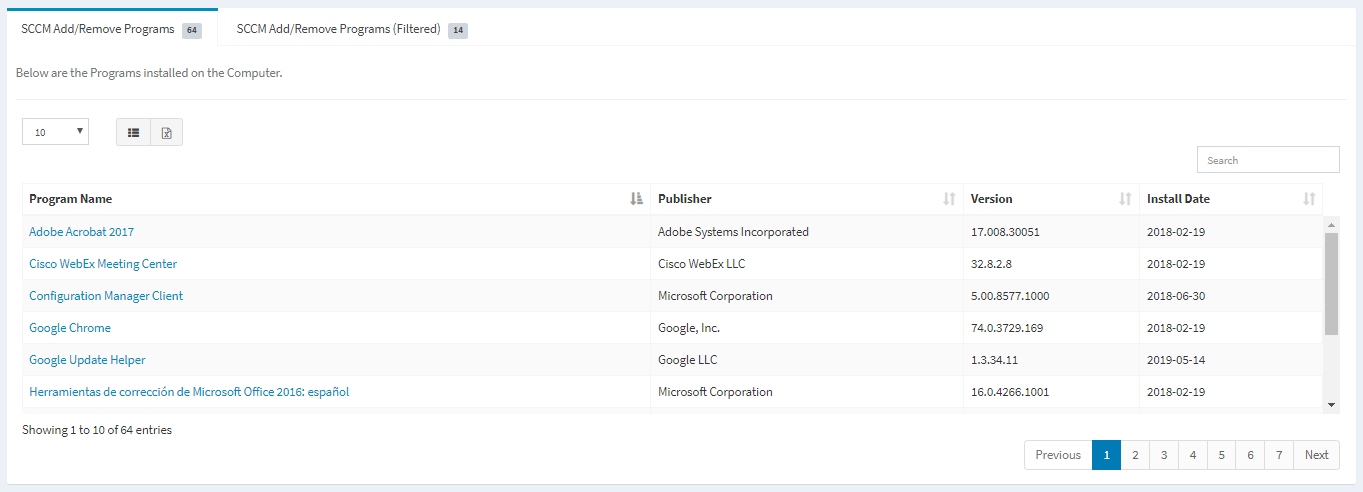
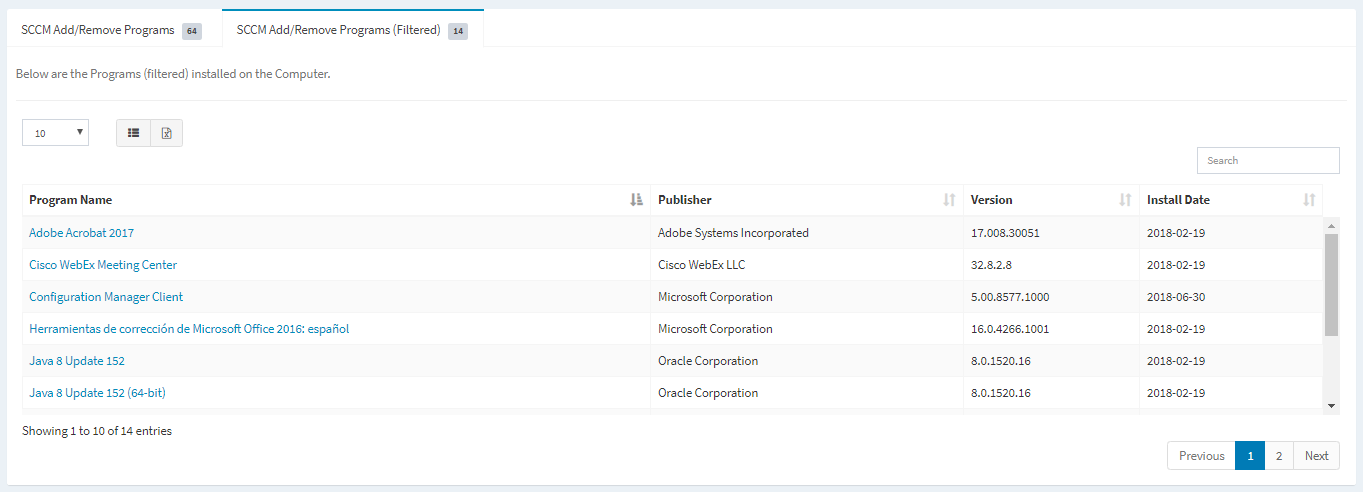
The SCCM Add/Remove Programs tabs are displayed on the View Asset page if an asset is discovered in the SCCM Asset dashboard.
Available operations:
- View a filtered or unfiltered list of SCCM programs linked to the asset
- Columns available
- Program Id (hidden by default) – SCCM Id of the program
- Program Name – Name of the program
- Publisher – Publisher of the program
- Version – Version of the program
- Install Date – Date the program was installed
- View the properties of programs by clicking the hyperlink of the Program Name field
- You can also change the number of visible rows in the table, set column visibility, export to CSV and search for text