From the Security Groups tab, you can create security groups. To create:
- Click the New Security Group button to bring up the Security Group wizard
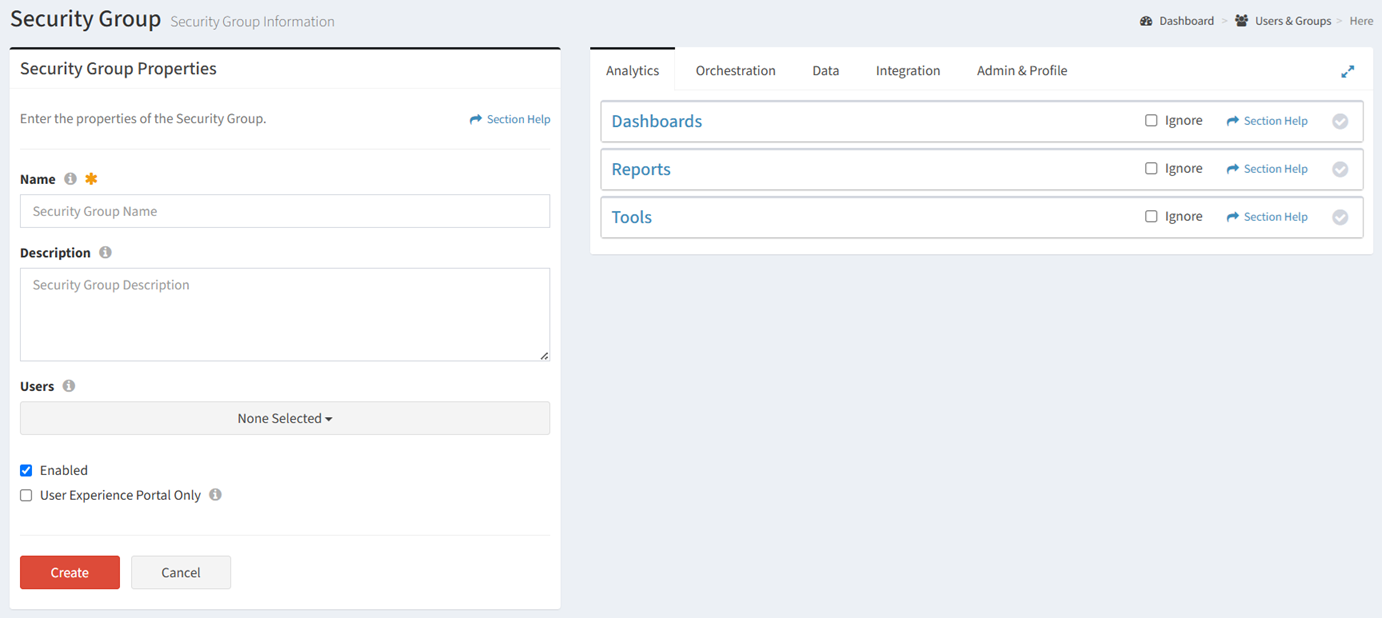
- Enter the properties of the new security group
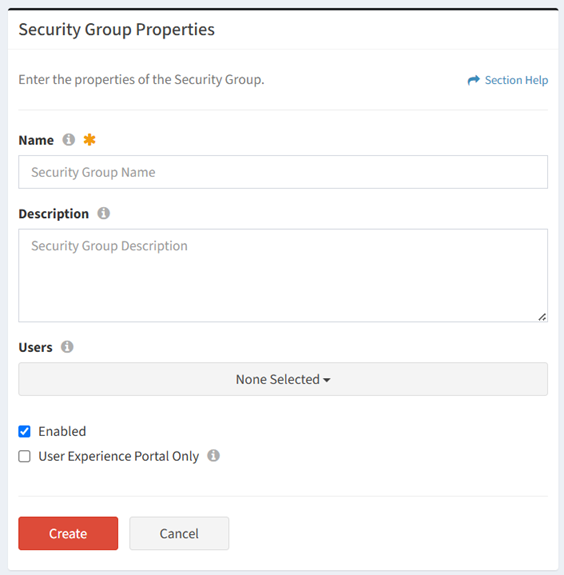
- Name – Name of the security group (required)
- Description – Description of the security group (optional)
- Users – Assign the security group to a ReadyWorks user (optional).
- Enabled – Choose if the security group is enabled (optional)
- User Experience Portal Only – Choose if the ReadyWorks users assigned to the security group can only access the User Experience portal (optional)
NOTE: Members of a User Experience Portal Only security group are not authorized to log in to ReadyWorks.
- Configure module permissions
- Analytics Tools includes Reports Configuration and Charts & Dashboards.
- Orchestration Tools includes Action Buttons, Form Builder, User Experience, T-Comm On Demand, Templates (Action, T-Comm, Task Chain), and Schedule (Calendar, Gantt Chart).
- Data Tools includes Rationalization and Data Generator.
- Import includes Data Import and Orchestration Import.
- Configuration & Logs includes Event Logs, Users & Groups, Data Types, Options, and Module Settings.
- Click the Create button when finished to create the security group. You will be redirected back to the Security Groups tab. Click the Close button to cancel the operation.
NOTE: The module permissions for version 7.x are documented below.