The Rationalization settings page provides the ability to view and configure rationalization settings.
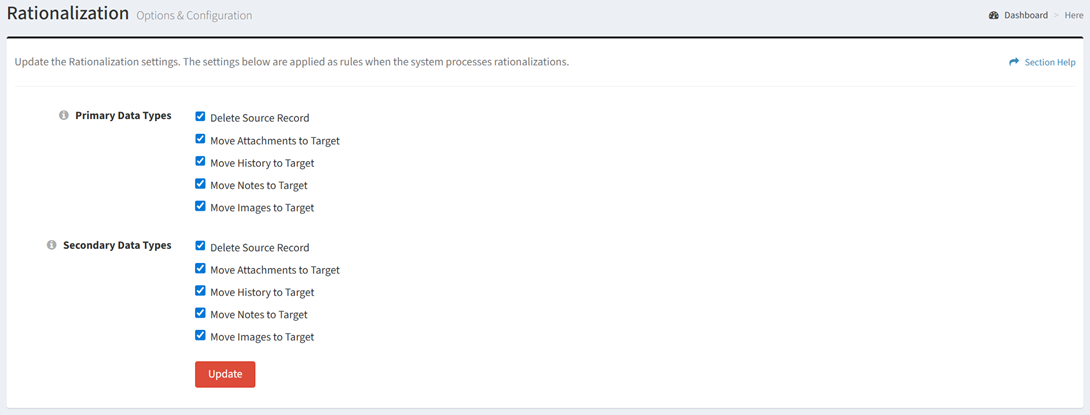
Available operations:
- View and update rationalization settings
- Fields available
- Primary Data Types
- Delete Source Record – Delete source data record after rationalization
- Move Attachments to Target – Move source attachments to target data record after rationalization
- Move History to Target – Move source history to target data record after rationalization
- Move Notes to Target – Move source notes to target data record after rationalization
- Move Images to Target – Move source images to target data record after rationalization
- Secondary Data Types
- Delete Source Record – Delete source data record after rationalization
- Move Attachments to Target – Move source attachments to target data record after rationalization
- Move History to Target – Move source history to target data record after rationalization
- Move Notes to Target – Move source notes to target data record after rationalization
- Move Images to Target – Move source images to target data record after rationalization
Update Rationalization Settings
From the Rationalization setting page, you can update the rationalization settings. To update:
- Select a value for each rationalization setting
- Click the Update button to save your rationalization settings