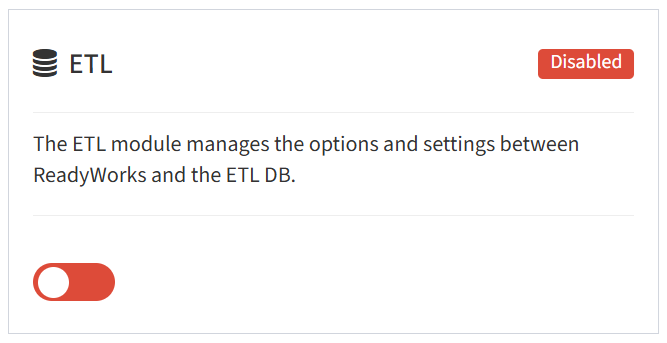
From the Modules tab, you can enable and disable the ETL module.
- To enable, drag the slider in the ETL widget to the right
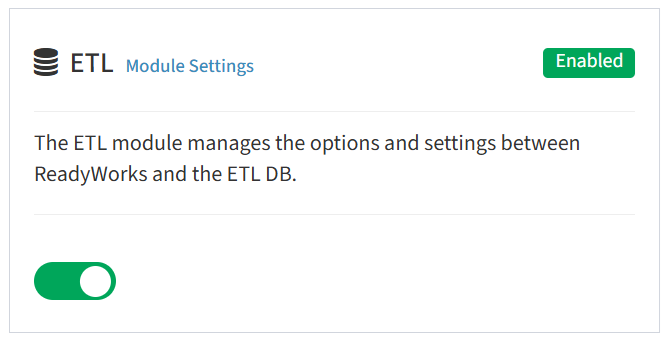
- Click Module Settings to configure ETL connection settings
- Click the checkboxes to enable the SCCM Dashboard or Altiris Dashboard (ETL3 or prior)
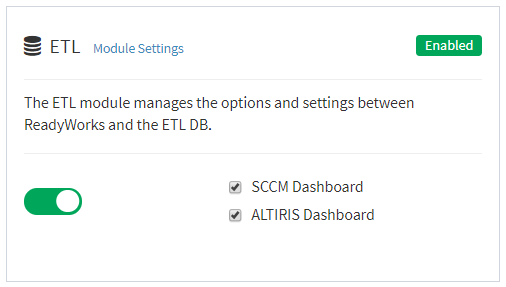
NOTE: Contract ReadyWorks Support to enable the SCCM Dashboard with ETL4 or later. - To disable, drag the slider in the ETL widget to the left