The T-Comm History tab provides the ability to view the T-Comm sent history of tasks.
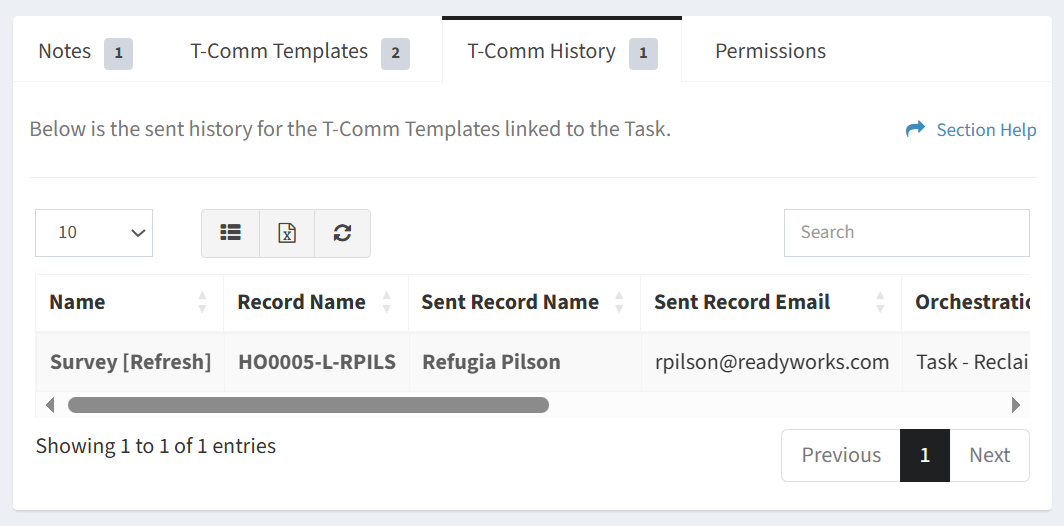
Available operations:
- View the T-Comm sent history of the task
- Columns available
- Name – Name of the T-Comm template
- Record Name – Name of the data record linked to the task
- Sent Record Name – Name of the user record the T-Comm template was sent to
- Sent Record Email – Email of the user the T-Comm template was sent to
- Orchestration – Name of the task the T-Comm template was sent for
- Status – Status of the sent email (e.g. Success, Fail)
- Date Sent – Date the email was sent
- You can also change the number of visible rows in the table, set column visibility, export to CSV or Excel, refresh the table, and search for text