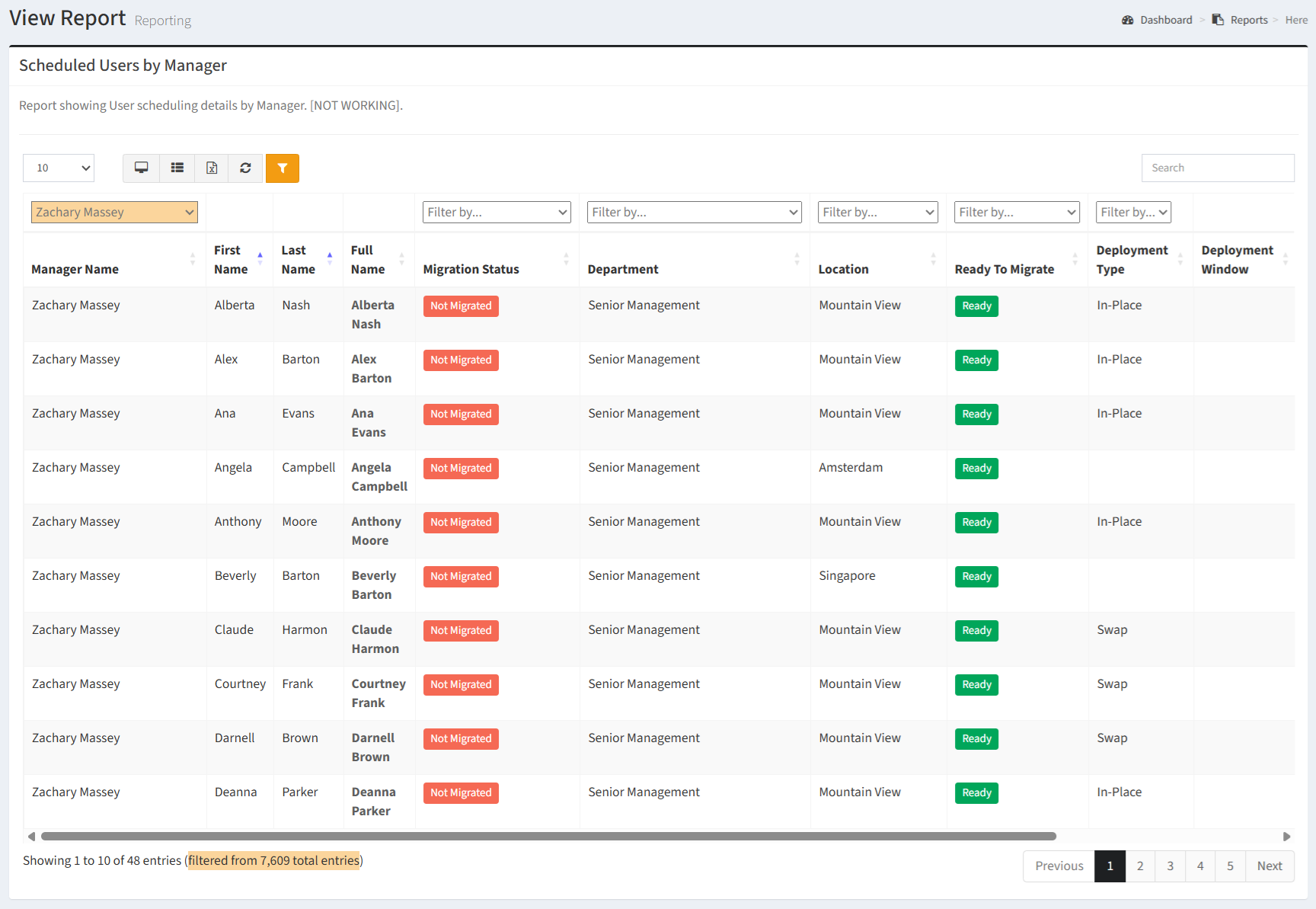
The Scheduled Users by Manager report shows User scheduling details by Manager.
| Data Types | Required Fields |
| Computer | Computer Model |
| User | Manager Name, First Name, Last Name, Full Name, Migration Status, Department, Location |
Available operations:
- View a list of users and their scheduling details by manager
- Columns available
- Manager Name – Name of the user’s manager
- Filter by manager names or Undefined (no manager)
- First Name – First name of the user
- Last Name – Last name of the user
- Full Name – Full name of the user
- Migration Status – Migration status of the user (e.g. Migrated, Not Migrated)
- Filter by migration status names or Undefined (no migration status)
- Department – Name of the user’s department
- Filter by department names or Undefined (no department)
- Location – Name of the user’s location
- Filter by location names or Undefined (no location)
- Ready to Migrate – Readiness status of the user’s computer (Ready, Not Ready, No Win7 Computer)
- Filter by Ready, Not Ready or No Win7 Computer
- Deployment Type – Deployment type of the user’s computer (Swap, In-Place)
- Filter by Swap or In-Place
- Deployment Window – Deployment windows of the user’s wave (start goal – end goal)
- Scheduled – Whether the user has scheduled or not
- Scheduled Date – Date of the user’s scheduled migration event
- Tcomms Sent – Number of T-Comm emails sent to the user
- User Id (hidden by default) – System Id of the user record
- You can also change the number of visible rows in the table, view full screen, export to CSV or Excel, refresh the table, and search for text