From the Cron Jobs tab, you can create cron jobs. To create:
- Click the New Cron Job button to bring up the New Cron Job dialog
- Enter the properties of the new cron job
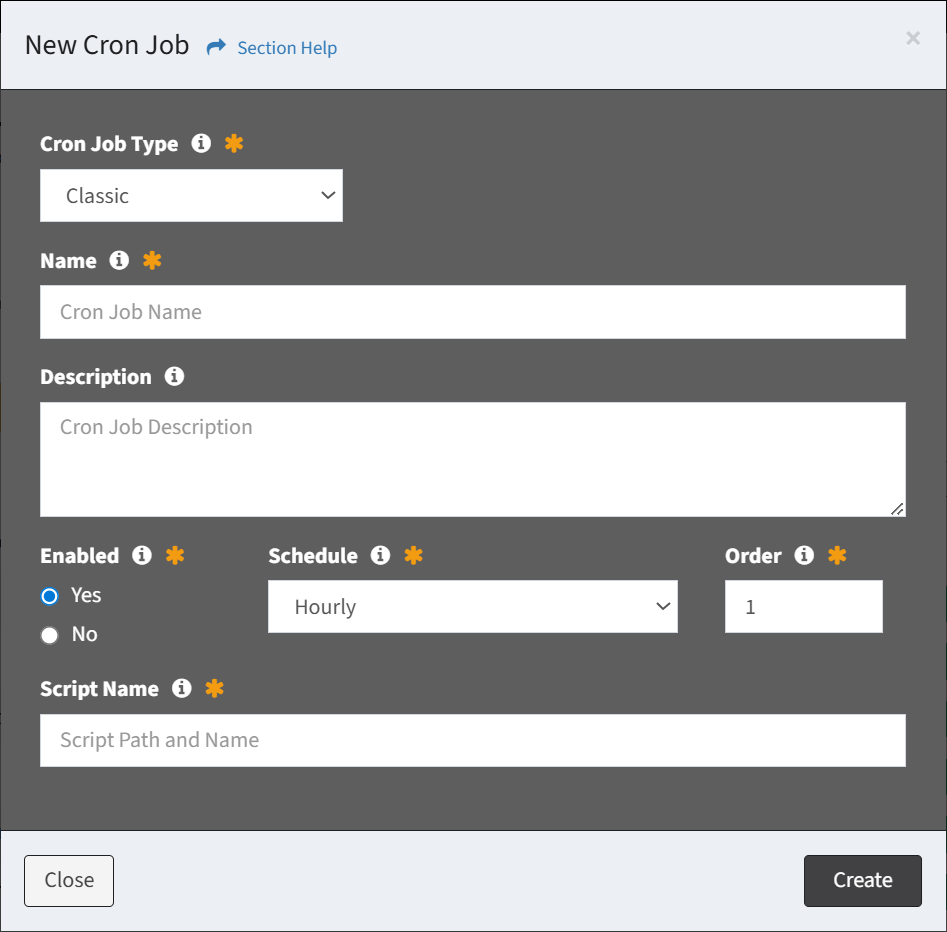
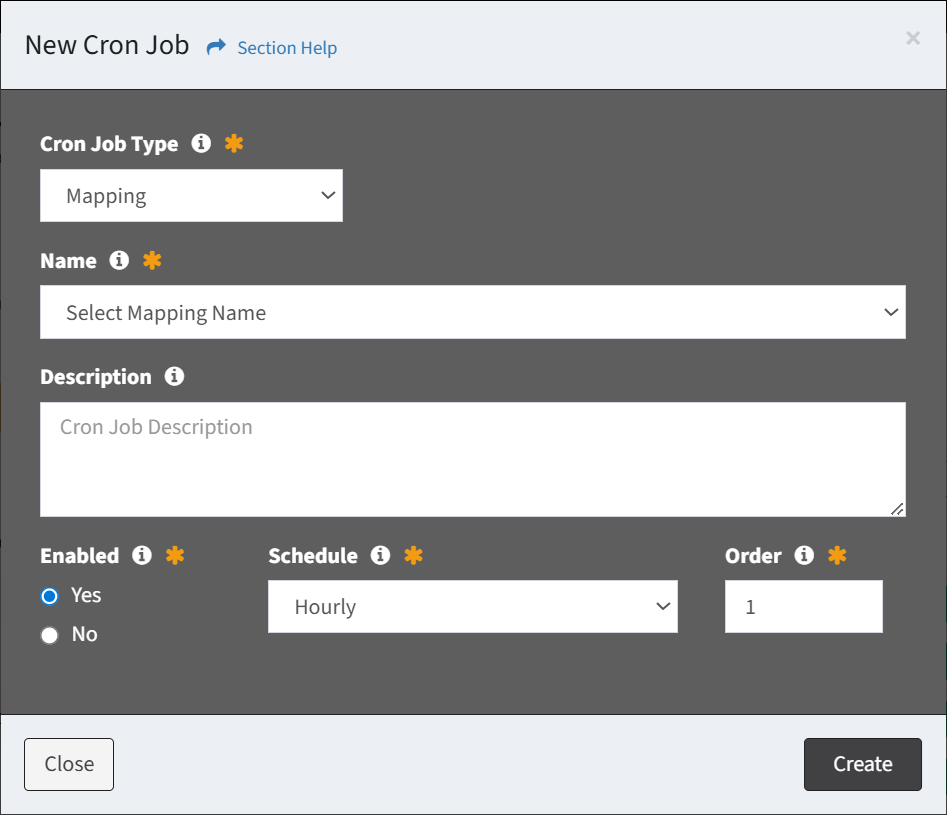
- Cron Job Type – Select the type of the cron job (required)
- Classic – Cron job that executes a script
- Mapping – Cron job that runs a data mapping
- Name – Name of the cron job (required)
- Different options are available depending on the type of cron job:
- Classic – Enter the name of the cron job
- Mapping – Select the name of the data mapping
- Description – Description of the cron job (optional)
- Enabled – Choose if the cron job is enabled (required)
- Schedule – Choose the frequency the cron job will run (required)
- Weekly
- Daily
- Hourly
- ETL5 Job – Run after an ETL5 job
- Order – Choose the order the cron job will run at the designated frequency (required)
- Script Name – Path and name of the cron job script (PHP or SH) (required for Classic cron jobs)
- Click the Create button when finished to create the cron job. Click the Close button to cancel the operation.