The Modules tab on the Options page provides the ability to enable and disable ReadyWorks modules and features.
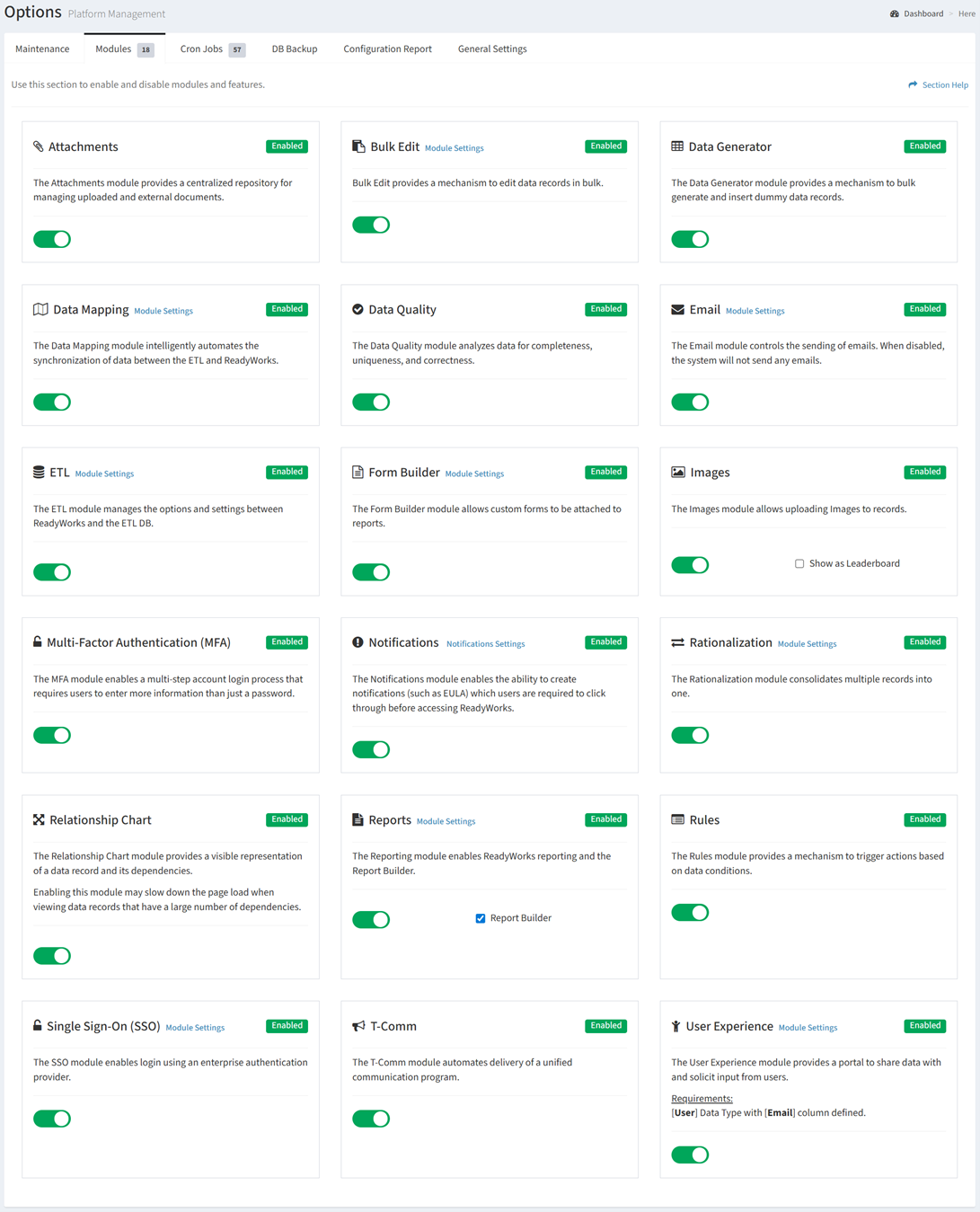
ReadyWorks Modules
| Module | Description |
| Attachments | Provides a centralized repository for managing uploaded and external documents |
| Bulk Edit | Provides a mechanism to edit assets in bulk |
| Data Generator | Provides a mechanism to bulk generate and insert dummy data records |
| Data Mapping | Automates the synchronization of data between the ETL and ReadyWorks |
| Data Quality | Analyzes data for completeness, uniqueness, and correctness |
| Email | Controls the sending of emails. When disabled, ReadyWorks will not send any emails. |
| ETL | Manages the options and settings between ReadyWorks and the ETL DB |
| Form Builder | Build custom forms to attach to reports |
| Images | Allows the uploading of images to data records |
| Multi-Factor Authentication | Enables a multi-step account login process that requires users to enter more information than just password |
| Notifications | Provides the ability to create notifications (such as EULA) which users are required to click through before accessing ReadyWorks |
| Rationalization | Consolidates multiples data records into one |
| Relationship Chart | Provides a visible representation of a data record and its dependencies |
| Reports | Enables ReadyWorks reporting and the Report Builder |
| Rules | Provides a mechanism to trigger actions based on data conditions |
| Single Sign-On (SSO) | Enables login to ReadyWorks using your enterprise authentication provider |
| T-Comm | Automates delivery of a unified communications program |
| User Experience | Provides a portal to share data with and solicit input from users |
In this section