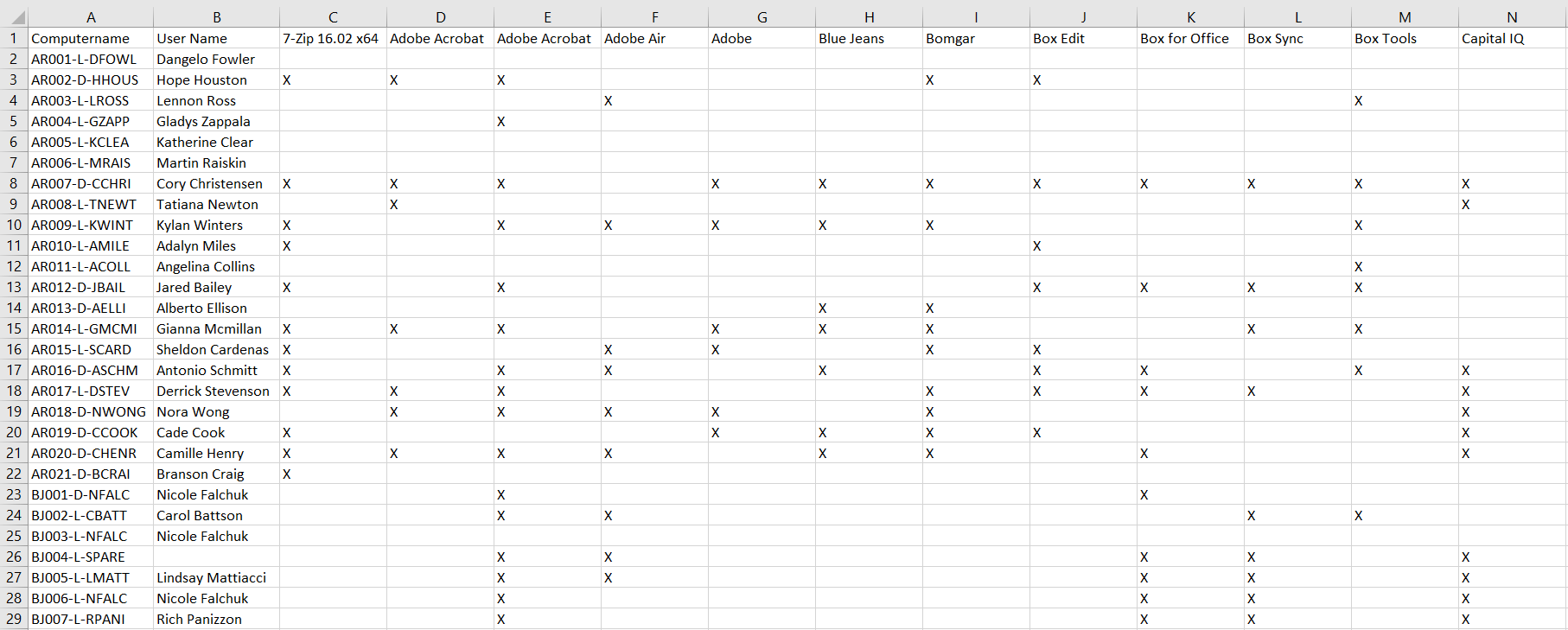
The Application Usage report the export of Application usage for all Computers and Users in a horizontal grid format.

| Data Types | Required Fields |
| Application | None |
| Computer | None |
| User | None |
Available operations:
- To run the report, click the Export CSV button
- View a list of computers, their linked users, and the applications installed on each computer in a horizontal grid format (CSV)
- Columns available
- Computer Name – Name of the computer
- User Name – Name of the user linked to the computer
- Application Names – Name of each application and an X if the application is installed on the computer
- You can also change the number of visible rows in the table, view full screen, export to CSV or Excel, refresh the table, and search for text