The Wave Information tab provides the ability to view orchestration waves associated with migration plans in the migration. Each migration plan is associated with an orchestration wave.
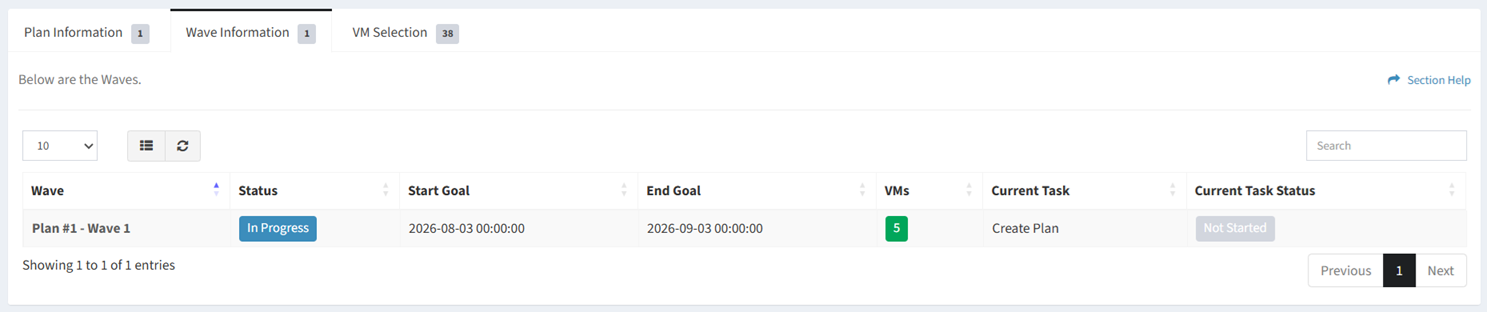
Available operations:
- View a list of waves associated with migration plans in the migration
- Columns available
- Id (hidden by default) – System Id of the wave
- Wave – Name of the wave
- Status – Status of the wave (Not Started, In Progress, Complete, Delayed, Failed, On Hold)
- Start Goal – Estimated start date and time of the wave
- End Goal – Estimated end date and time of the wave
- VMs – Total number of VMs assigned to the plan
- Current Task – Current task of the plan
- Current Task Status – Status of the current task of the plan
- View the properties of waves by clicking the hyperlink of the Wave field
- You can also change the number of visible rows in the table, set column visibility, refresh the table, and search for text